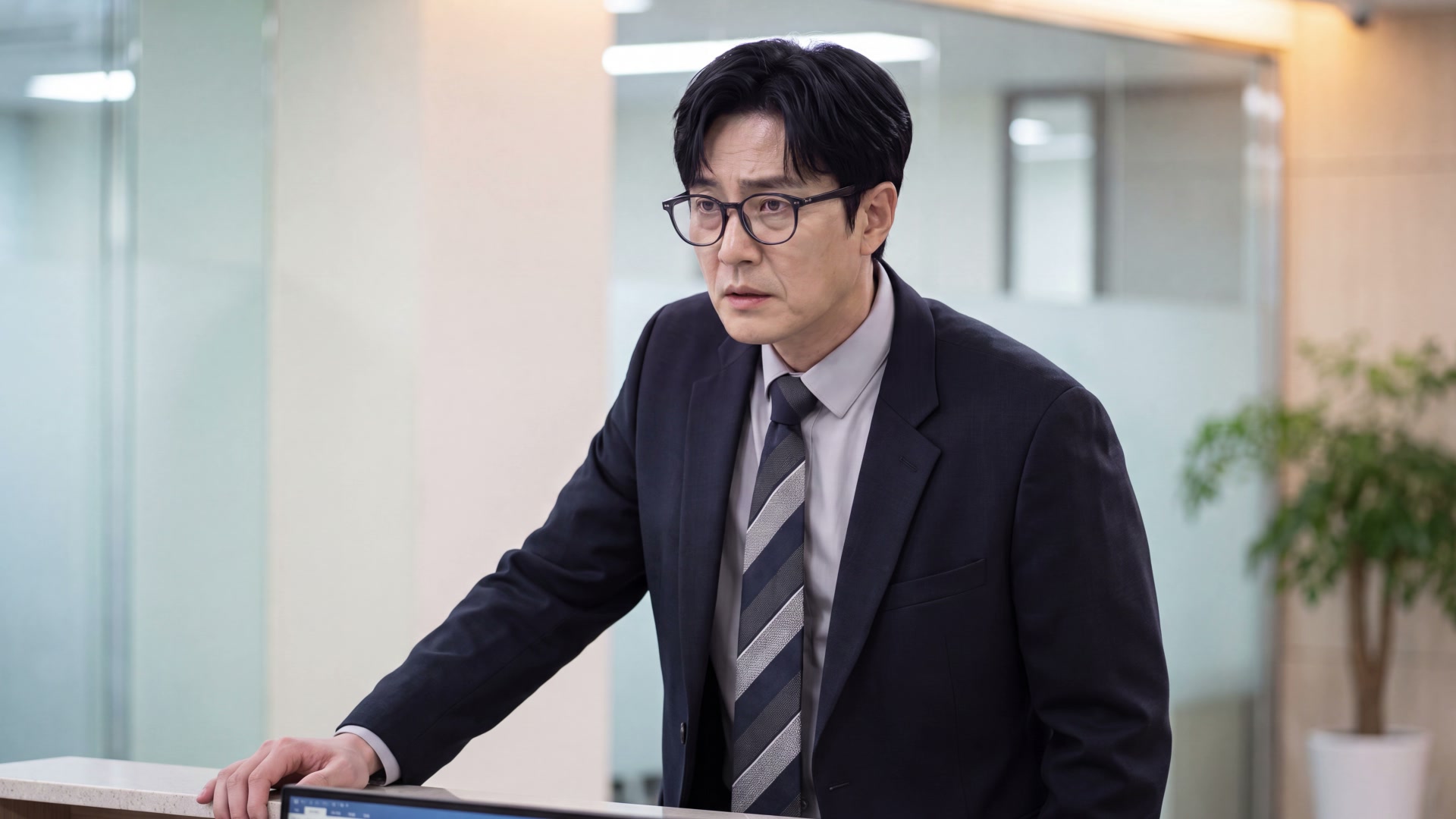

Go Older or Younger
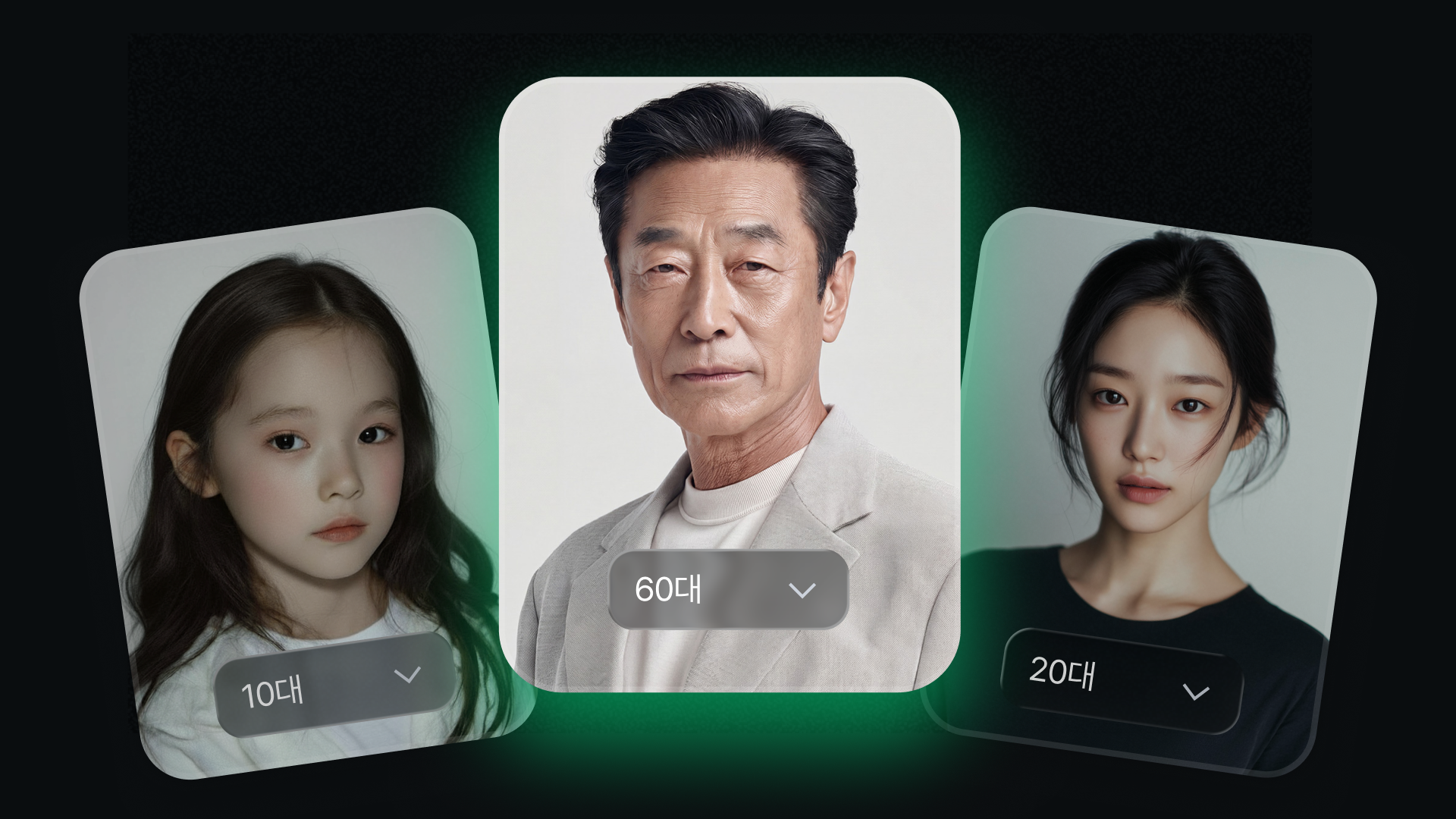
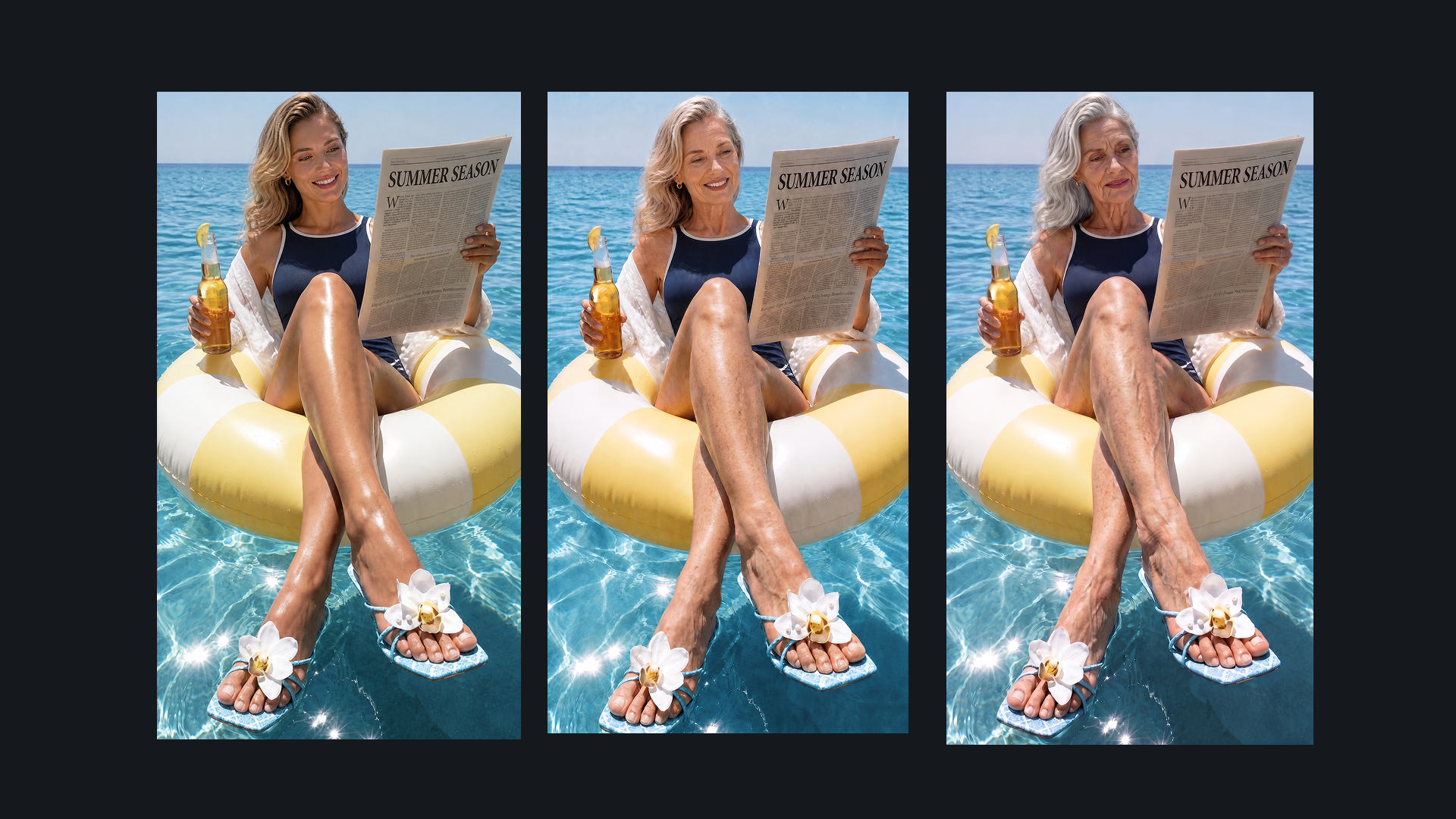
Target Age works in both directions. Set it below the current age for a younger version, or above it for an older version.
Dropshot AI Tools
Upload a photo or video, choose the age you want, and generate a realistic older or younger version in seconds. No prompt required. The identity, pose, outfit, and background stay consistent with the original.

What You Get
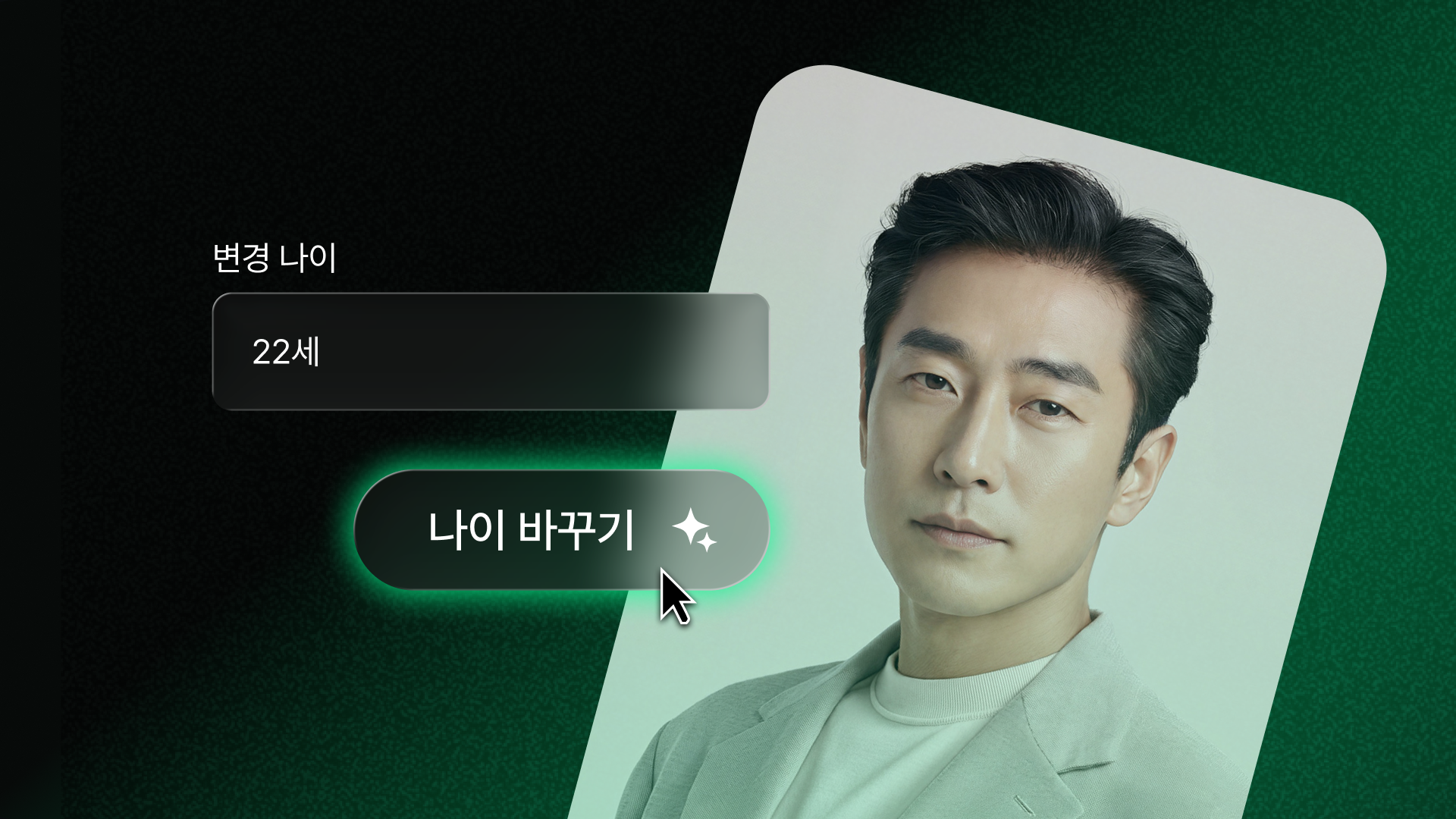
Age Changer works on photos and video with the same two fields: Current Age and Target Age. No separate animation step, no prompt to write, and the same workflow whether you're making someone look older or younger.
Target Age works in both directions. Set it below the current age for a younger version, or above it for an older version.

Upload a photo or video and change the subject's age using the same simple workflow. For videos, the age transformation stays consistent throughout the clip.

There's no prompt to write in either mode. Pick the Current Age range, enter a Target Age, and generate.

Age Changer focuses the transformation on age-related details like skin texture, fine lines, facial volume, and hair color, while keeping the face, pose, outfit, and background consistent with the original.
Upload a photo with more than one person, and the same Current Age and Target Age settings apply to each face in the frame.
Age Changer is powered by aging-transformation technology developed for professional broadcast production, bringing proven age transformation directly into a simple photo and video workflow.
Specialized Tools
Not every shot needs a prompt written from scratch. Dropshot AI has built-in tools to help make your image and video creation easier and faster.

Sharpen images and videos in one click.

Make clean cutouts with no background.

Turn one photo into a character sheet.

Mirror the motion and facial expression.

AI product shots, no model needed.

Be the star with Seedance 2.0.

See one scene from nine camera angles.

Choose a character and create fun scenes.

Turn photos into motion videos.

Make anyone look younger or older.

Create stunning 360° product rotation videos.

Create product shots from a single shot.
The Process
Change someone's age in three steps. No design experience needed.
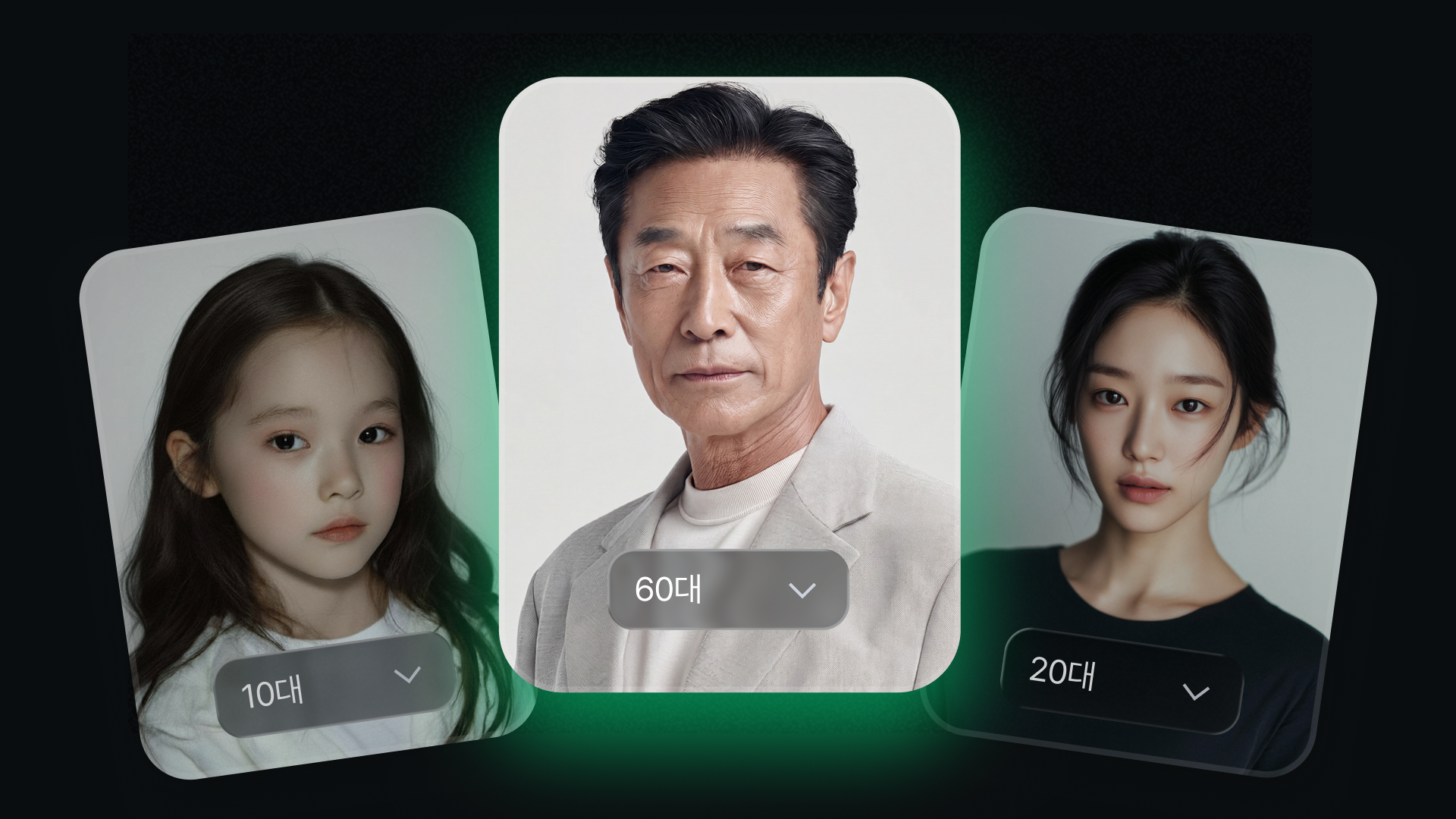
Open Tools and select Age Changer. Upload a clear, front-facing photo or video that shows the person's face.
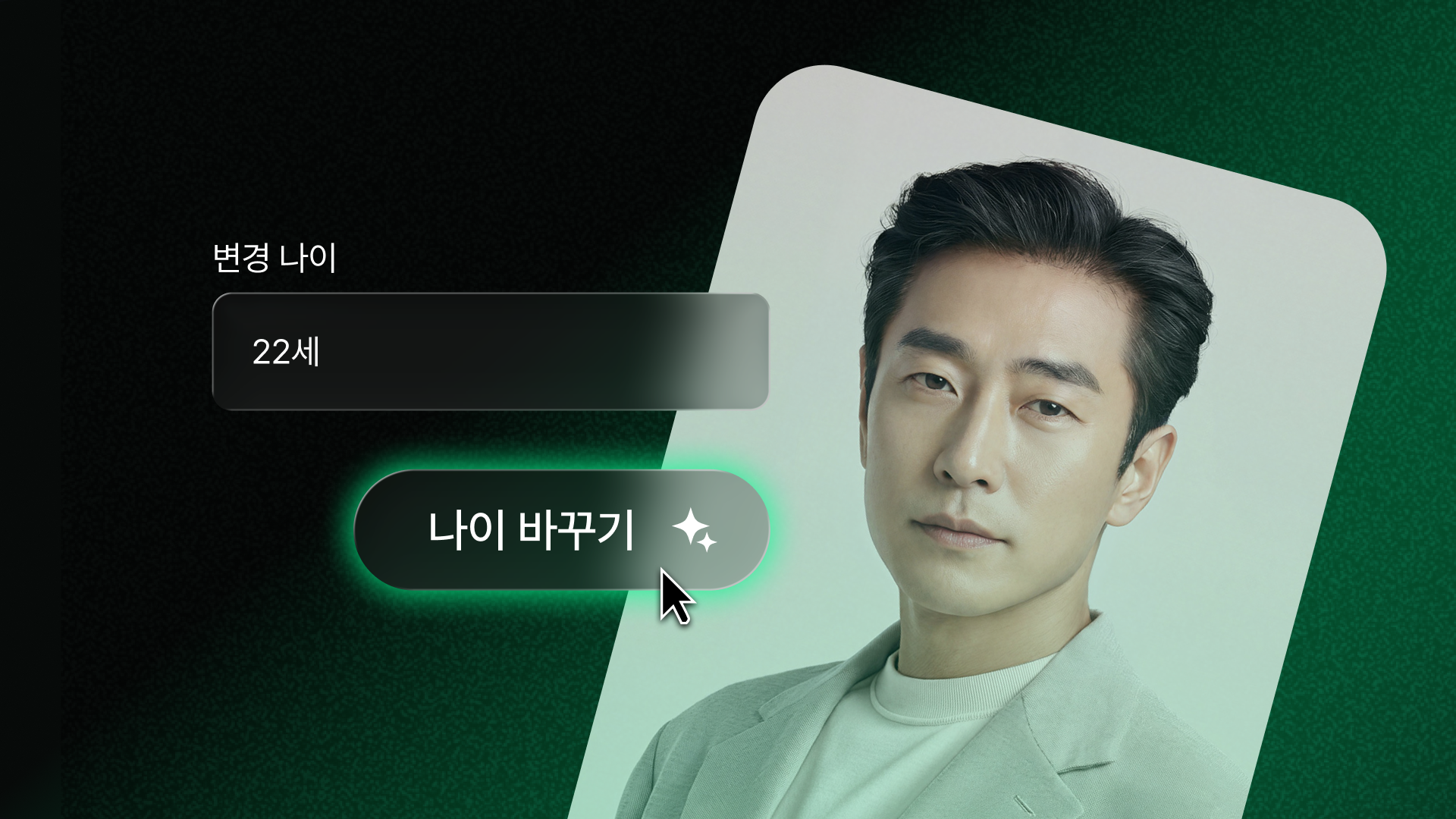
Choose the age range that matches the source, then type the exact age you want to see. There's no prompt to write in either mode.
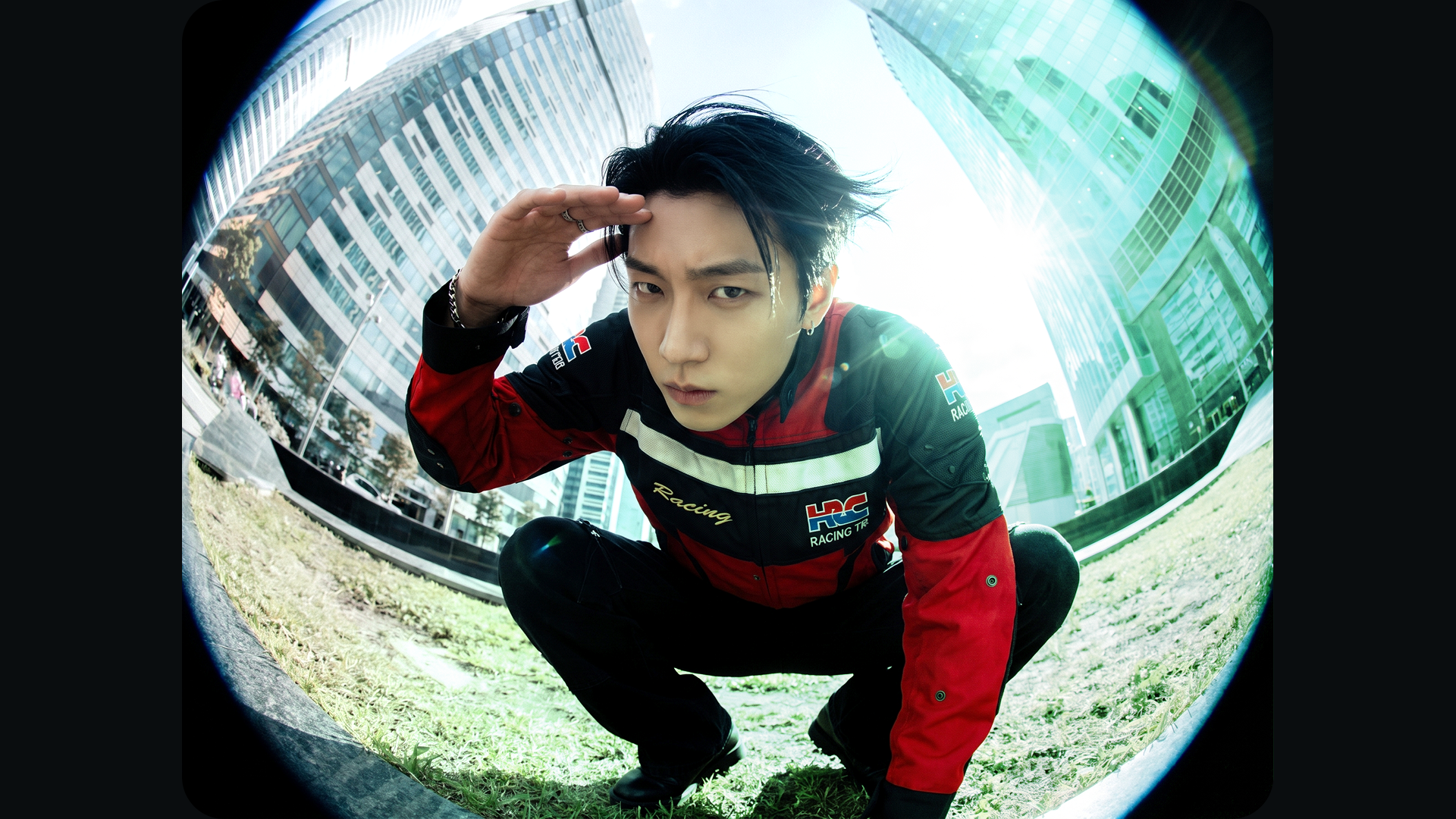
Click Change Age to generate a new version of the same photo or video at the target age, while keeping everything else in the frame consistent with the original.
See Pricing
Join 480,000+ creators already making with Dropshot AI. Every plan includes Age Changer, plus every other tool and model.
A beginner-friendly plan for AI creation
 3,000Credit /month
Monthly max generations
 Nano Banana 2.1176
 Seedance 2.5Draft mode11
 Grok Imagine Video23
 All image, video, and audio modelsSeedance 2.5
 GPT Image 2.0
 Kling 3.0Commercial use allowed
The best value plan for your AI creation
8,000Credit /monthMonthly max generations
2.6x LiteNano Banana 2.1470Seedance 2.5Draft mode31Grok Imagine Video61All image, video, and audio modelsSeedance 2.5GPT Image 2.0Kling 3.0Commercial use allowedSmart plan, stress-free creation
24,000Credit /monthMonthly max generations
3x PlusNano Banana 2.11,411Seedance 2.5Draft mode93Grok Imagine Video184All image, video, and audio modelsSeedance 2.5GPT Image 2.0Kling 3.0Commercial use allowedOur top plan, with everything included
55,000Credit /month Unlimited Benefits
Monthly max generations
2.2x ProNano Banana 2.13,235Seedance 2.5Draft mode213Grok Imagine Video423All image, video, and audio modelsSeedance 2.5GPT Image 2.0Kling 3.0Commercial use allowed


From The Blog
Learn how to use Age Changer for photos and videos, get more realistic results, and know what to expect before you start.


Age Changer is a Dropshot AI tool that changes how old someone appears in a photo or video. Upload a photo or video, set a Current Age and a Target Age, and generate a realistic older or younger version while keeping the identity, pose, outfit, and background consistent with the original.
Yes. New accounts include free credits, so you can build and test a character before upgrading to a paid plan. No credit card is required to start.
No. Click Subject in the References panel to pick from Dropshot AI's avatar presets without describing the look yourself.
Upload your locked-in character image as a reference, then describe only what should change—such as the outfit or setting—while telling the model to keep the face the same.
Nano Banana models are built for character consistency. On the Ultra plan you can use Nano Banana and Nano Banana 2 Lite without limits. Other models are available in Change Model if you want to compare results.
Yes. Take a locked-in character image into Dropshot's video tools, use it as a reference, and describe the action to animate the same persona.
Use your own photos and videos, or ones you have permission to edit. Avoid using someone else's likeness without their consent, especially before sharing results publicly.
Need Help?