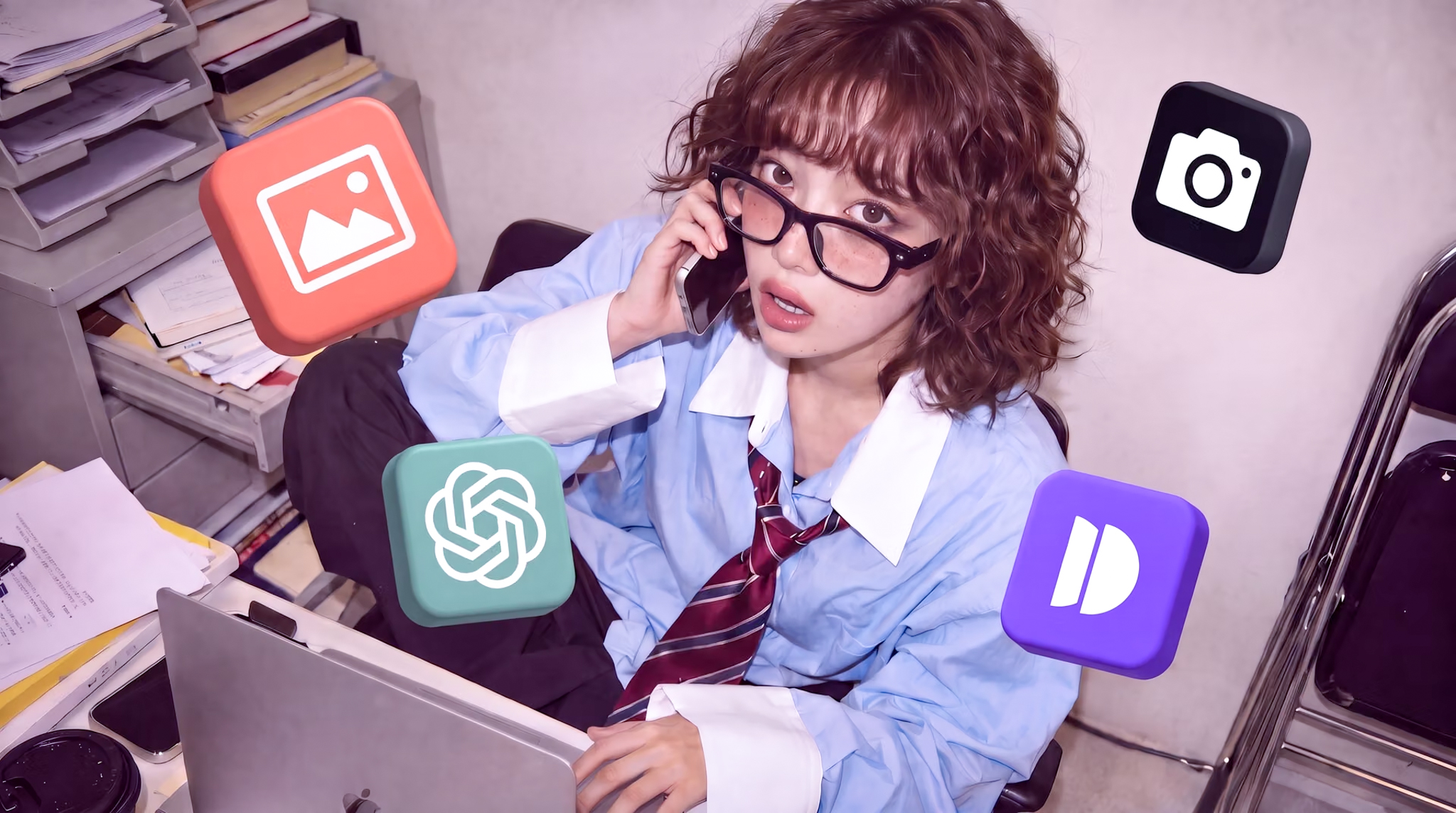
GPT Image 2 is OpenAI's newest image model, built to fix the two things AI-generated images struggle with most: text that actually reads correctly, and photos with real texture instead of that overly smooth AI finish. Generate images with GPT Image 2.0 directly inside Dropshot's workspace, alongside every other model you use.
Free to start. No credit card required.
Why GPT Image 2
An Image Model Built for Text and Ad-Ready Detail
GPT Image 2 is OpenAI's latest image model, built for ad and product creative work. Here's what sets it apart from the diffusion-based models most other tools still run on.
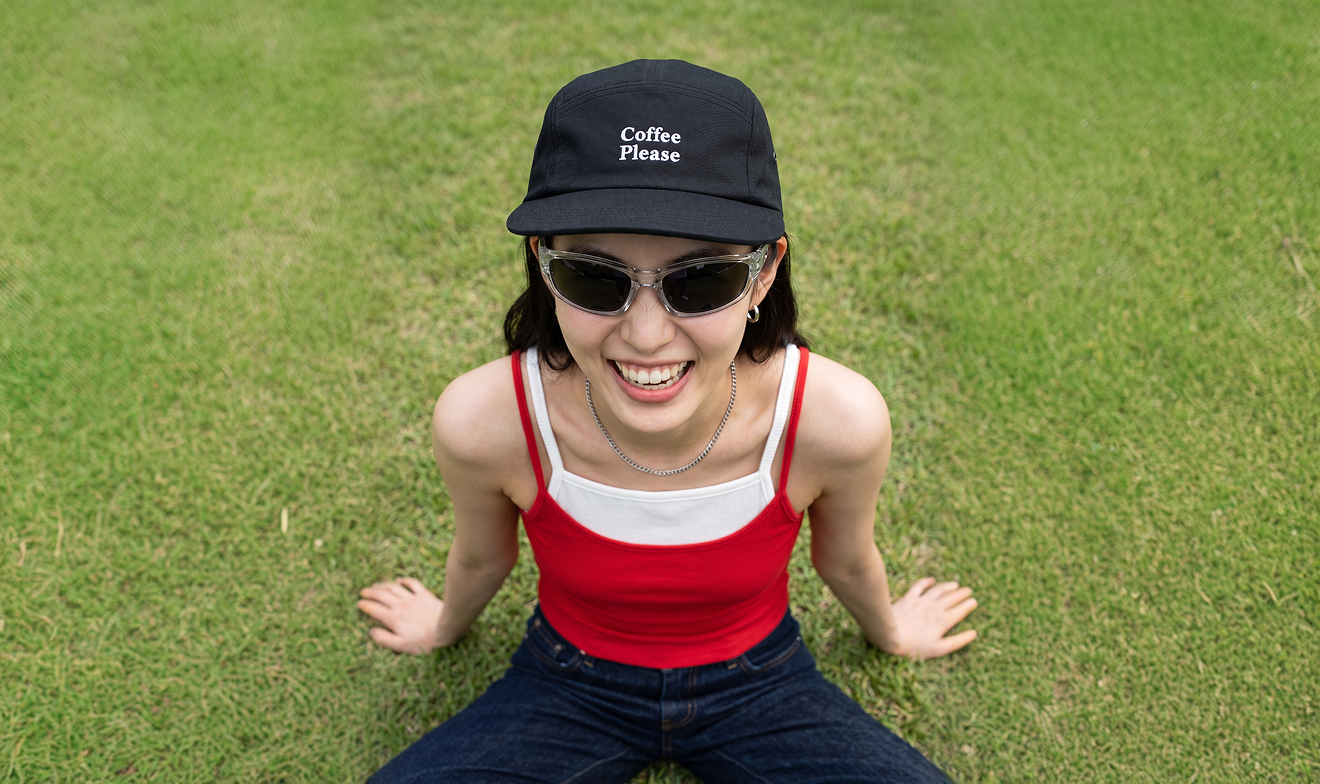
Near-Perfect Text Rendering
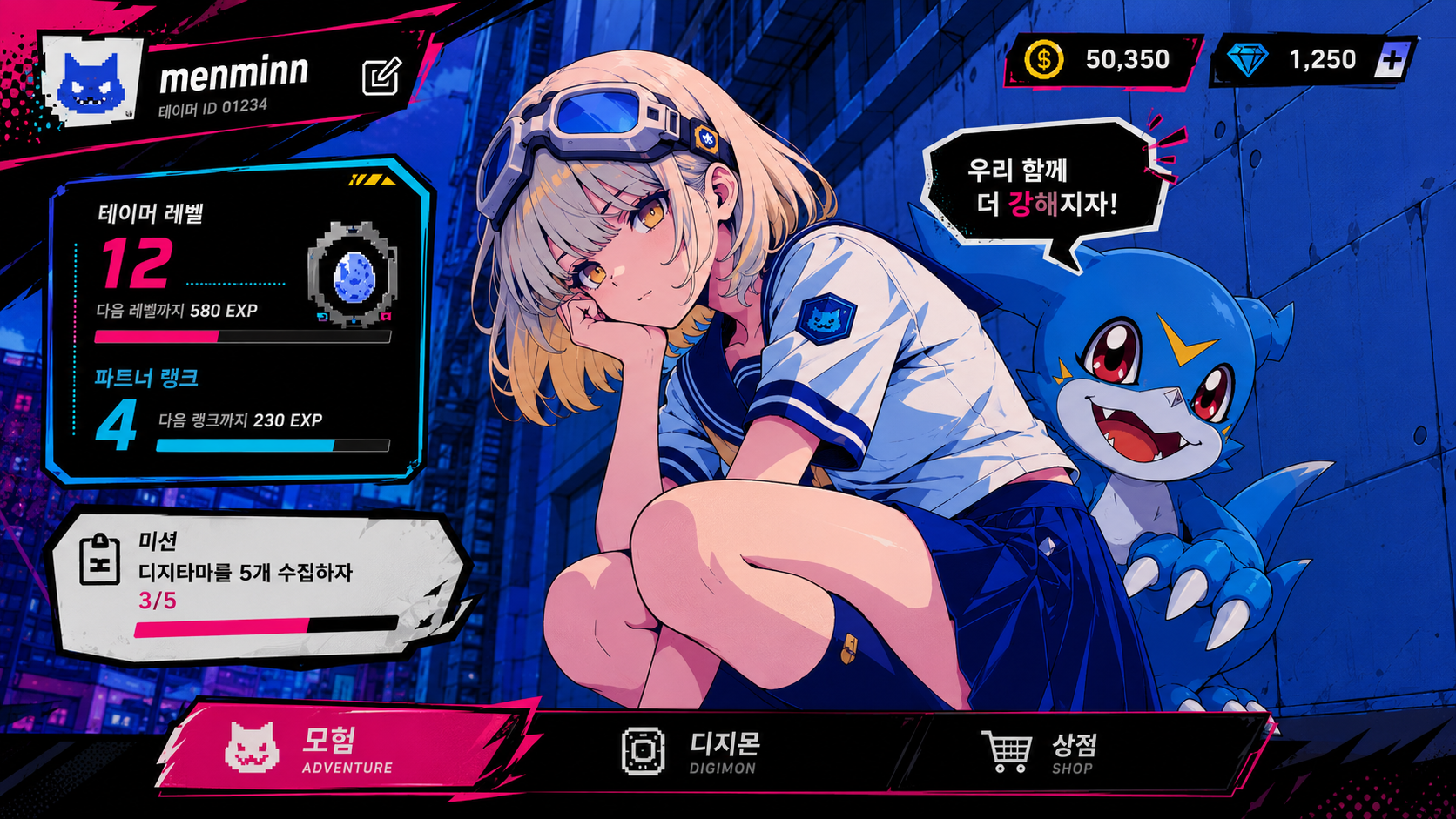
Posters, packaging, UI mockups, and signage come out with legible text baked directly into the image, including non-Latin scripts like Korean, Japanese, and Chinese, so labels and logos read correctly instead of turning into unreadable gibberish.
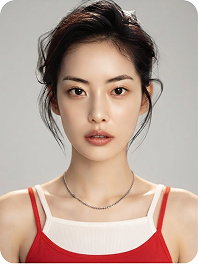
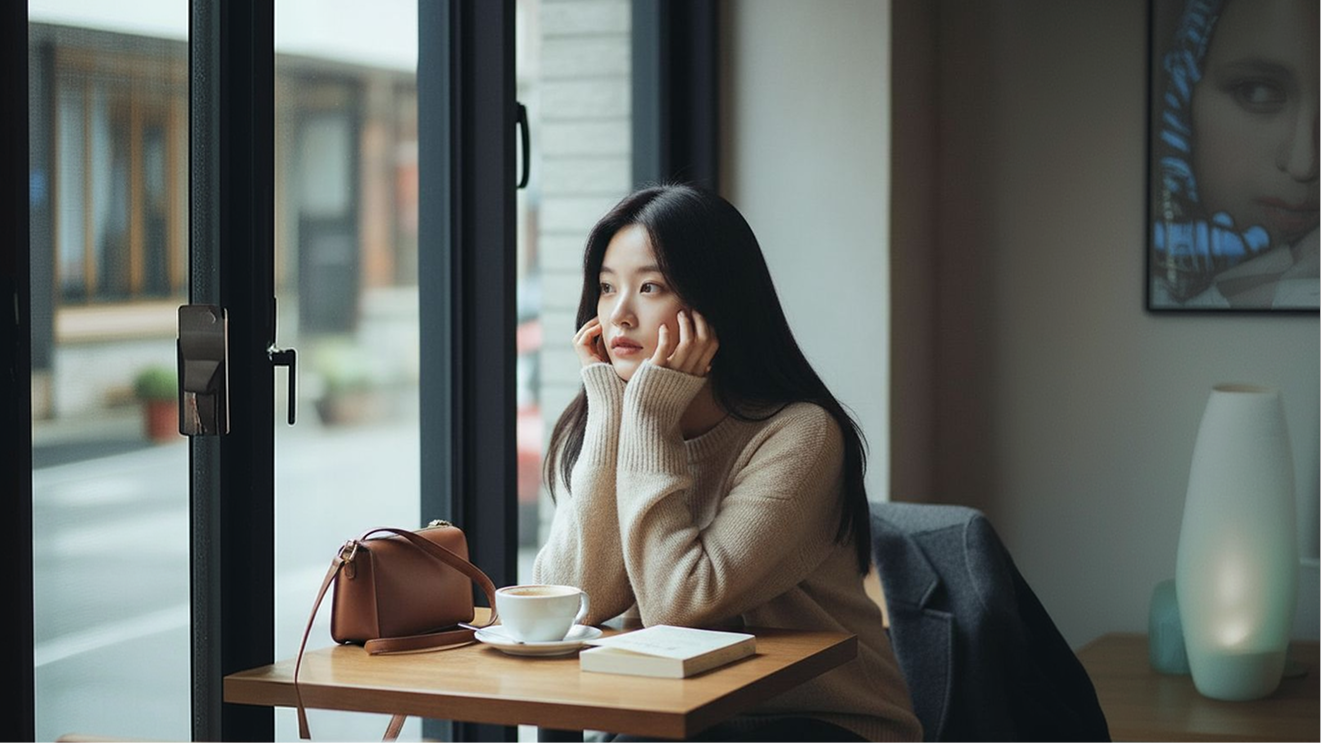
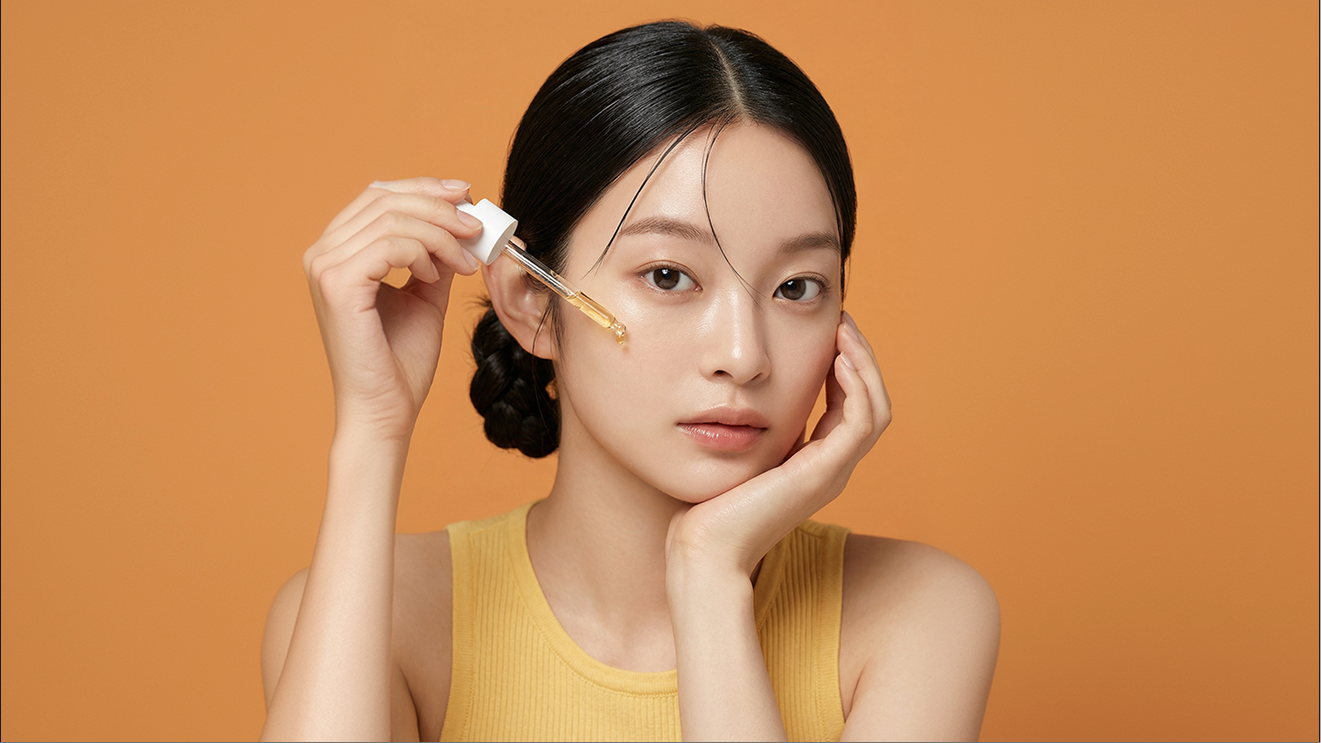
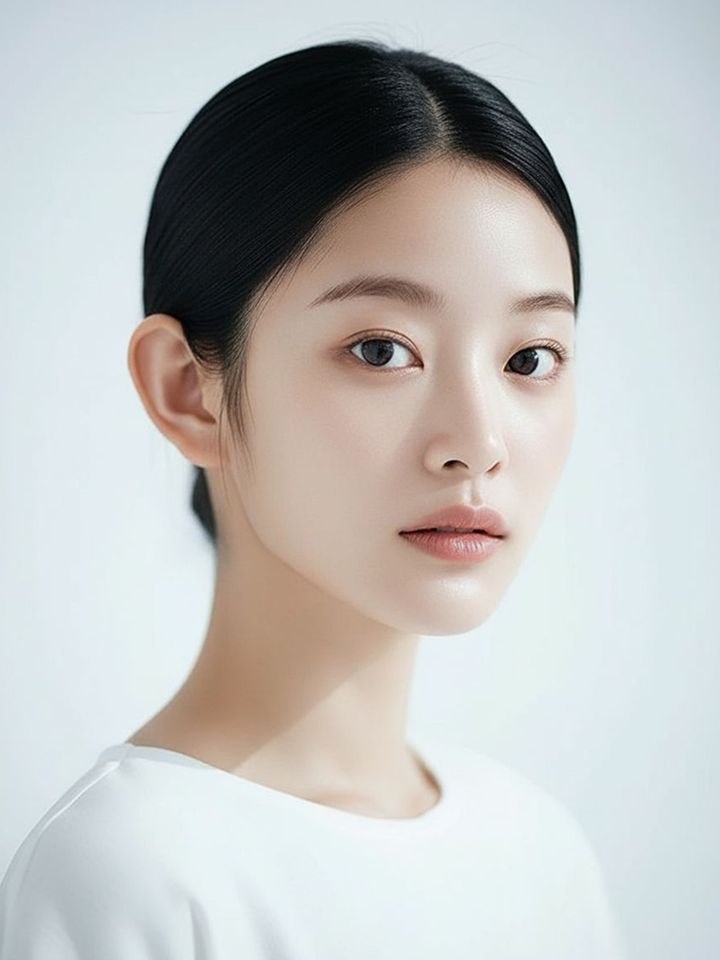
Photorealism Without the AI Look
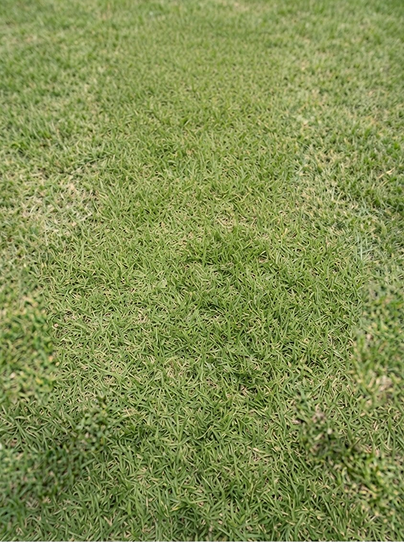
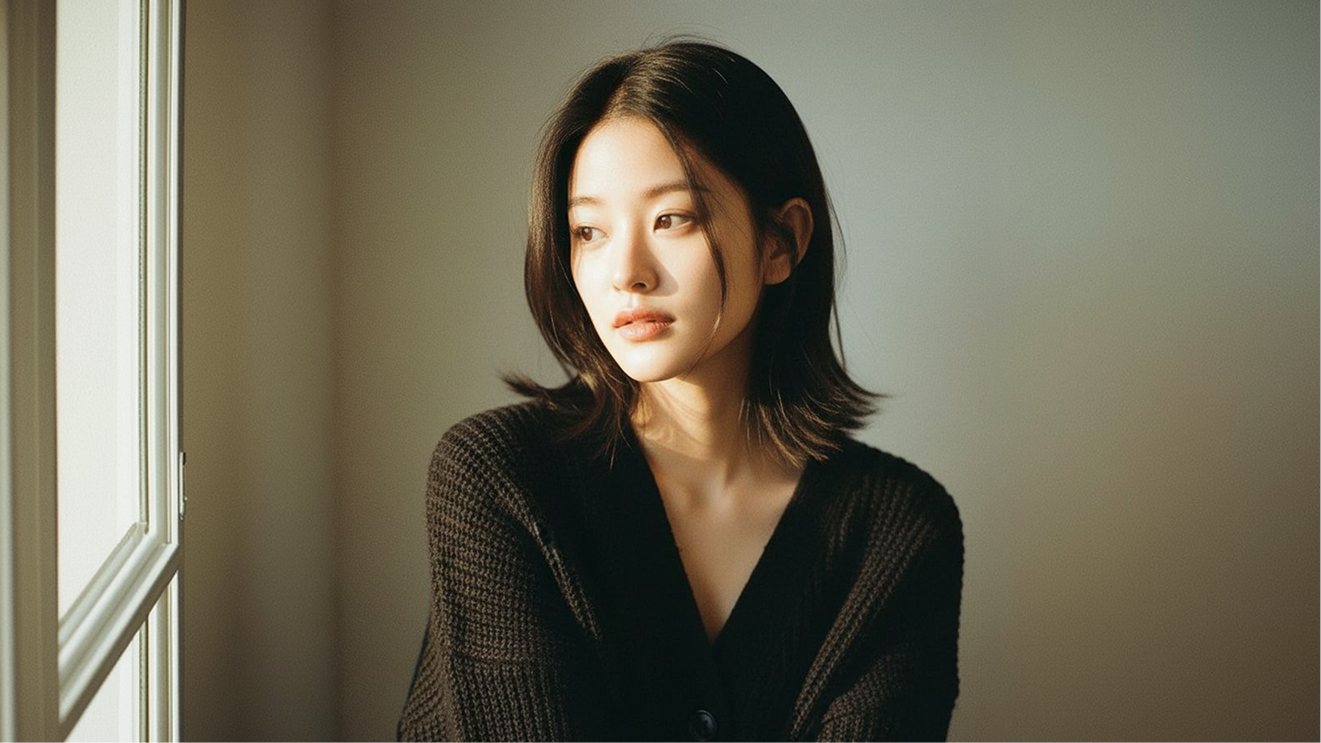
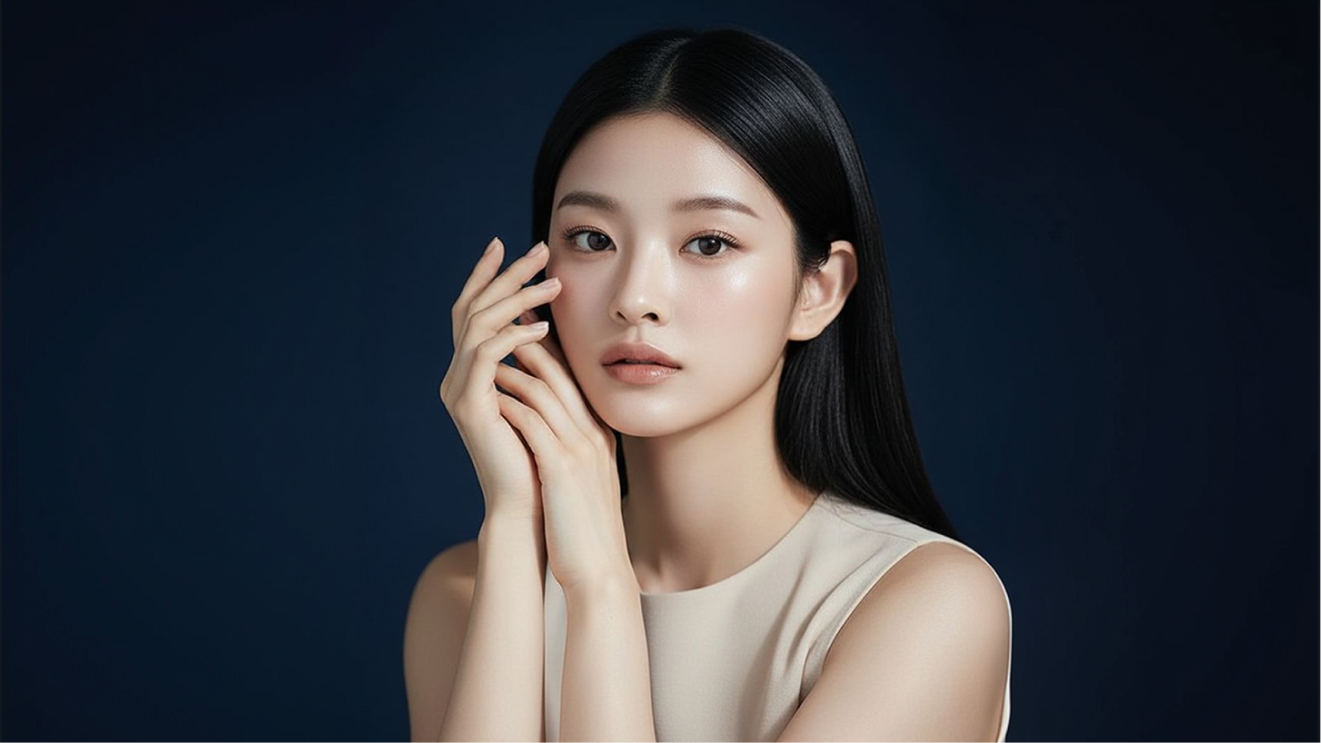
Natural lighting, true-to-life color, and real skin and material texture replace the warm color cast and overly smooth finish that older image models were known for.
Built for Ad and Product Creative
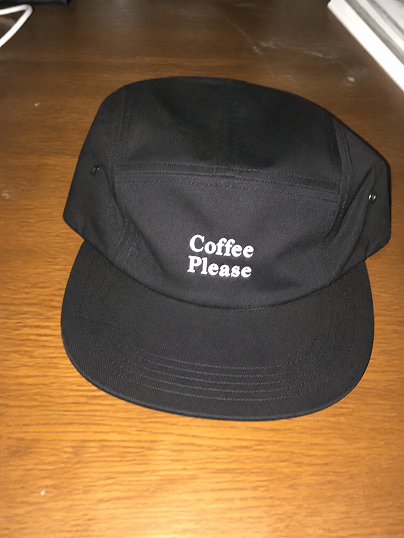
GPT Image 2.0 is built for ad and product work: product shots, packaging mockups, and campaign visuals that need to look client-ready straight out of the generator.
Faster, Single-Pass Generation
GPT Image 2 moves away from the multi-step diffusion process older image models rely on, generating the full image in one step, which OpenAI says is significantly faster than its predecessor, GPT Image 1.5.
Flexible Aspect Ratios
Generate anywhere from a wide 3:1 banner to a tall 1:3 story format without cropping or re-prompting, useful for matching whatever ad unit or platform you're producing for.
Multi-Turn, Context-Aware Editing
Refine an image across several rounds of feedback and GPT Image 2 holds onto the original composition, lighting, and style instead of drifting further from the source with every new instruction.
Describe the visual idea you have in mind, and we'll turn it into an image.
Enhance Prompt
Supported Models
Every major model, inside Dropshot AI
Instead of relying on a single provider, Dropshot brings the leading image models — each with its own strengths — together in one workspace. The right model for the job is always one click away, so you never have to settle for a half-good result.
Seedance 2.5
Seedance 2.0
MiniMax H3
Grok Imagine Video
Kling 4.0
Flux 3
Gemini Omni 1.1 Flash
GPT Image 2.5 Sunburst
GPT Image 2.0
Nano Banana Pro
Seedream 5.0 Pro
Nano Banana 2.1
Specialized Tools
Extra Tools to Help You Create and Edit
Not every shot needs a prompt written from scratch. Dropshot AI has built-in tools to help make your image generation easier and faster.
Create an ad-ready image in three steps. No design experience needed.
Describe the visual idea you have in mind, and we'll turn it into an image.
GPT Image 2.5 Flare
Generate
01
Open Generate Image and describe the shot you want, or upload a reference photo to guide the subject, product, or scene. GPT Image 2 can work from text alone or build on what you upload.
02
Pick GPT Image 2.0 from the available models in Change Model. It's tuned for cleaner text and studio-grade detail.
03
Review the result, ask for a specific change, or regenerate for a new variation. GPT Image 2 keeps the composition you already approved instead of starting over. Download once it's ready, or send it to Video to animate.
See Pricing
Pick Your Plan
Join 200,000+ creators already making with Dropshot AI. Every plan unlocks GPT Image 2.0, plus every other model on Dropshot.
Get Insights and the Best Prompt Guides from the Dropshot Blog
Prompt techniques, model comparisons, and step-by-step guides to help you get the best out of every generation, and scale from one great shot to a hundred.
You get 16 image models in one workspace, including Nano Banana Pro, GPT Image 2.0, Seedream, and Flux 2 Pro. Switch between them instantly and compare the results.
Yes. Create a reference image once, and you can reuse it as is in every scene that follows to keep the face, hairstyle, and body proportions consistent. There's no need to describe the character from scratch every time.
Text-to-image starts from a written description alone. Image-to-image starts from a photo you upload, where you describe what to change and leave the rest as is. It's useful for restyling a scene or moving the same subject into a new one.
You can generate up to 4096×4096 (4K) native resolution straight from your prompt. No separate upscaling step required.
Yes, on every plan, including the free trial. Everything you generate is cleared for commercial use, with no extra licensing and no watermarks.
Yes. New sign-ups get free credits to generate images and try out the workspace, and no credit card is required. Paid plans offer more credits and higher usage limits as you need them.
No. Everything happens through plain text prompts. What matters most isn't experience with software, but describing exactly what you want.












 Kling 3.0