AI Video Upscaler

AI Video Upscaler: Upscale Videos to 1080p or 4K

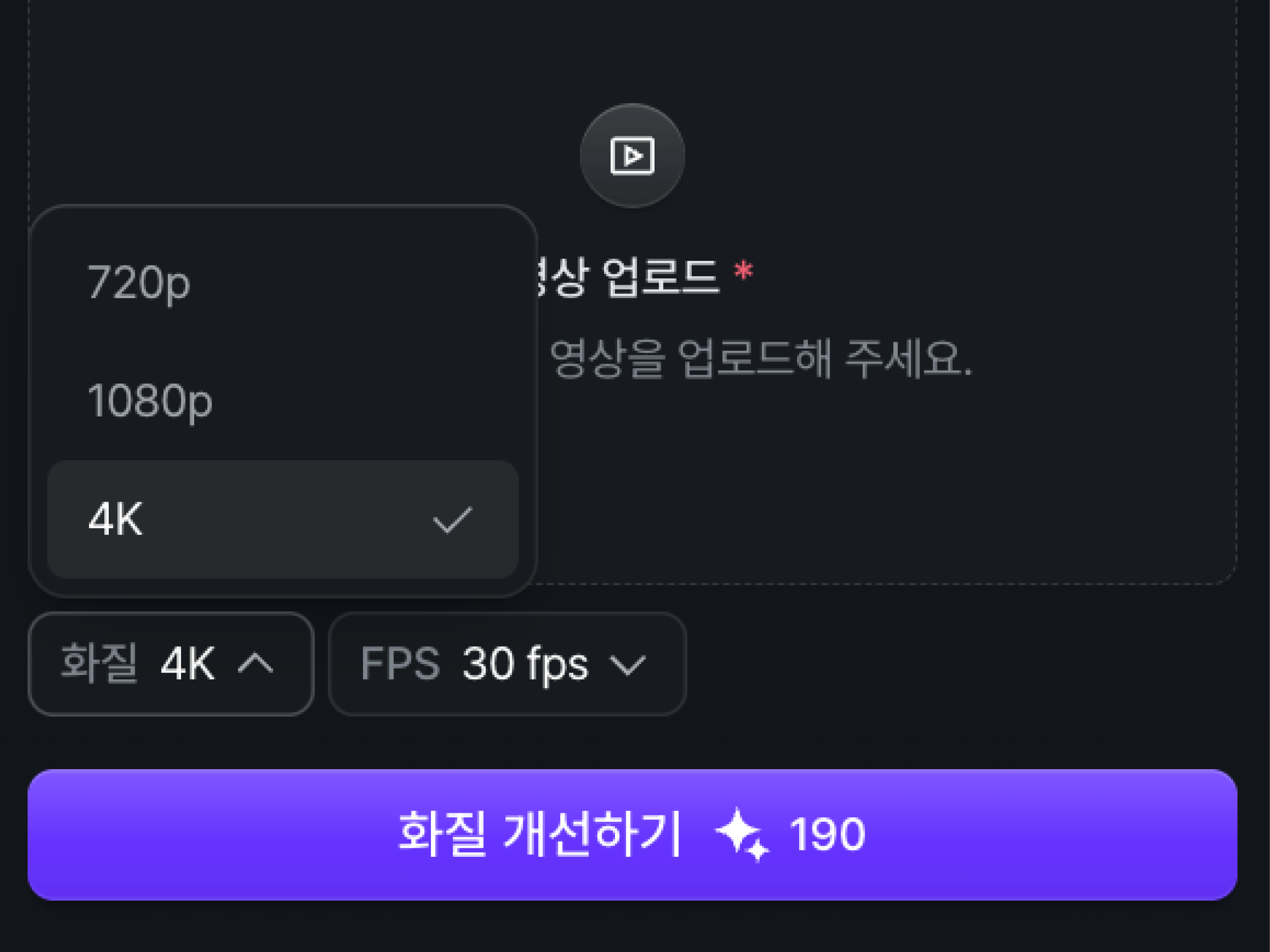
Transform low-resolution videos into sharper, higher-quality footage with AI. Upload your video, choose an output resolution of 720p, 1080p, or 4K, and export at 30 or 60 fps to suit your project. Enhance visual details and improve playback quality without writing a prompt or manually adjusting complex editing settings. Whether you're restoring older clips, refining AI-generated videos, or preparing content for social media and marketing, Dropshot AI makes video upscaling simple.

Free to start. No credit card required.

What You Get

Everything You Need to Upscale Videos With AI

Improve the quality of low-resolution videos with AI-powered upscaling that enhances details across individual frames. Reduce the soft, pixelated appearance of enlarged footage while improving the clarity of edges, textures, and fine visual elements. Prepare sharper videos for editing, publishing, or viewing on high-resolution displays.

Upscale to 720p, 1080p, or 4K

Choose the output resolution that fits your project, from 720p for lightweight online videos to 1080p for everyday content and 4K for higher-resolution productions. Whether you're preparing clips for social media, presentations, or large displays, select the level of detail and file size that works best for your intended use.

Smoother Motion at 60 fps

Choose between 30 fps and 60 fps to control how smoothly your upscaled video plays. Use 30 fps for standard video content or select 60 fps for smoother motion in fast-moving scenes, sports footage, and dynamic camera movements. Match the frame rate to your editing workflow and final viewing experience.

Sharper Detail Frame by Frame

Instead of simply enlarging existing pixels, AI video upscaling analyzes individual frames and reconstructs visual details at a higher resolution. Enhance the appearance of edges, textures, and fine details to produce clearer footage while preserving the original scene and composition.

Upscale Your AI-Generated Clips

Take your AI-generated videos further by enhancing their resolution after generation. Create clips using the AI video models available on Dropshot AI, then upscale your preferred results to 1080p or 4K. Prepare higher-resolution footage for social media, creative projects, or further editing without starting the generation process again.

Refresh Older Footage

Improve the viewing quality of older recordings, archived videos, and footage captured at lower resolutions. AI upscaling can enhance visual clarity and reduce the pixelated appearance of enlarged clips, making them more suitable for modern screens, editing, and sharing. Results will vary depending on the condition and quality of the original footage.

One Click, No Prompt Needed

Upscale videos without writing prompts or navigating complicated editing software. Simply upload your footage, select your preferred resolution and frame rate, and start the upscaling process. Dropshot AI handles the enhancement automatically, making it easy to prepare higher-quality videos without manual frame-by-frame editing.

Supported Models

Every major model, inside Dropshot AI

Instead of relying on a single provider, Dropshot brings the leading image models — each with its own strengths — together in one workspace. The right model for the job is always one click away, so you never have to settle for a half-good result.

Seedance 2.5

Seedance 2.0

MiniMax H3

Grok Imagine Video

Kling 4.0

Flux 3

Gemini Omni 1.1 Flash

GPT Image 2.5 Sunburst

GPT Image 2.0

Nano Banana Pro

Seedream 5.0 Pro

Nano Banana 2.1

The Process

How to Upscale a Video With AI

Improve video resolution and clarity in three simple steps. Upload your footage, choose the output settings that fit your project, and let Dropshot AI handle the upscaling process without manual editing.

  1. 01

    Upload Your Video

    Upload the clip you want to improve, whether it is AI-generated footage, a social video, or an older recording.

  2. 02

    Choose Resolution and Frame Rate

    Select 720p, 1080p, or 4K, then choose 30 or 60 fps.

  3. 03

    Upscale and Download

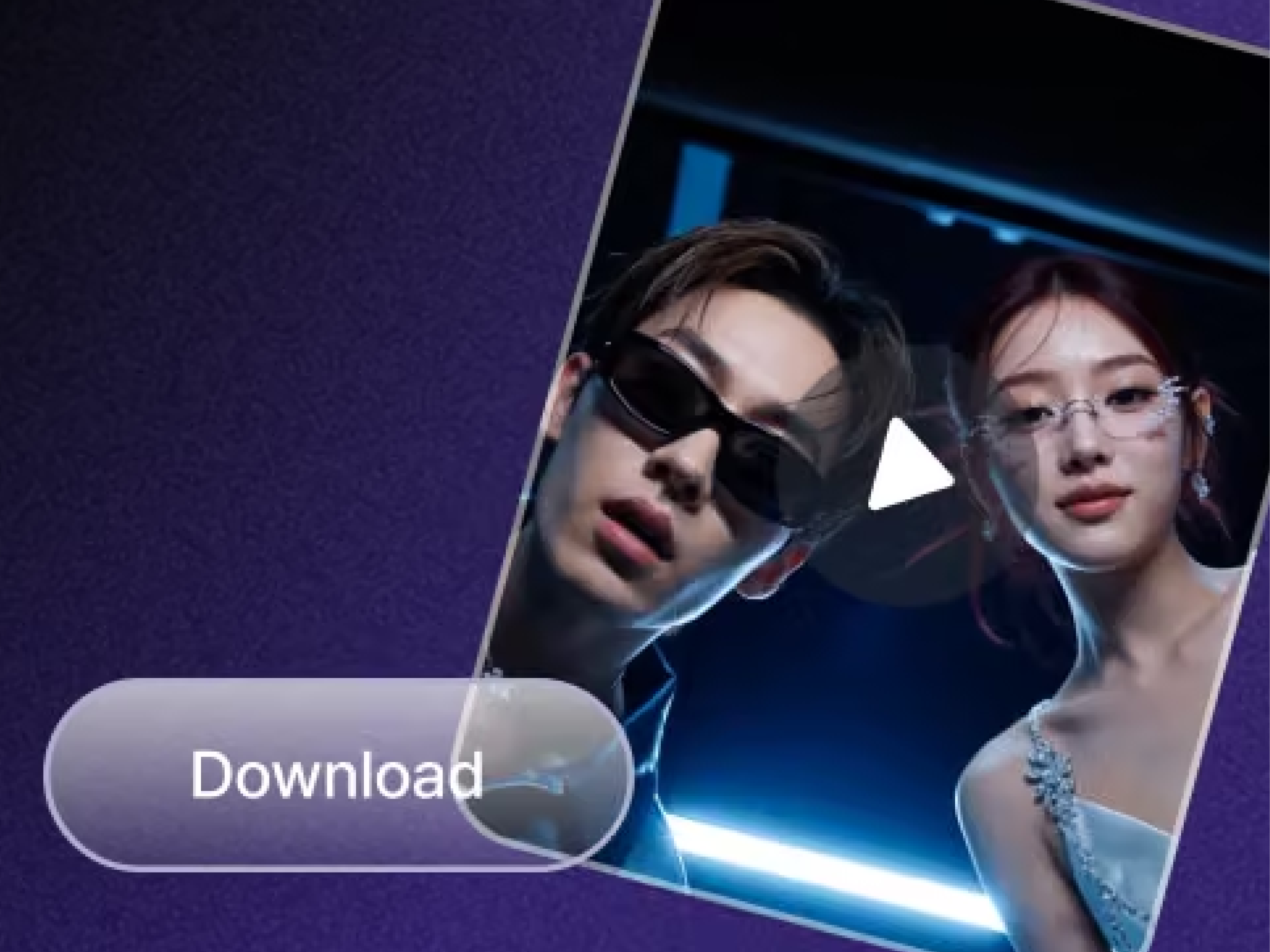
    Click Upscale, review the sharper result, and download your video.

See Pricing

Pick Your Plan

Join 200,000+ creators already making with Dropshot AI. Every plan unlocks every leading image and video model, plus all the tools.

33% OFF
Starter Pick

Lite

A beginner-friendly plan for AI creation

Billed Annually$9/ month
3,000Credit /month

Monthly max generations

  • Nano Banana 2.1176
  • Seedance 2.5Draft mode11
  • Grok Imagine Video23
Creative Tools
  • Not Included
    Dropshot AI MCP
  • Not Included
    Canvas
  • Film Studio
  • Anime Studio
  • 180+ avatars and characters
  • 200+ easy tools and templates
  • All image, video, and audio models
    • Seedance 2.5
    • GPT Image 2.0
    • Kling 3.0
    • + 50 more premium models
  • Commercial use allowed
Value Plan

Plus

26% OFF

The best value plan for your AI creation

Billed Annually$14/ month$19
8,000Credit /month

Monthly max generations

2.6x Lite
  • Nano Banana 2.1470
  • Seedance 2.5Draft mode31
  • Grok Imagine Video61
Creative Tools
  • Not Included
    Dropshot AI MCP
  • Canvas
  • Film Studio
  • Anime Studio
  • 180+ avatars and characters
  • 200+ easy tools and templates
  • All image, video, and audio models
    • Seedance 2.5
    • GPT Image 2.0
    • Kling 3.0
    • + 50 more premium models
  • Commercial use allowed
Trending Now

Pro

27% OFF

Smart plan, stress-free creation

Billed Annually$36/ month$49
24,000Credit /month

Monthly max generations

3x Plus
  • Nano Banana 2.11,411
  • Seedance 2.5Draft mode93
  • Grok Imagine Video184
Creative Tools
  • Dropshot AI MCP
  • Canvas
  • Film Studio
  • Anime Studio
  • 180+ avatars and characters
  • 200+ easy tools and templates
  • All image, video, and audio models
    • Seedance 2.5
    • GPT Image 2.0
    • Kling 3.0
    • + 50 more premium models
  • Commercial use allowed
Maximum Benefits

Ultra

33% OFF
Unlimited images

Our top plan, with everything included

Billed Annually$66/ month$99
55,000Credit /month
Unlimited Benefits
  • Nano Banana 2 Lite
    Unlimited
  • Nano Banana
    Unlimited
  • Seedream 5.0 Lite
    3KUnlimited

Monthly max generations

2.2x Pro
  • Nano Banana 2.13,235
  • Seedance 2.5Draft mode213
  • Grok Imagine Video423
Creative Tools
  • Dropshot AI MCP
  • Canvas
  • Film Studio
  • Anime Studio
  • 180+ avatars and characters
  • 200+ easy tools and templates
  • All image, video, and audio models
    • Seedance 2.5
    • GPT Image 2.0
    • Kling 3.0
    • + 50 more premium models
  • Commercial use allowed
Compare all plans

Frequently Asked Questions

Help Center

You get 16 image models in one workspace, including Nano Banana Pro, GPT Image 2.0, Seedream, and Flux 2 Pro. Switch between them instantly and compare the results.

Yes. Create a reference image once, and you can reuse it as is in every scene that follows to keep the face, hairstyle, and body proportions consistent. There's no need to describe the character from scratch every time.

Text-to-image starts from a written description alone. Image-to-image starts from a photo you upload, where you describe what to change and leave the rest as is. It's useful for restyling a scene or moving the same subject into a new one.

You can generate up to 4096×4096 (4K) native resolution straight from your prompt. No separate upscaling step required.

Yes, on every plan, including the free trial. Everything you generate is cleared for commercial use, with no extra licensing and no watermarks.

Yes. New sign-ups get free credits to generate images and try out the workspace, and no credit card is required. Paid plans offer more credits and higher usage limits as you need them.

No. Everything happens through plain text prompts. What matters most isn't experience with software, but describing exactly what you want.

Yes. Everything you generate in Dropshot AI is cleared for commercial use.

No. Dropshot AI runs entirely in your browser. There's nothing to install and no hardware requirements to meet — just open it and start.

Need Help?

Upscale Your First Video

Free to start. No credit card required.

© Copyrights 2026 JIRO INC. ALL RIGHTS RESERVED.