
Few-Second Generation
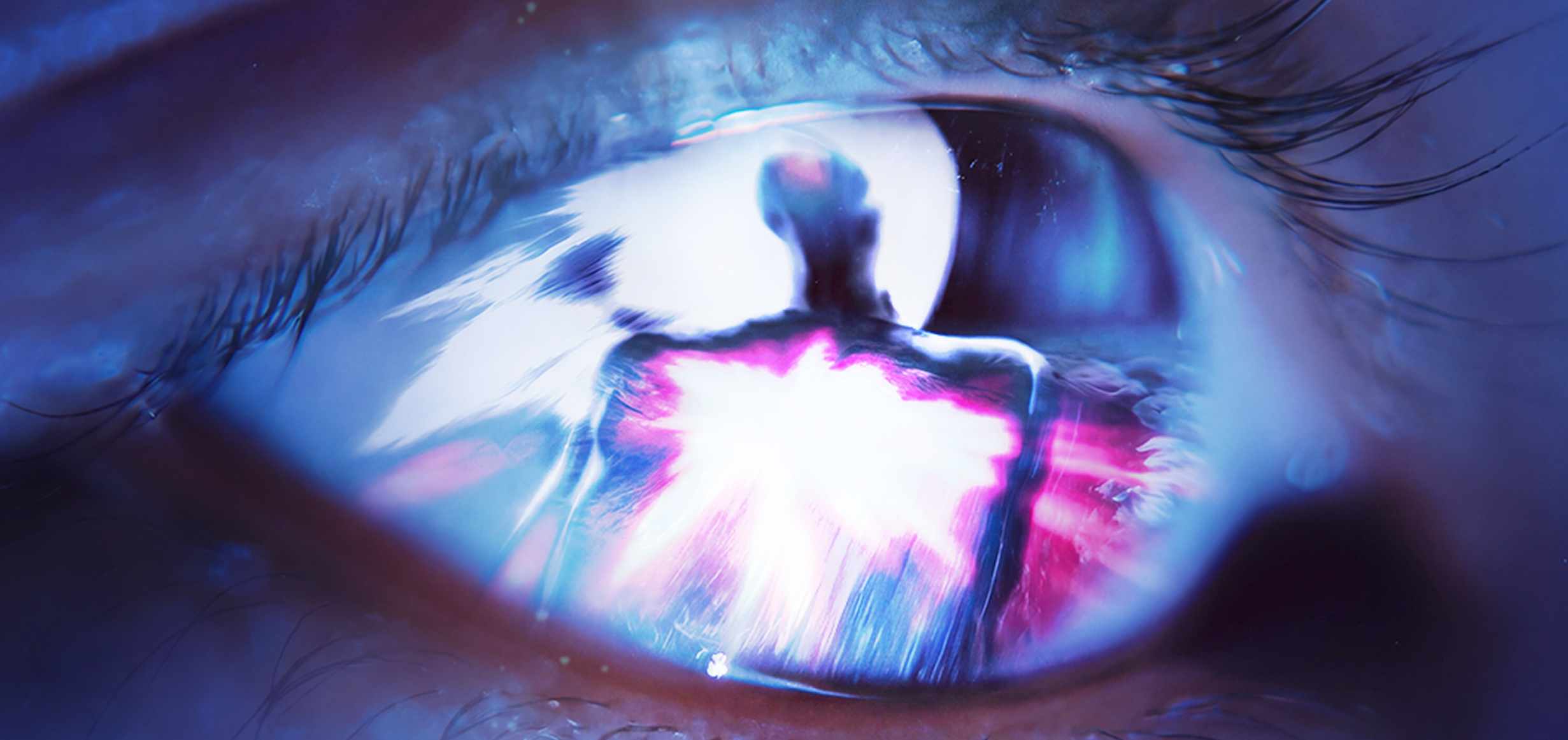
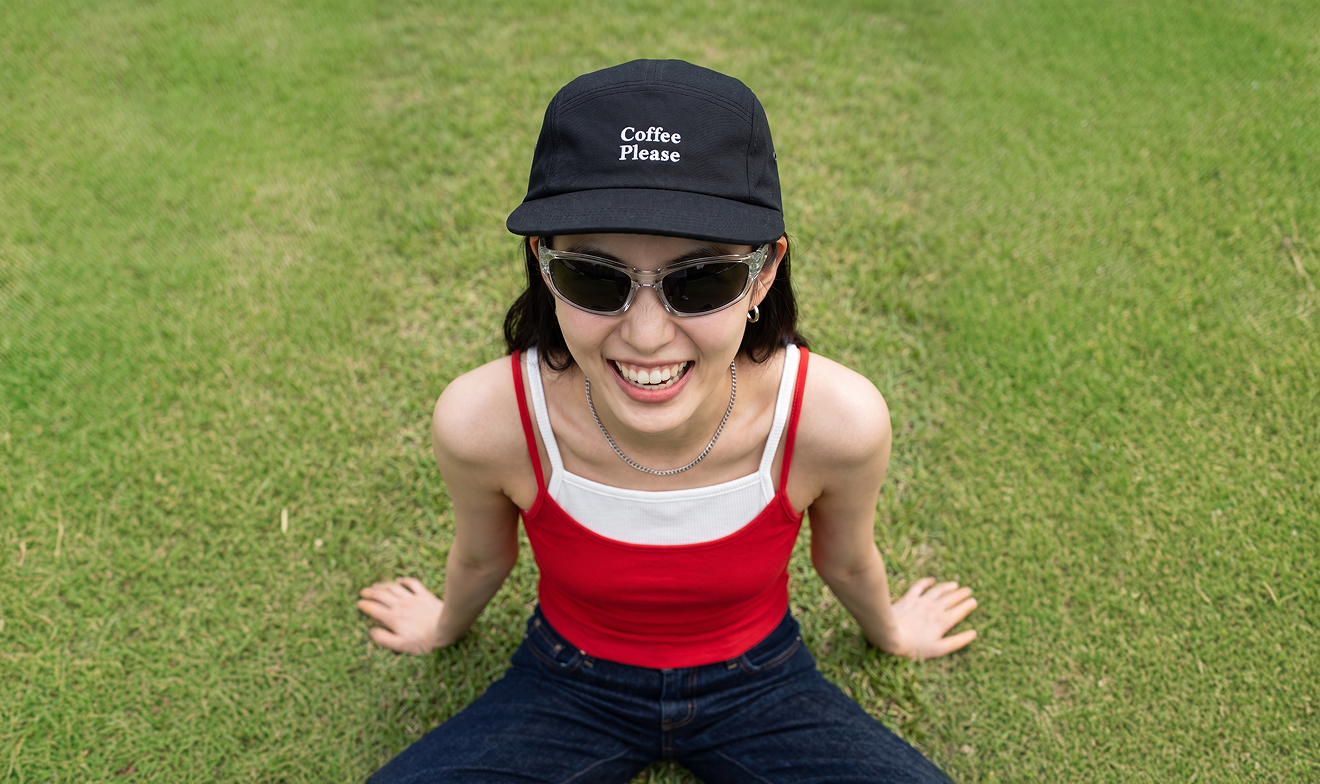
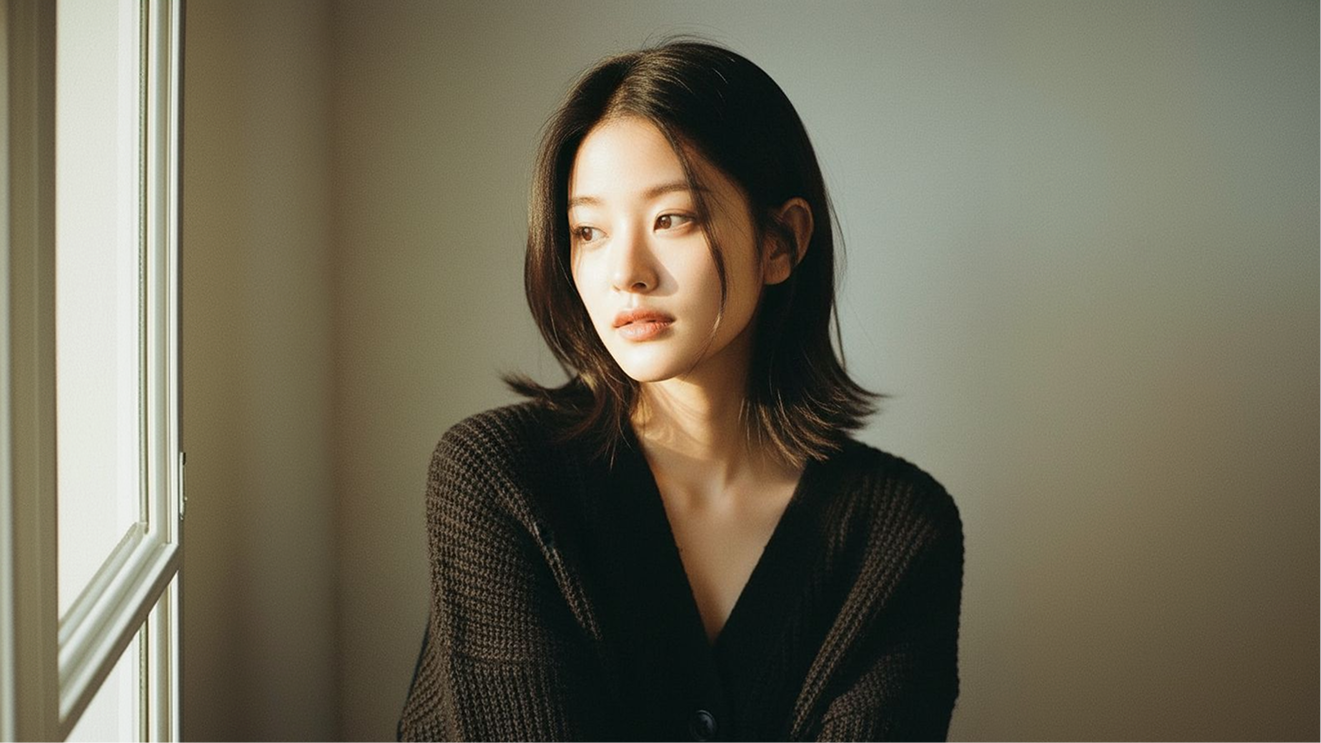
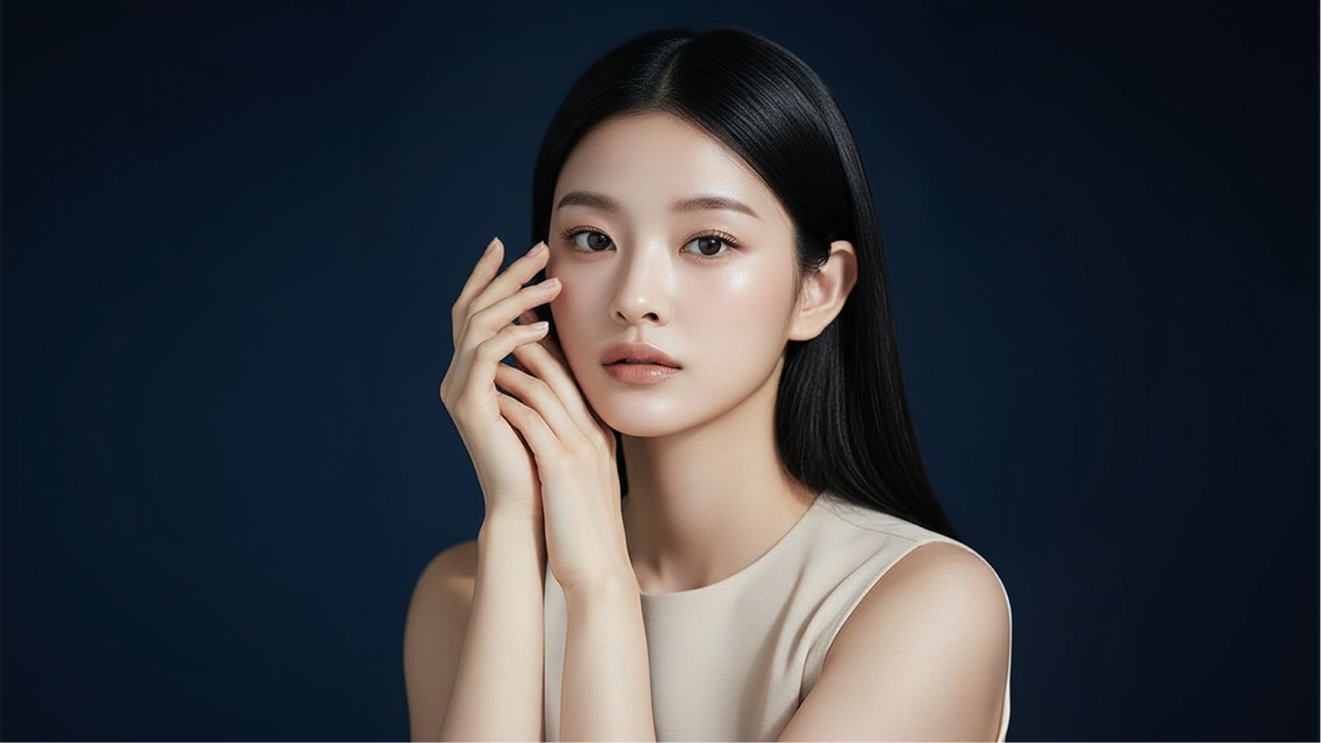
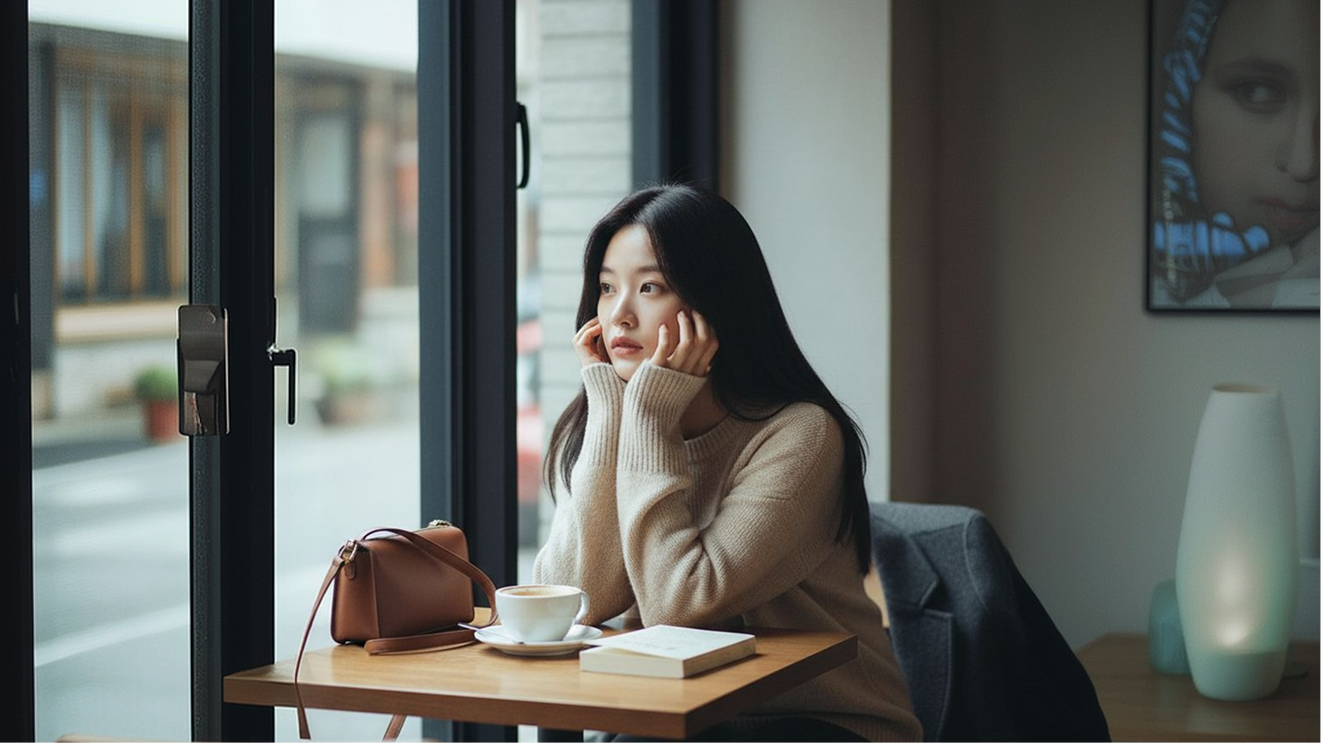
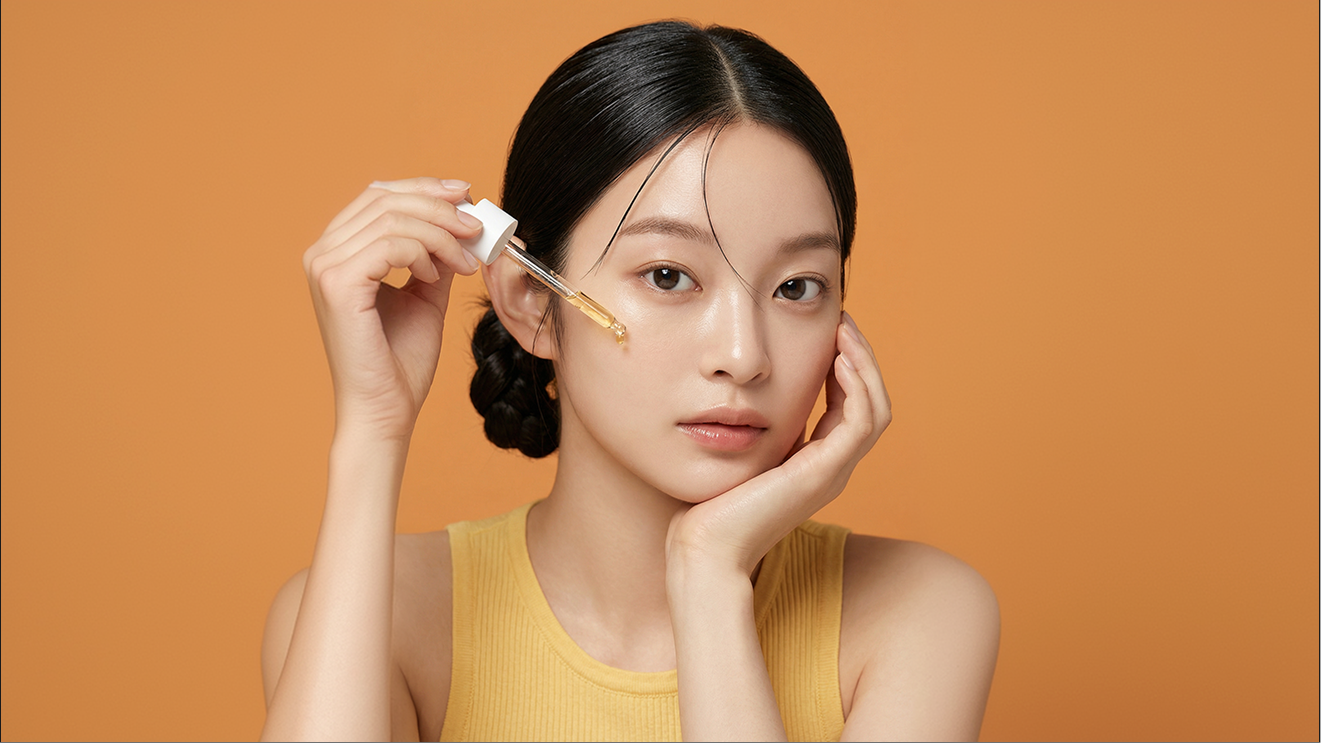
Grok Imagine is built for speed, returning a finished image fast enough that you can iterate on a prompt in real time instead of waiting on a queue.
Now on Dropshot AI
Grok Imagine is xAI's image and video generation model, powered by Aurora and built into Grok itself, and one of the lowest-cost ways to generate images on Dropshot. Generate images with Grok Imagine directly inside Dropshot's workspace, alongside every other model you use.
Free to start. No credit card required.
Why Grok Imagine
Grok Imagine is xAI's image model, built into Grok and priced to run more generations per credit. Here's what sets it apart on Dropshot.
Grok Imagine is built for speed, returning a finished image fast enough that you can iterate on a prompt in real time instead of waiting on a queue.

Grok Imagine Image is one of the lowest-credit models in Dropshot's lineup, built for high-volume generation without burning through your monthly credits.

Generate more than one direction from a single prompt, so you can compare options side by side before picking the one that fits.

Grok Imagine retains details across long, multi-part prompts, keeping subjects, composition, and lighting coherent instead of dropping parts of the request.

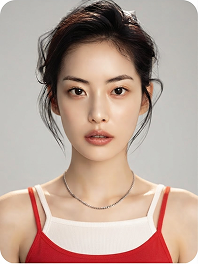
From photorealistic shots to posters and illustrated art, Grok Imagine covers a broad enough range that most briefs don't need a second model.

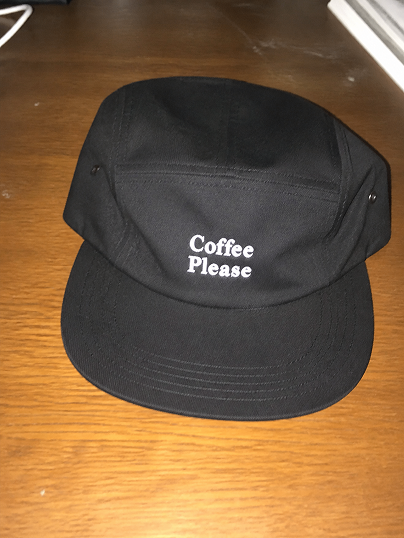
Grok Imagine keeps text, logos, and short labels legible inside a generated image, which matters for posters, packaging mockups, and social graphics that need real words instead of garbled lettering.
Supported Models
Instead of relying on a single provider, Dropshot brings the leading image models — each with its own strengths — together in one workspace. The right model for the job is always one click away, so you never have to settle for a half-good result.


Seedance 2.5


Seedance 2.0


MiniMax H3


Grok Imagine Video


Kling 4.0


Flux 3


Gemini Omni 1.1 Flash


GPT Image 2.5 Sunburst


GPT Image 2.0


Nano Banana Pro


Seedream 5.0 Pro


Nano Banana 2.1
Specialized Tools
Not every shot needs a prompt written from scratch. Dropshot AI has built-in tools to help make your image generation easier and faster.

Sharpen images and videos in one click.

Make clean cutouts with no background.

Turn one photo into a character sheet.

Mirror the motion and facial expression.

AI product shots, no model needed.

Be the star with Seedance 2.0.

See one scene from nine camera angles.

Choose a character and create fun scenes.

Turn photos into motion videos.

Make anyone look younger or older.

Create stunning 360° product rotation videos.

Create product shots from a single shot.

The Process
Create an image in three steps. No design experience needed.

Describe the visual idea you have in mind, and we'll turn it into an image.

 GPT Image 2.5 Flare
Open Generate Image and describe the shot you want. Grok Imagine handles long, multi-part prompts well, so it's worth being specific about subject, style, and setting.
Pick Grok Imagine Image from the available models in Change Model. It's tuned for fast, low-cost generation.
Review the result, regenerate for a new variation, or send it to Video to animate. Download once it's ready.
See Pricing
Join 480,000+ creators already making with Dropshot AI. Every plan unlocks Grok Imagine Image, plus every other model on Dropshot.
A beginner-friendly plan for AI creation
 3,000Credit /month
Monthly max generations
 Nano Banana 2.1176
 Seedance 2.5Draft mode11
 Grok Imagine Video23
 All image, video, and audio modelsSeedance 2.5GPT Image 2.0
 Kling 3.0Commercial use allowed
The best value plan for your AI creation
8,000Credit /monthMonthly max generations
2.6x LiteNano Banana 2.1470Seedance 2.5Draft mode31Grok Imagine Video61All image, video, and audio modelsSeedance 2.5GPT Image 2.0Kling 3.0Commercial use allowedSmart plan, stress-free creation
24,000Credit /monthMonthly max generations
3x PlusNano Banana 2.11,411Seedance 2.5Draft mode93Grok Imagine Video184All image, video, and audio modelsSeedance 2.5GPT Image 2.0Kling 3.0Commercial use allowedOur top plan, with everything included
55,000Credit /month Unlimited Benefits
Monthly max generations
2.2x ProNano Banana 2.13,235Seedance 2.5Draft mode213Grok Imagine Video423All image, video, and audio modelsSeedance 2.5GPT Image 2.0Kling 3.0Commercial use allowed


From The Blog
Prompt techniques, model comparisons, and step-by-step guides to help you get the best out of every generation, and scale from one great shot to a hundred.


You get 16 image models in one workspace, including Nano Banana Pro, GPT Image 2.0, Seedream, and Flux 2 Pro. Switch between them instantly and compare the results.
Yes. Create a reference image once, and you can reuse it as is in every scene that follows to keep the face, hairstyle, and body proportions consistent. There's no need to describe the character from scratch every time.
Text-to-image starts from a written description alone. Image-to-image starts from a photo you upload, where you describe what to change and leave the rest as is. It's useful for restyling a scene or moving the same subject into a new one.
You can generate up to 4096×4096 (4K) native resolution straight from your prompt. No separate upscaling step required.
Yes, on every plan, including the free trial. Everything you generate is cleared for commercial use, with no extra licensing and no watermarks.
Yes. New sign-ups get free credits to generate images and try out the workspace, and no credit card is required. Paid plans offer more credits and higher usage limits as you need them.
No. Everything happens through plain text prompts. What matters most isn't experience with software, but describing exactly what you want.
Need Help?
Free to start. No credit card required.