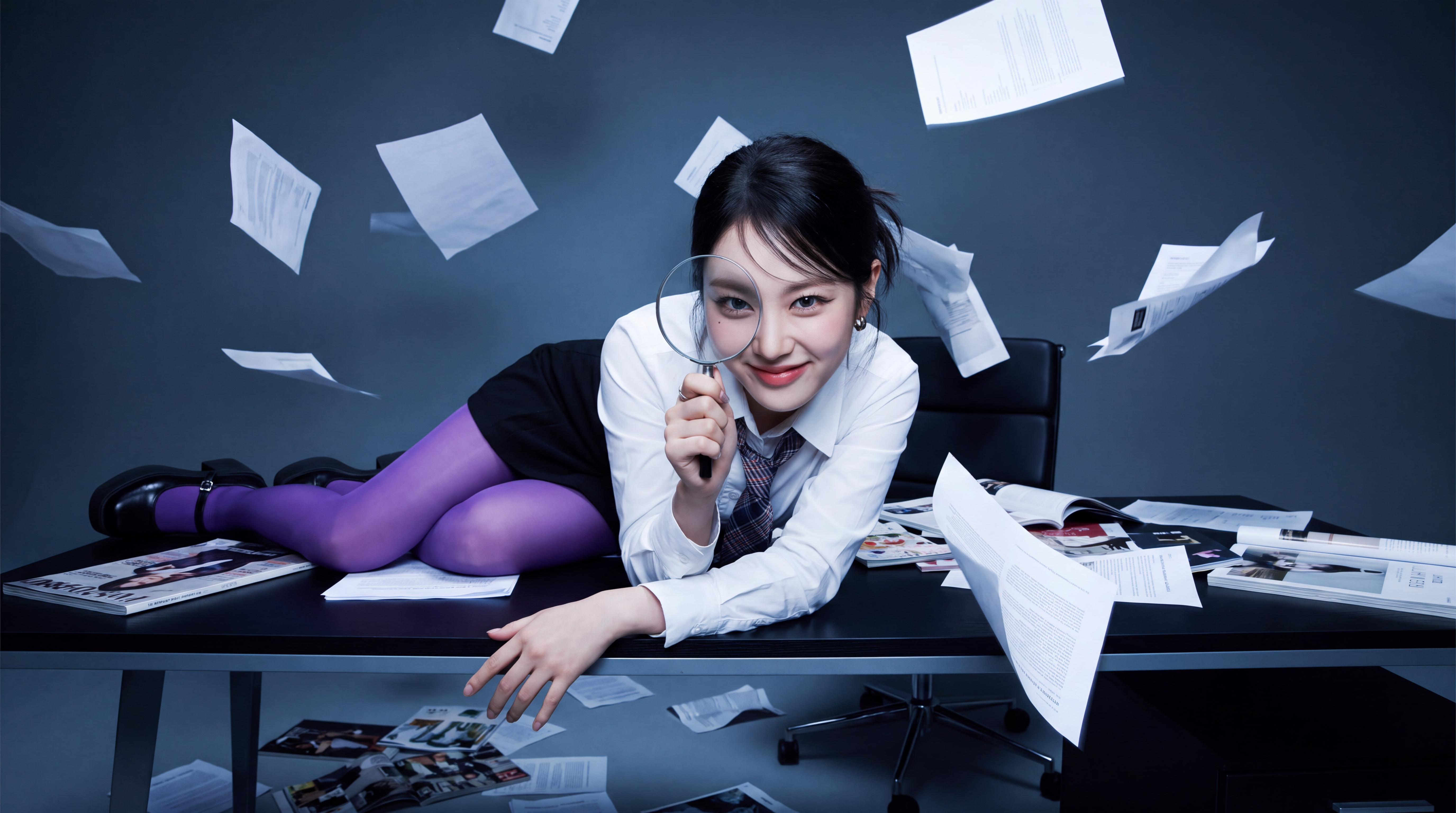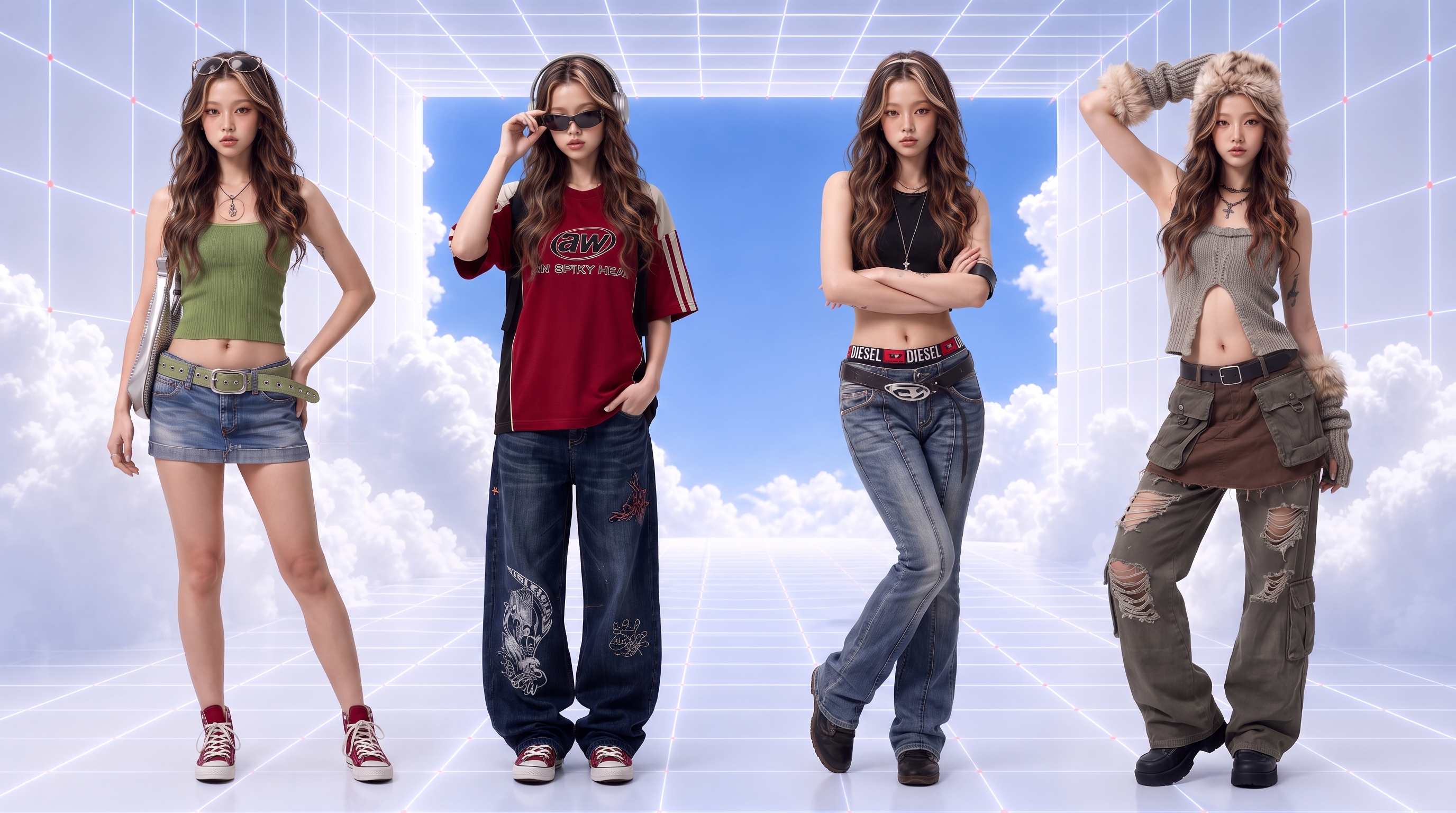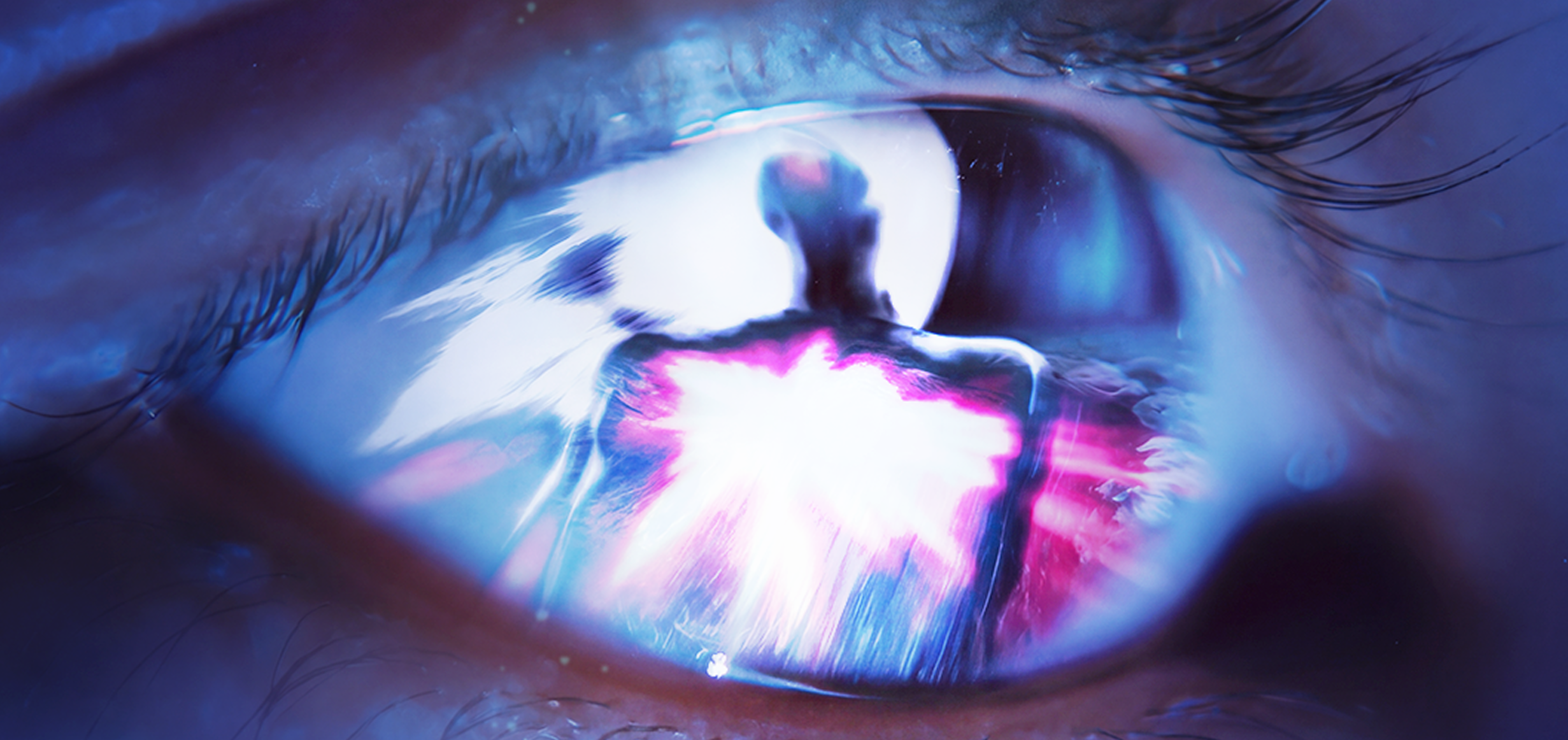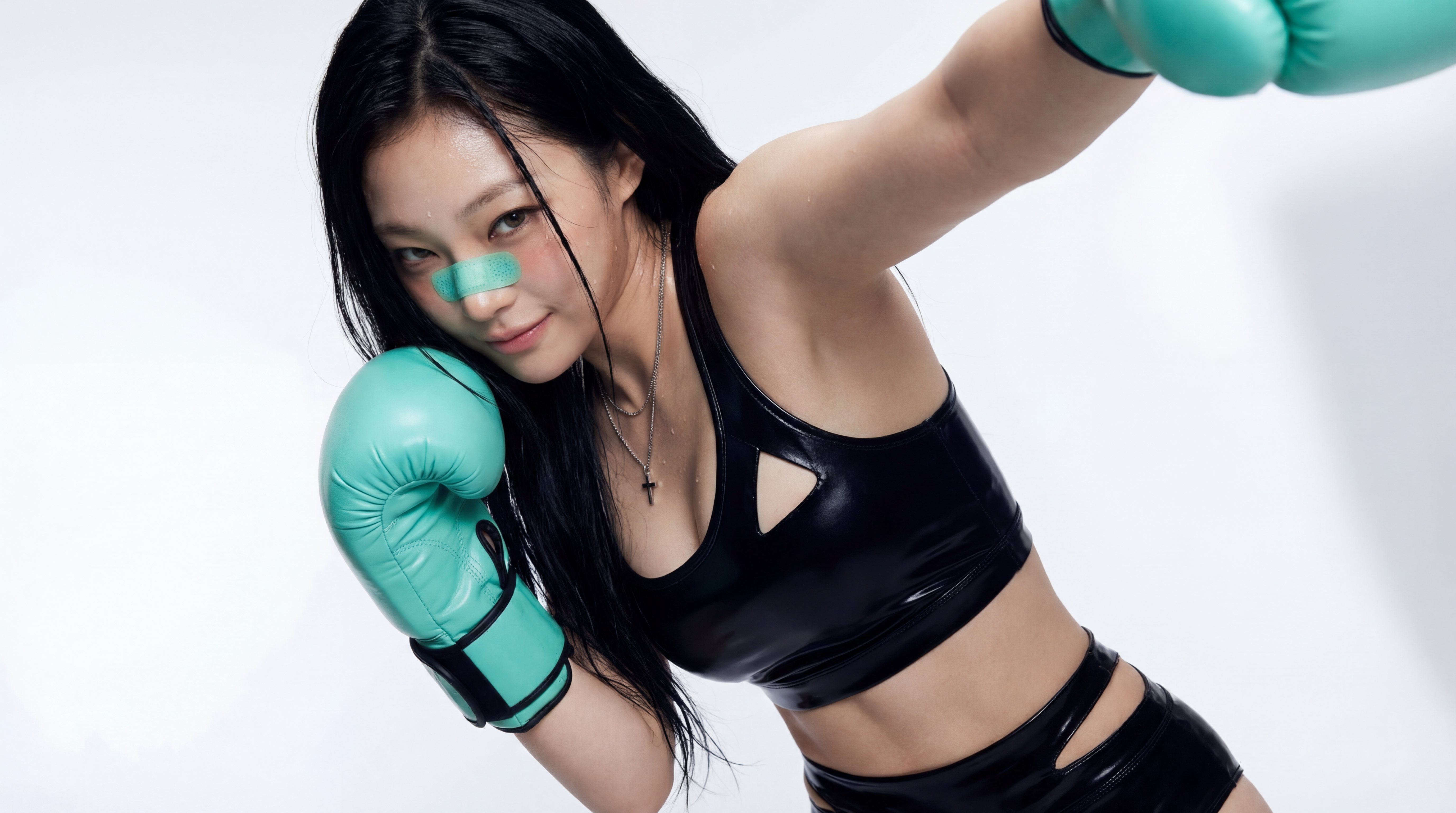

Upscale 2x, 4x, 6x, or 8x
Pick the scale that fits the job. Use 2x for a quick quality boost, 4x for most print and marketing work, and 6x or 8x when you need a very large file.
AI Image Upscaler
Upload a photo, product shot, or AI-generated image and upscale it 2x, 4x, 6x, or 8x in one click. No prompt needed. Get a sharper, higher-resolution version ready for print, online stores, and social posts.
Free to start. No credit card required.
What You Get
Turn small or soft images into sharp, high-resolution files. Dropshot AI rebuilds edges and textures as it enlarges your image, so the result looks clearer instead of stretched.
Pick the scale that fits the job. Use 2x for a quick quality boost, 4x for most print and marketing work, and 6x or 8x when you need a very large file.

Traditional resizing can make enlarged images look blurry or pixelated. AI upscaling enhances edges, textures, and fine details to produce sharper, clearer results at higher resolutions.

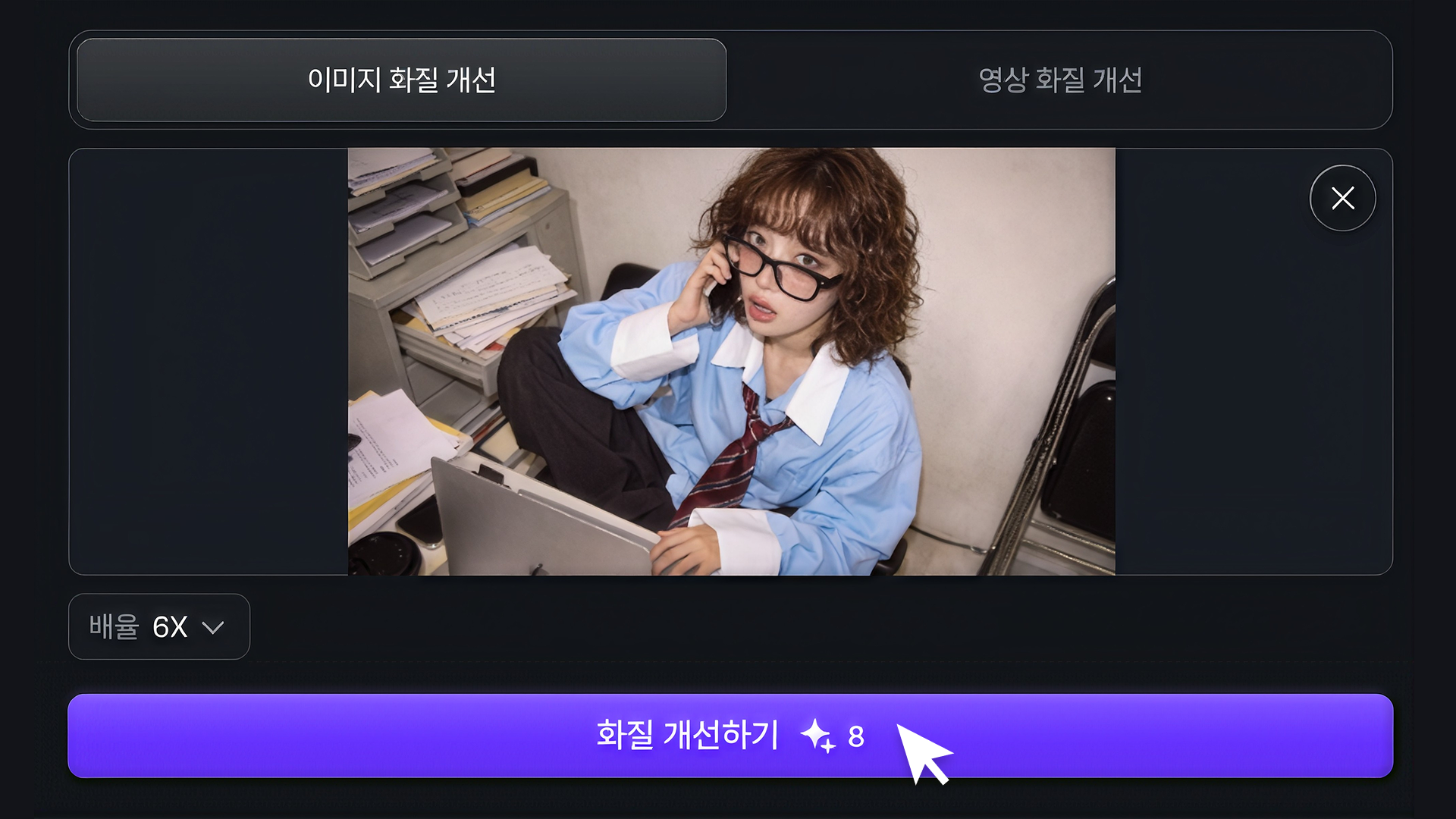
Upload your image, choose the scale, and upscale. There is nothing to describe or adjust, and the result is ready in seconds.

Upscaling keeps your original composition and aspect ratio. Your image stays exactly as framed, just with more pixels and more detail.

Upscale portraits, product photos, digital art, logos, and graphics. The upscaler works on real photos as well as illustrations and AI-generated images.

Create an image with leading AI image models on Dropshot AI, then upscale your favorite result for a poster, a print, or a high-resolution banner, all in one place.
Supported Models
Instead of relying on a single provider, Dropshot brings the leading image models — each with its own strengths — together in one workspace. The right model for the job is always one click away, so you never have to settle for a half-good result.


Seedance 2.5


Seedance 2.0


MiniMax H3


Grok Imagine Video


Kling 4.0


Flux 3


Gemini Omni 1.1 Flash


GPT Image 2.5 Sunburst


GPT Image 2.0


Nano Banana Pro


Seedream 5.0 Pro


Nano Banana 2.1
Specialized Tools
Not every shot needs a prompt written from scratch. Dropshot AI has built-in tools to help make your image and video creation easier and faster.

Sharpen images and videos in one click.

Make clean cutouts with no background.

Turn one photo into a character sheet.

Mirror the motion and facial expression.

AI product shots, no model needed.

Be the star with Seedance 2.0.

See one scene from nine camera angles.

Choose a character and create fun scenes.

Turn photos into motion videos.

Make anyone look younger or older.

Create stunning 360° product rotation videos.

Create product shots from a single shot.

The Process
Go from a small image to a high-resolution file in three steps.
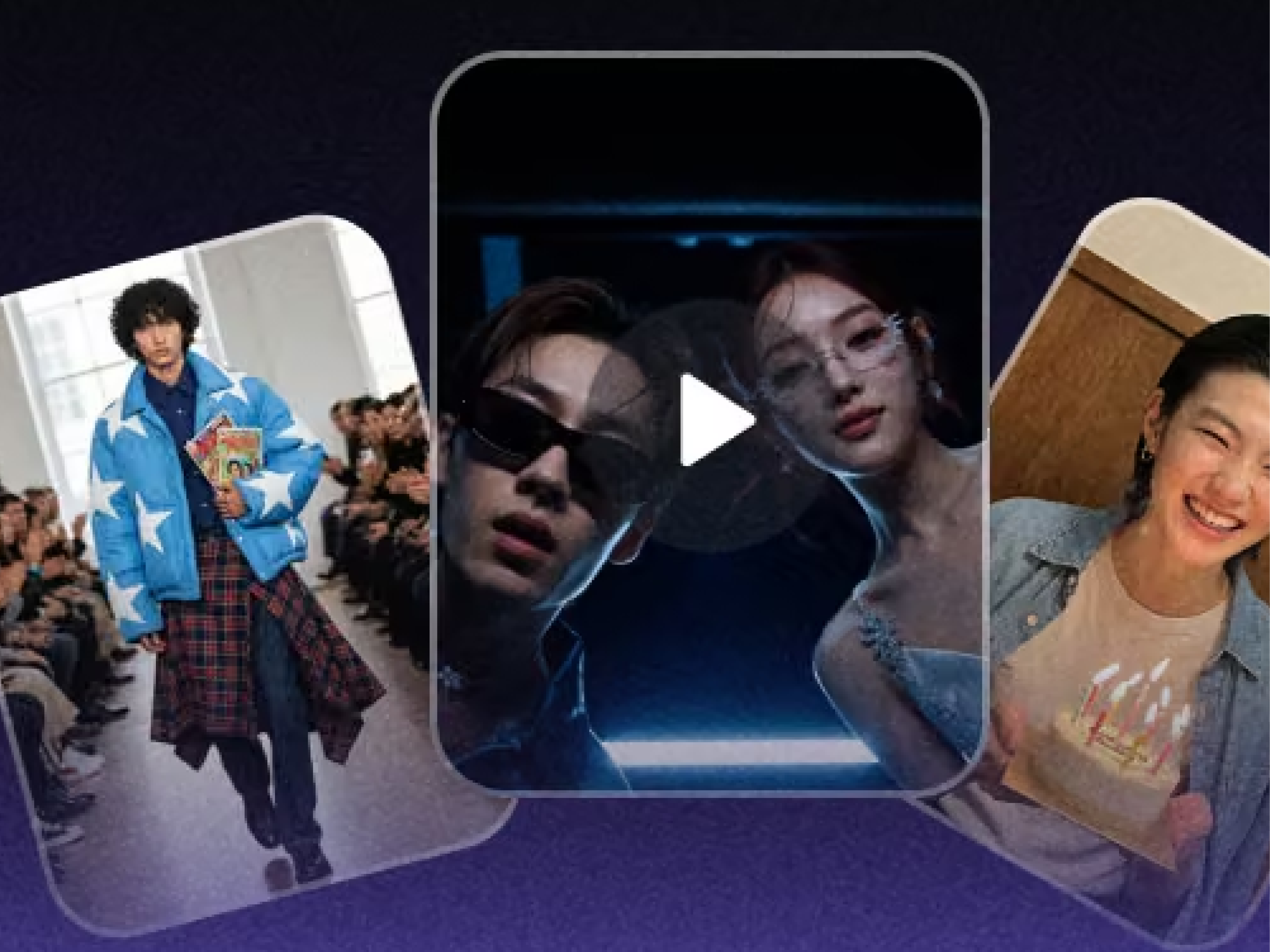
Upload the photo, product shot, or AI-generated image you want to enlarge.
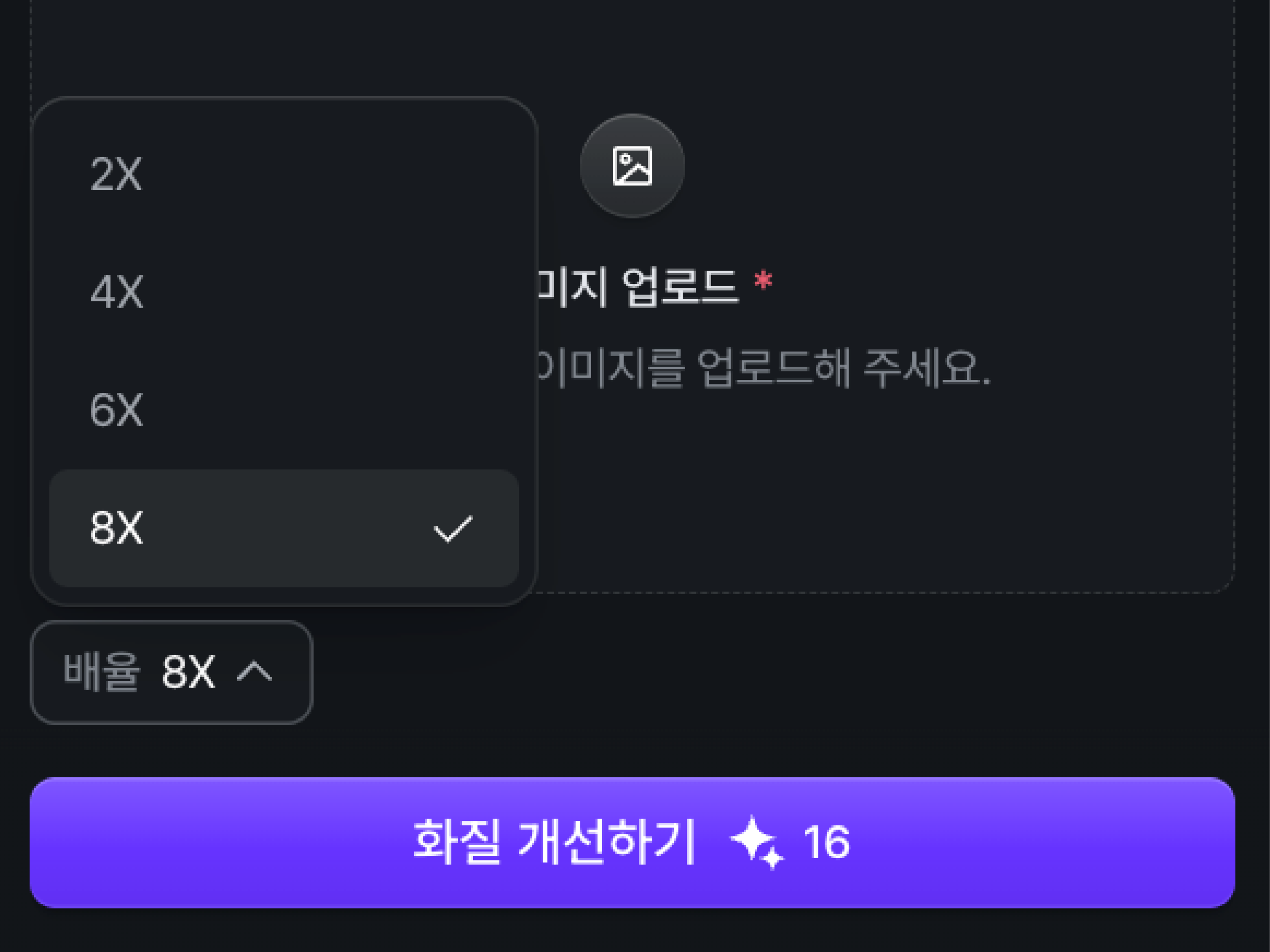
Select 2x, 4x, 6x, or 8x depending on how large the final image needs to be.
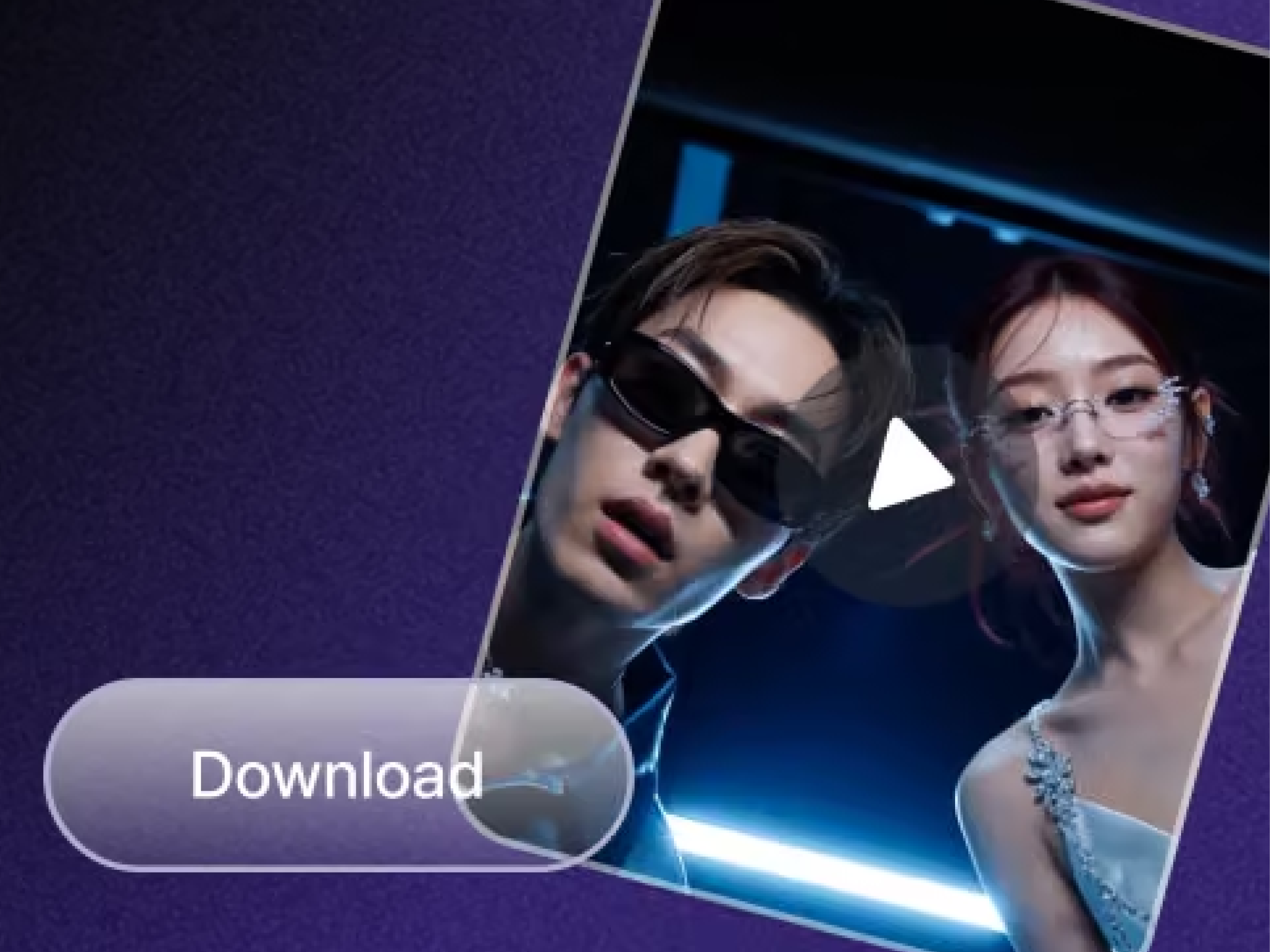
Click Upscale, compare the result with your original, and download the high-resolution image.
See Pricing
Join 200,000+ creators already making with Dropshot AI. Every plan unlocks every leading image and video model, plus all the tools.
A beginner-friendly plan for AI creation
 3,000Credit /month
Monthly max generations
 Nano Banana 2.1176
 Seedance 2.5Draft mode11
 Grok Imagine Video23
 All image, video, and audio modelsSeedance 2.5
 GPT Image 2.0
 Kling 3.0Commercial use allowed
The best value plan for your AI creation
8,000Credit /monthMonthly max generations
2.6x LiteNano Banana 2.1470Seedance 2.5Draft mode31Grok Imagine Video61All image, video, and audio modelsSeedance 2.5GPT Image 2.0Kling 3.0Commercial use allowedSmart plan, stress-free creation
24,000Credit /monthMonthly max generations
3x PlusNano Banana 2.11,411Seedance 2.5Draft mode93Grok Imagine Video184All image, video, and audio modelsSeedance 2.5GPT Image 2.0Kling 3.0Commercial use allowedOur top plan, with everything included
55,000Credit /month Unlimited Benefits
Monthly max generations
2.2x ProNano Banana 2.13,235Seedance 2.5Draft mode213Grok Imagine Video423All image, video, and audio modelsSeedance 2.5GPT Image 2.0Kling 3.0Commercial use allowed


From The Blog
Explore practical guides to prompting, character consistency, and getting better results across image and video models on Dropshot AI.


You get 16 image models in one workspace, including Nano Banana Pro, GPT Image 2.0, Seedream, and Flux 2 Pro. Switch between them instantly and compare the results.
Yes. Create a reference image once, and you can reuse it as is in every scene that follows to keep the face, hairstyle, and body proportions consistent. There's no need to describe the character from scratch every time.
Text-to-image starts from a written description alone. Image-to-image starts from a photo you upload, where you describe what to change and leave the rest as is. It's useful for restyling a scene or moving the same subject into a new one.
You can generate up to 4096×4096 (4K) native resolution straight from your prompt. No separate upscaling step required.
Yes, on every plan, including the free trial. Everything you generate is cleared for commercial use, with no extra licensing and no watermarks.
Yes. New sign-ups get free credits to generate images and try out the workspace, and no credit card is required. Paid plans offer more credits and higher usage limits as you need them.
No. Everything happens through plain text prompts. What matters most isn't experience with software, but describing exactly what you want.
Need Help?
Free to start. No credit card required.