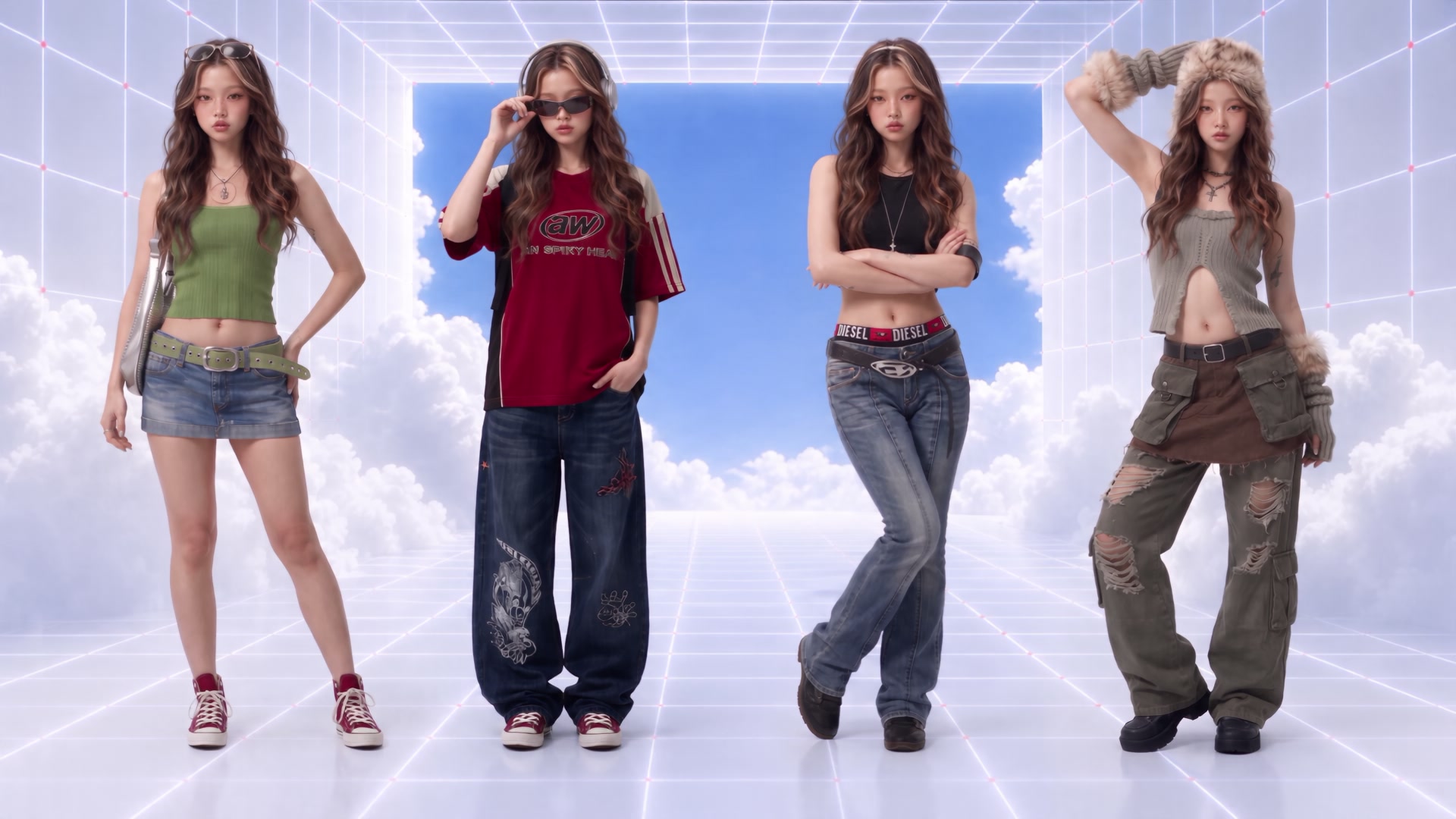

Works From a Single Photo
Upload one photo and get a rotating video back. No multiple angle shots, no physical turntable, and no camera rig required.
Dropshot AI Templates
Upload a single photo of a product or person and generate a smooth 360° rotation video in under a minute. No 3D software, modeling skills, or prompt needed.
Start for free. No credit card required.
Features
360 Spin turns a single photo of a product or person into a rotating video. No turntable, camera rig, 3D modeling software, or prompt needed.
Upload one photo and get a rotating video back. No multiple angle shots, no physical turntable, and no camera rig required.

The same template works on product photos, portraits, character references, and artwork, not just products.

Pick a clip length from 2 to 12 seconds and a resolution of 480p, 720p, or 1080p, depending on where the video will be used.

There's nothing to write and nothing to model. Upload a photo, set your duration and resolution, and generate.

The rotation video is usually ready to preview and download in under a minute.

New accounts get free credits to try 360 Spin, and every download is cleared for commercial use with no watermark.
Pro Tools
You don't have to prompt every shot from scratch. Dropshot AI comes with dedicated tools that make video production faster and easier.

Sharpen images and videos in one click.

Make clean cutouts with no background.

Turn one photo into a character sheet.

Mirror the motion and facial expression.

AI product shots, no model needed.

Be the star with Seedance 2.0.

See one scene from nine camera angles.

Choose a character and create fun scenes.

Turn photos into motion videos.

Make anyone look younger or older.

Create stunning 360° product rotation videos.

Create product shots from a single shot.

Professional food visuals from menu text.

Create a hand shot with no hand models.

Generate hyper-detailed close-up images.

Two Ways to Use It
Use the same 360 Spin template for product listings and ads, or for profile content and character showcases.
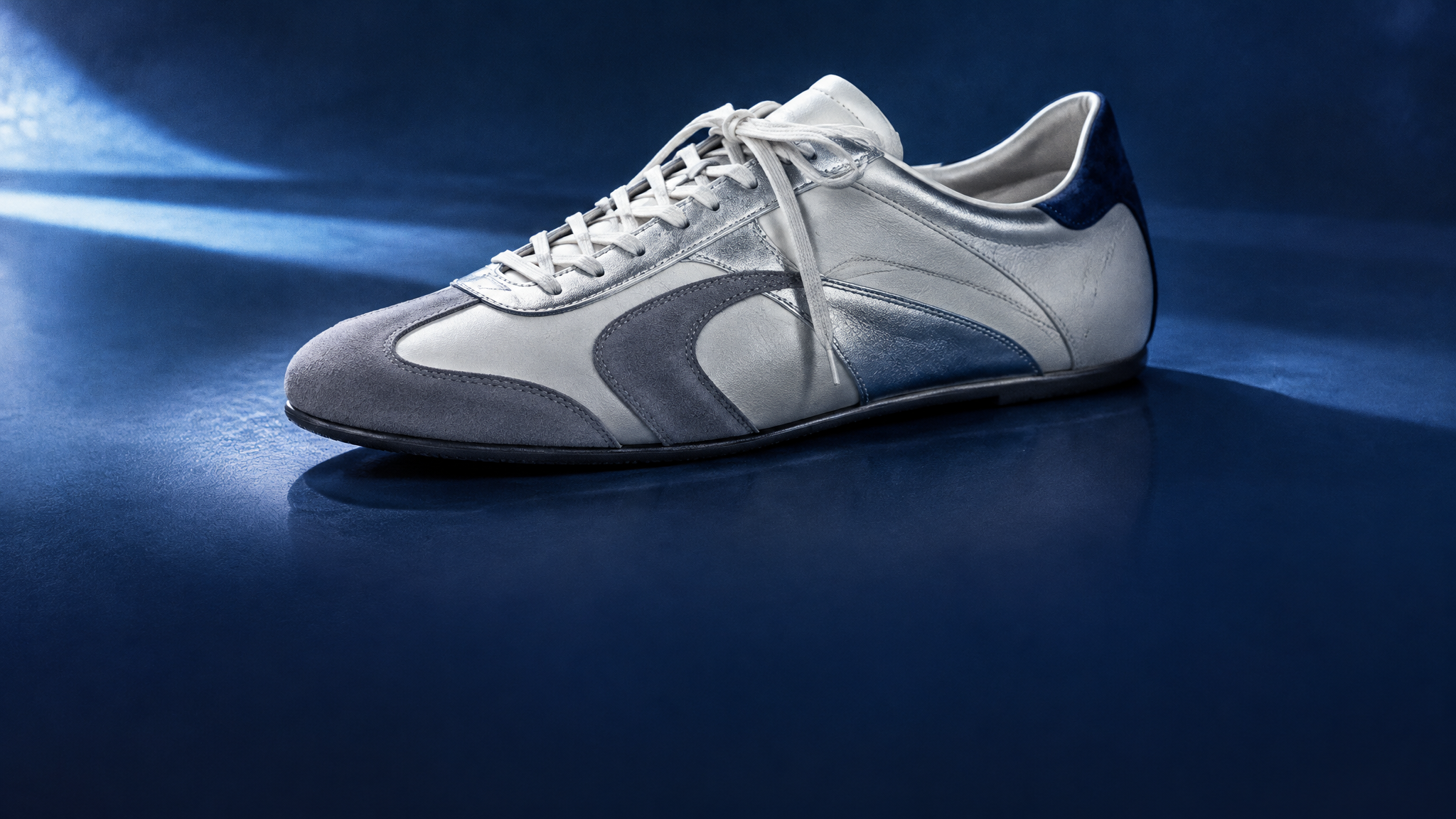
Turn a single product photo, such as a bottle, sneaker, or package, into a rotating showcase video for listings, ads, or social content without shooting on a physical turntable.
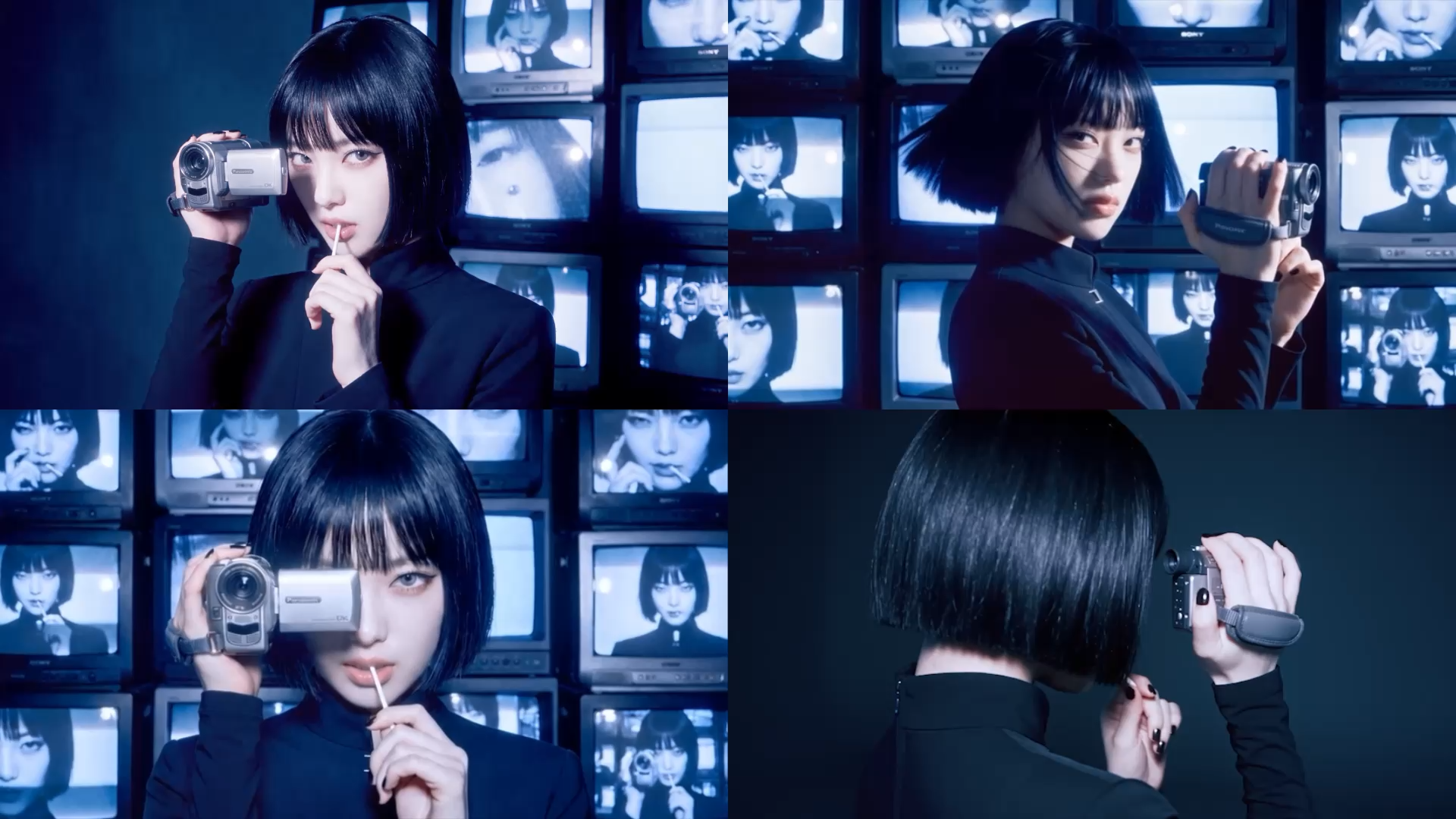
Turn a portrait, fashion shot, or character reference into a spinning video for profile content, lookbooks, or character showcases, without a second photo shoot.
The Process
You can make a video in three steps. No editing experience needed.
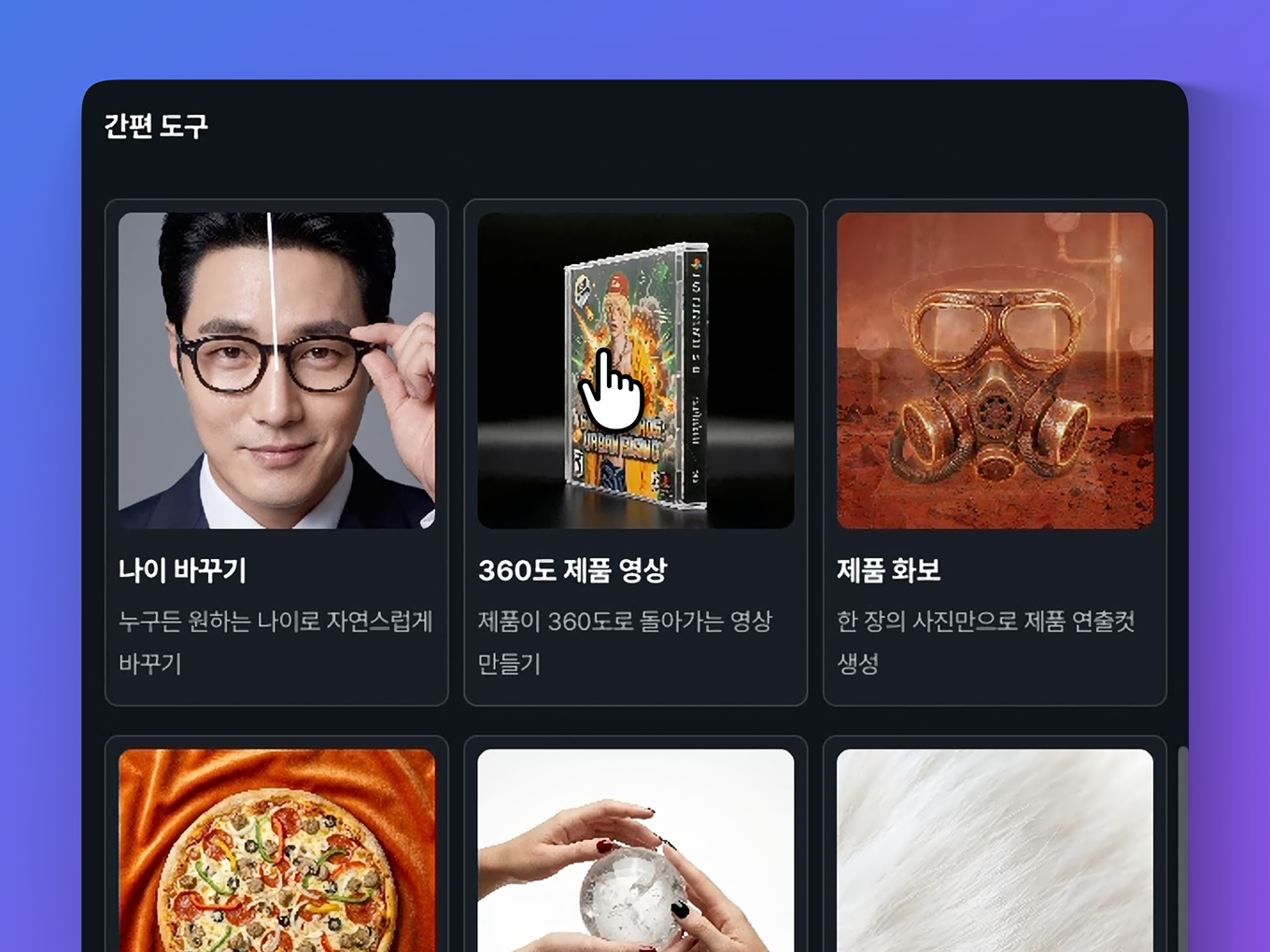
Go to Templates and select 360 Spin.
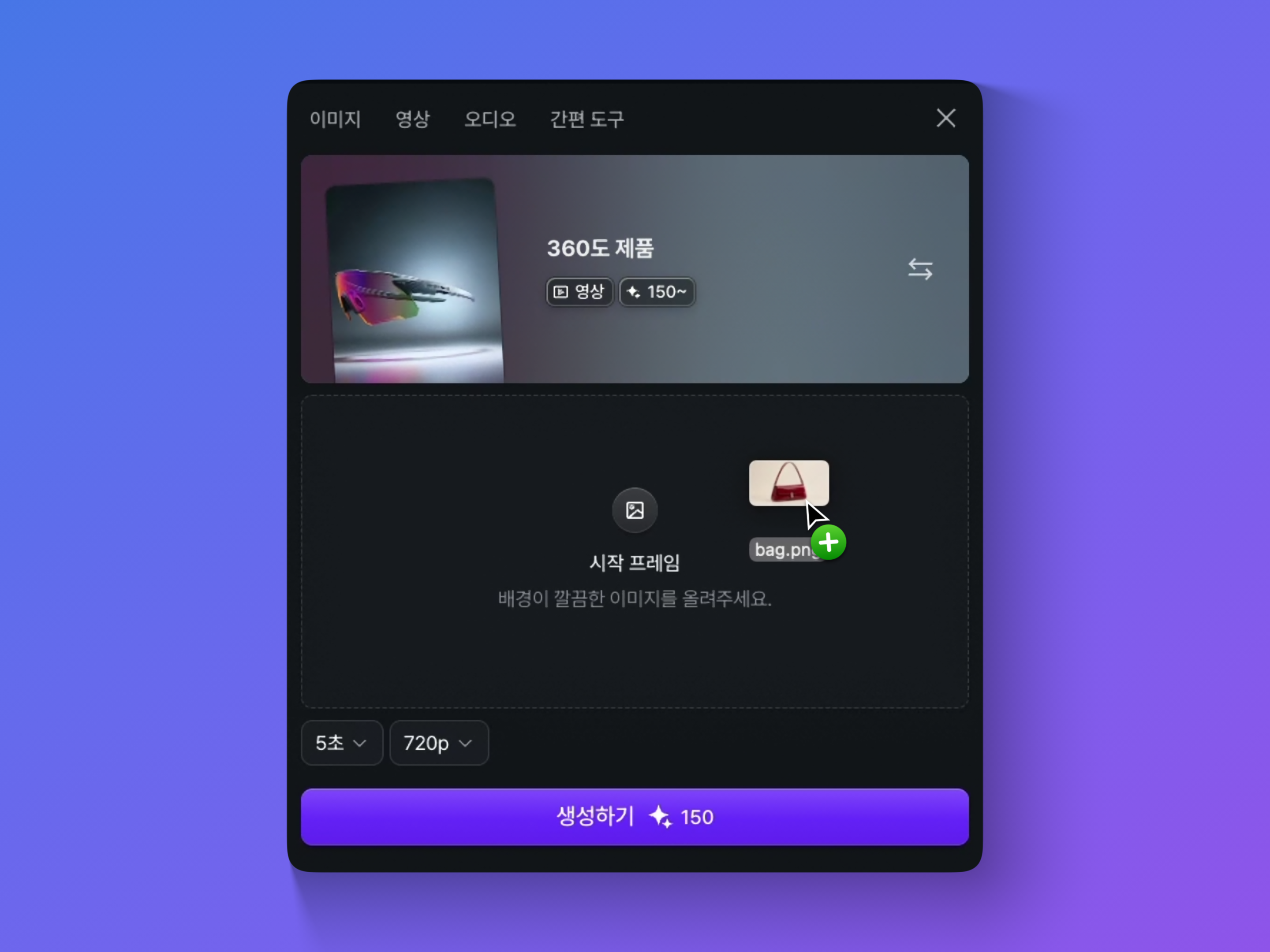
Upload a product shot, portrait, or any single-subject image. For the cleanest result, use a photo with the subject clearly separated from the background.
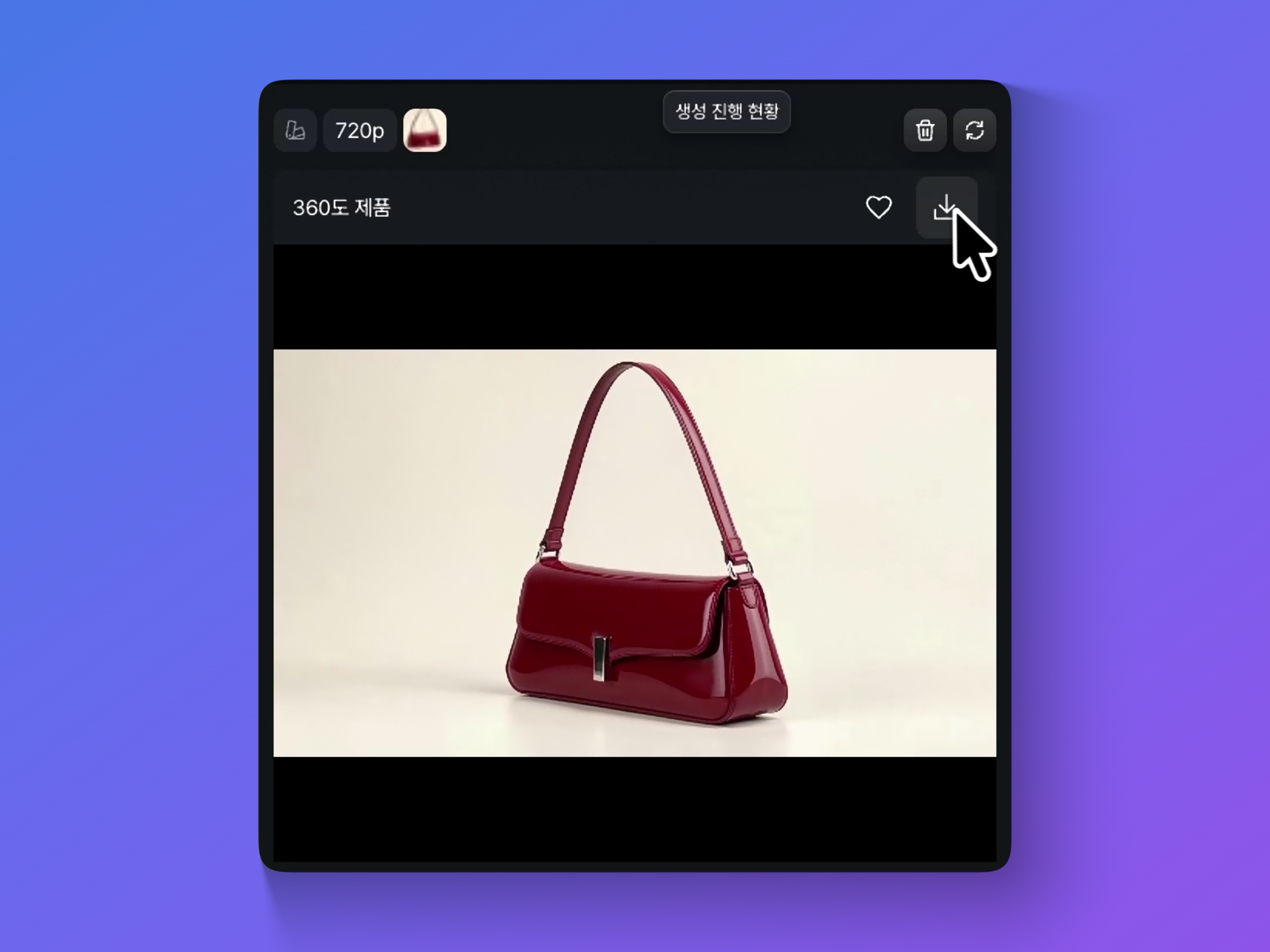
Choose your clip length (2 to 12 seconds) and resolution (480p, 720p, or 1080p), then generate and download as an MP4 with no watermark.
See Pricing
Join 480,000+ creators are already creating with Dropshot AI. Every plan gives you access to every video model and every tool.
A beginner-friendly plan for AI creation
 3,000Credit /month
Monthly max generations
 Nano Banana 2.1176
 Seedance 2.5Draft mode11
 Grok Imagine Video23
 All image, video, and audio modelsSeedance 2.5
 GPT Image 2.0
 Kling 3.0Commercial use allowed
The best value plan for your AI creation
8,000Credit /monthMonthly max generations
2.6x LiteNano Banana 2.1470Seedance 2.5Draft mode31Grok Imagine Video61All image, video, and audio modelsSeedance 2.5GPT Image 2.0Kling 3.0Commercial use allowedSmart plan, stress-free creation
24,000Credit /monthMonthly max generations
3x PlusNano Banana 2.11,411Seedance 2.5Draft mode93Grok Imagine Video184All image, video, and audio modelsSeedance 2.5GPT Image 2.0Kling 3.0Commercial use allowedOur top plan, with everything included
55,000Credit /month Unlimited Benefits
Monthly max generations
2.2x ProNano Banana 2.13,235Seedance 2.5Draft mode213Grok Imagine Video423All image, video, and audio modelsSeedance 2.5GPT Image 2.0Kling 3.0Commercial use allowed


Blog
Get practical tips on writing prompts, keeping characters consistent, and getting realistic results across every video model in Dropshot AI.


A 3D rotation video, also called a 360 spin or spinning 3D video, makes a static photo look like it's rotating in three-dimensional space. Dropshot AI's 360 Spin template creates one from a single photo, with no hardware or 3D modeling required.
Yes. New accounts include free credits, so you can try 360 Spin before upgrading to a paid plan. No credit card is required to start.
Yes. The same 360 Spin template works on portraits and character photos, not just product shots.
No. Upload a single photo and the AI generates the rotation video for you. No modeling, rigging, or editing skills required.
Anywhere from 2 to 12 seconds, in 480p, 720p, or 1080p, depending on where you're using it.
Yes. Every 360 Spin video is cleared for commercial use, with no watermark on the download.
Clean, evenly lit photos with the subject clearly separated from the background produce the smoothest rotation. Avoid heavy shadows, reflections, and busy backgrounds.
Need Help?