
Precise Edge Detection
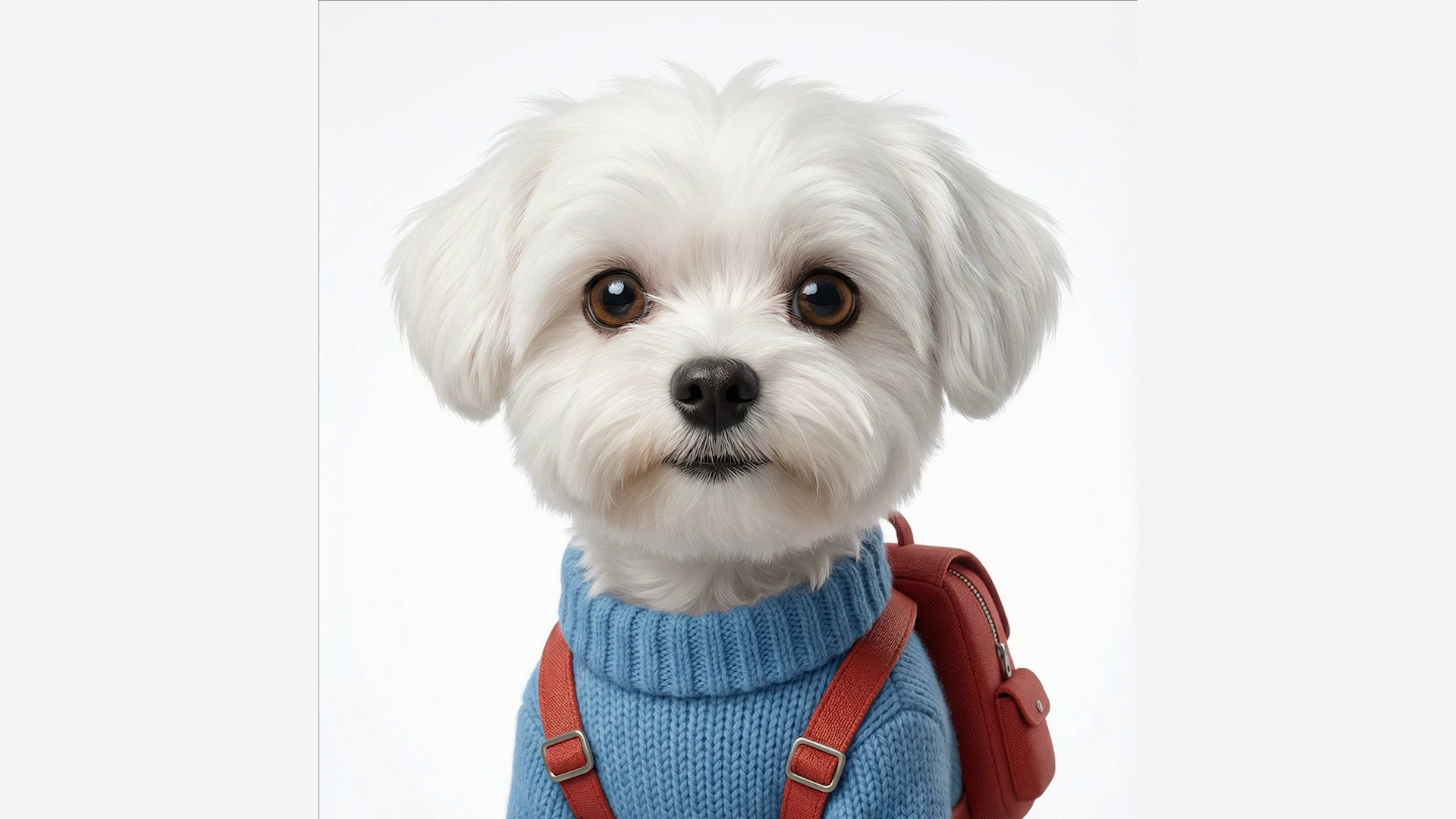
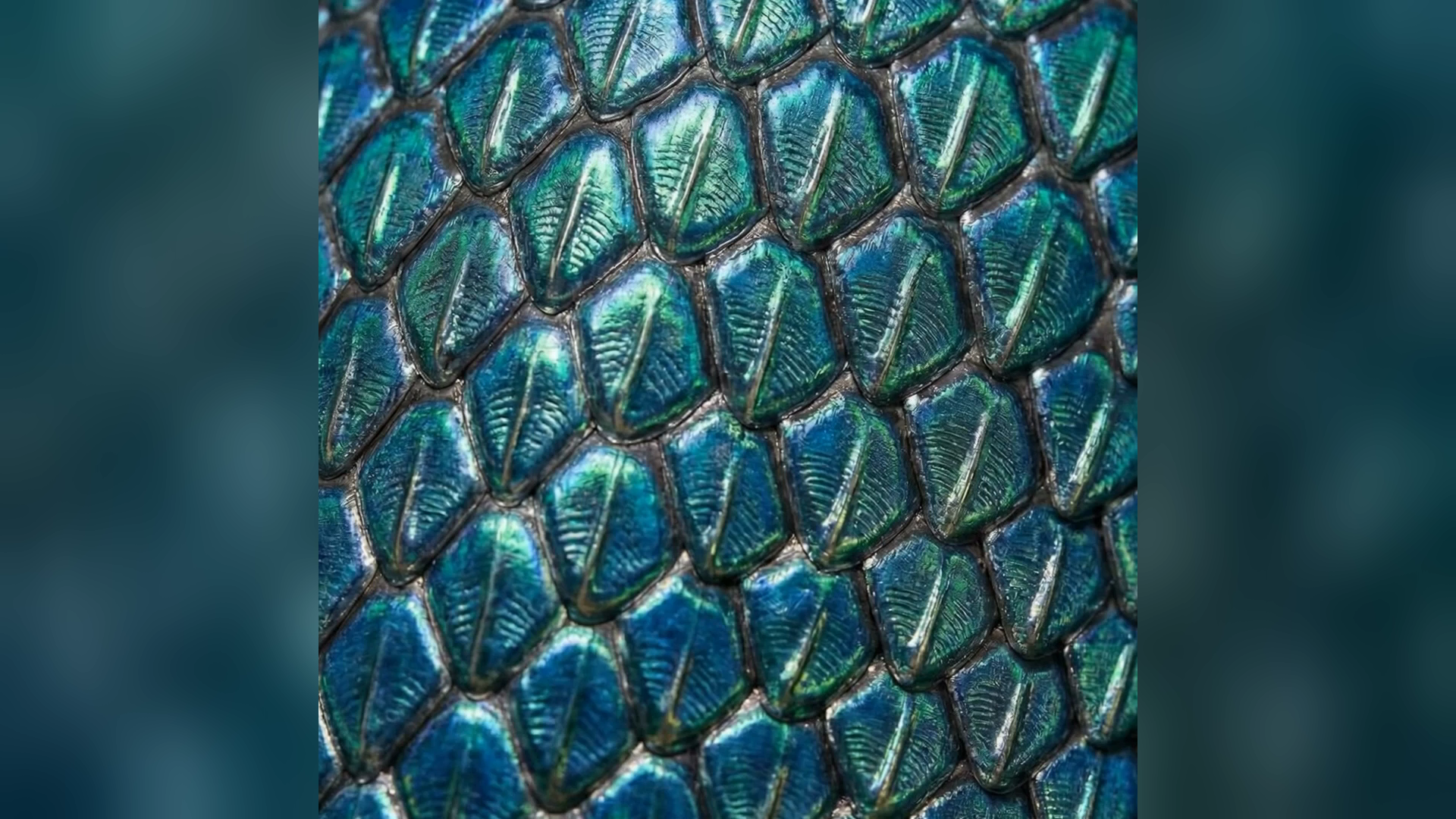
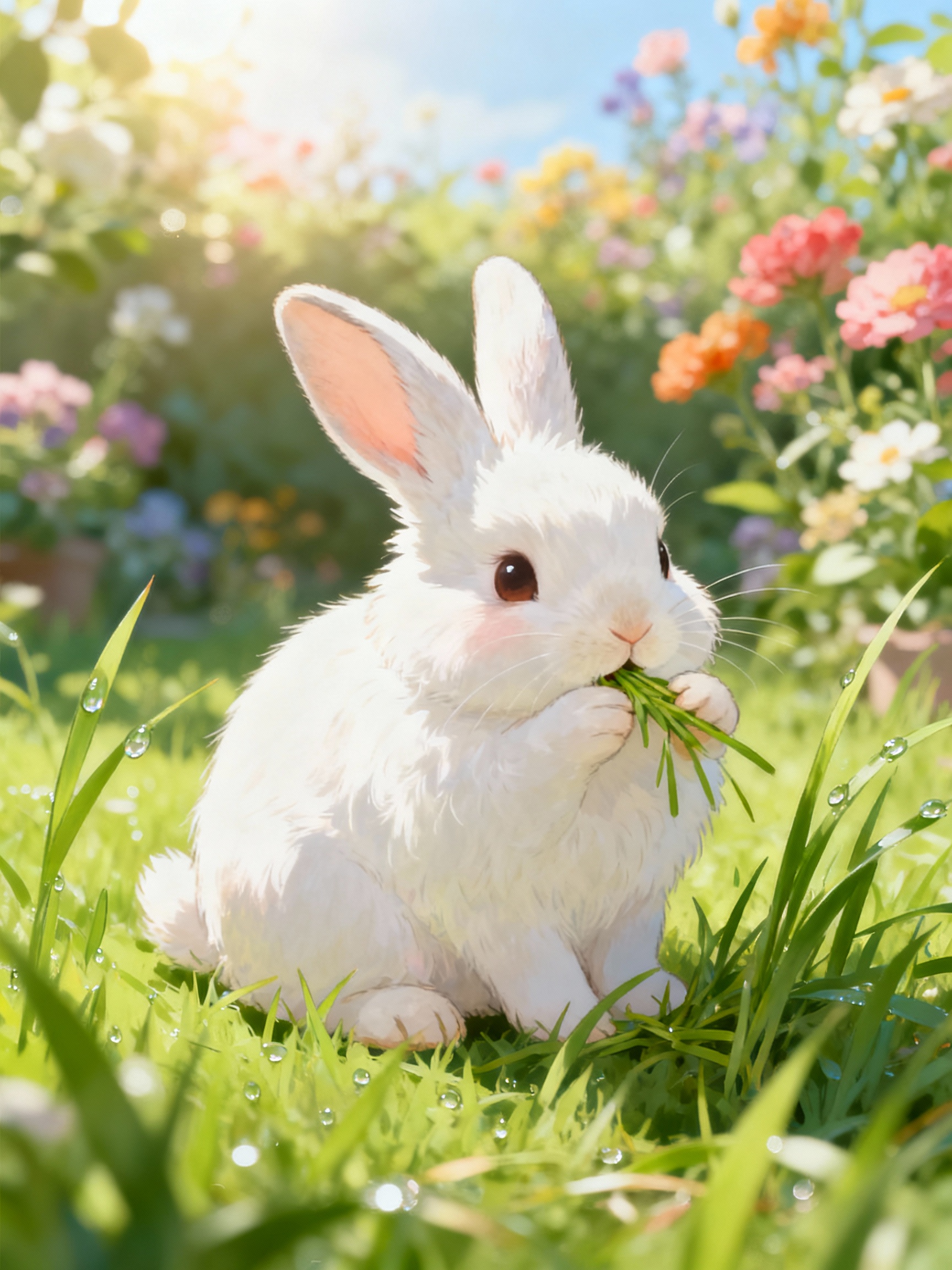
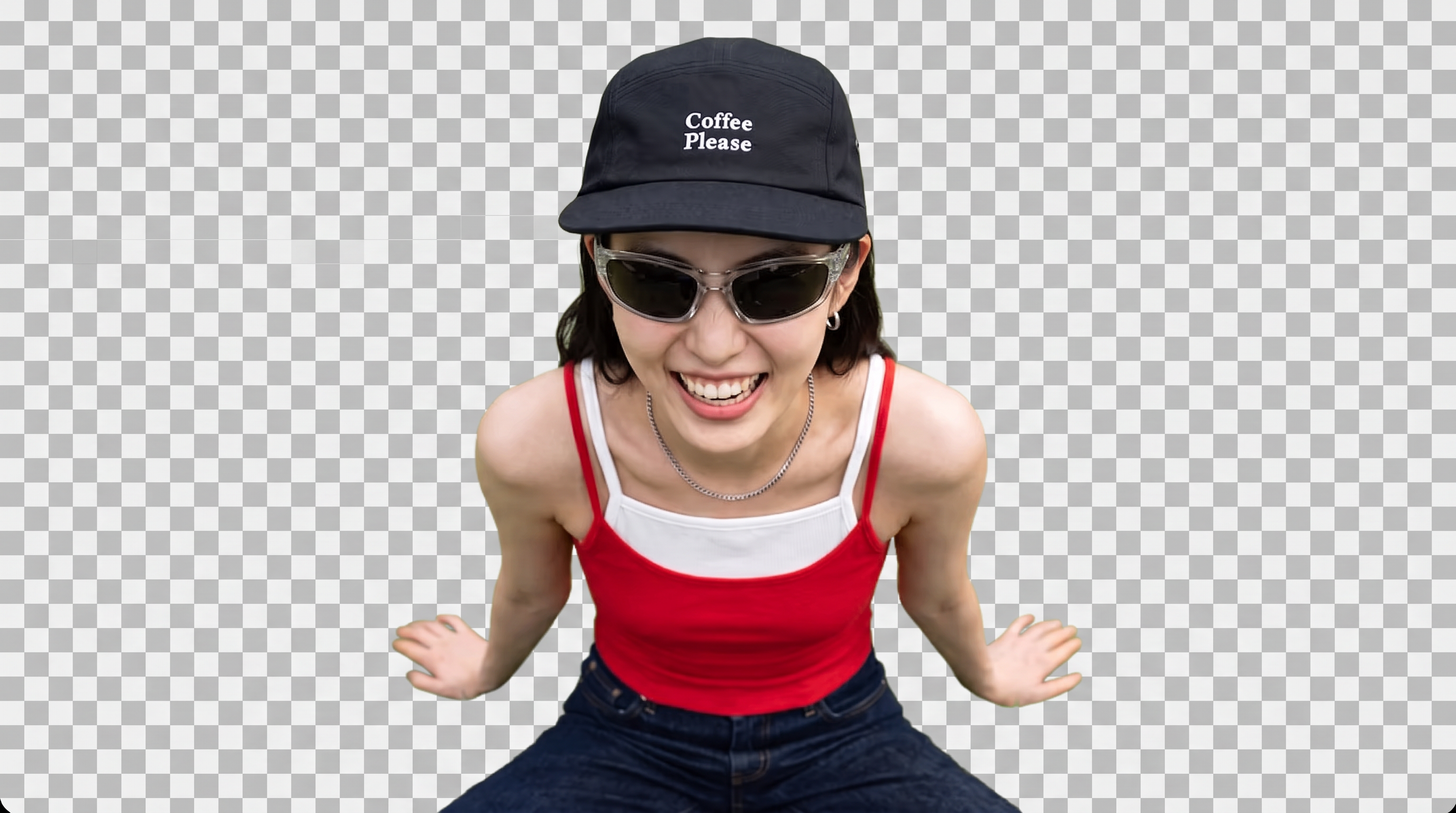
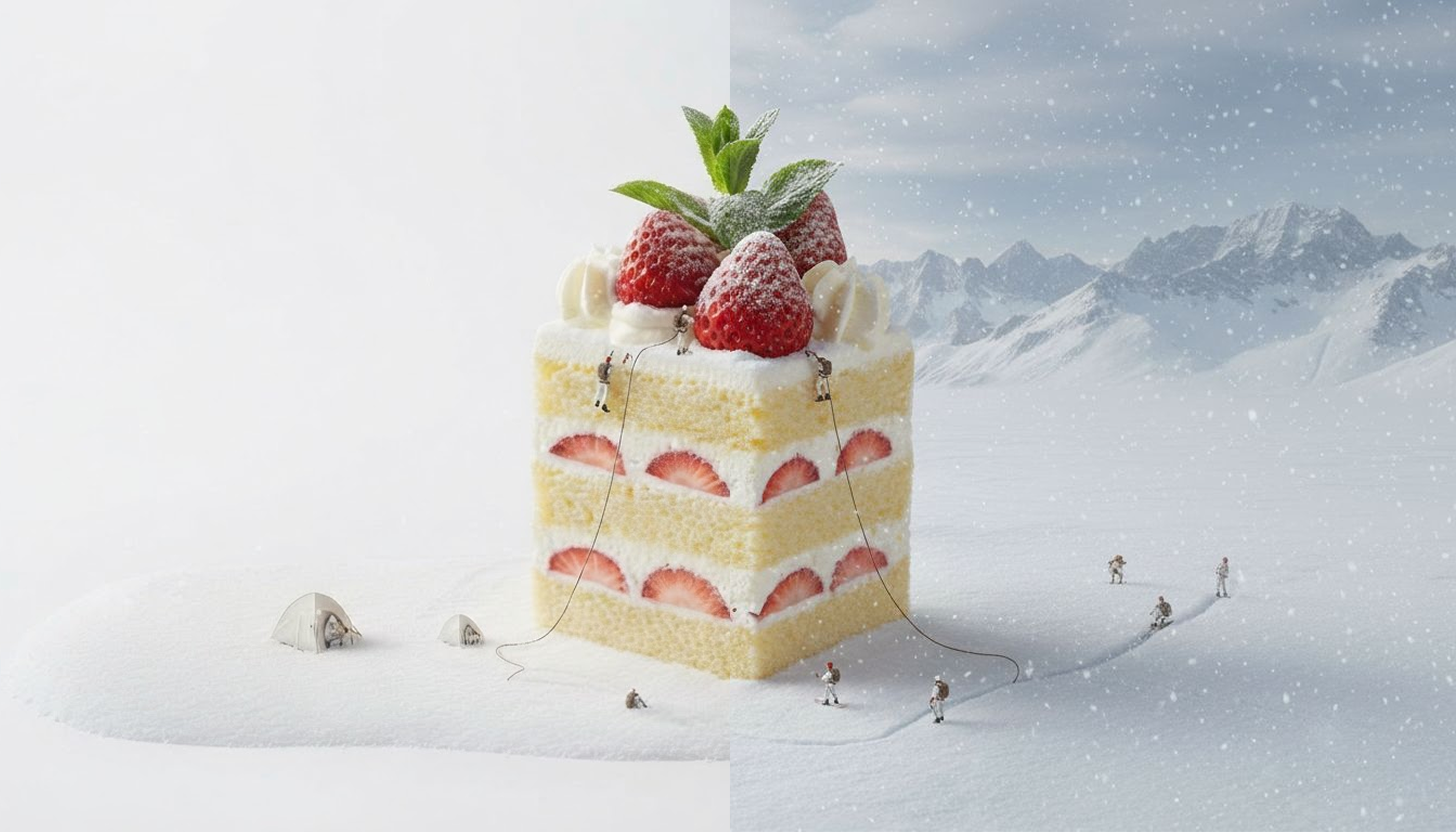
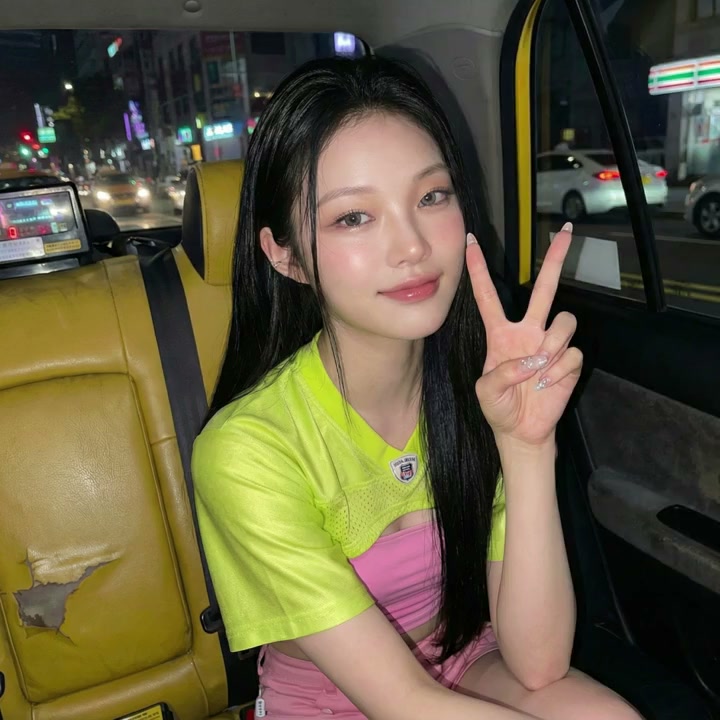
Keep fine details like hair, fur, and product edges intact, even around complex outlines that are easy to blur or clip. Get cleaner cutouts around difficult edges without manually tracing or refining the subject.
AI Tool
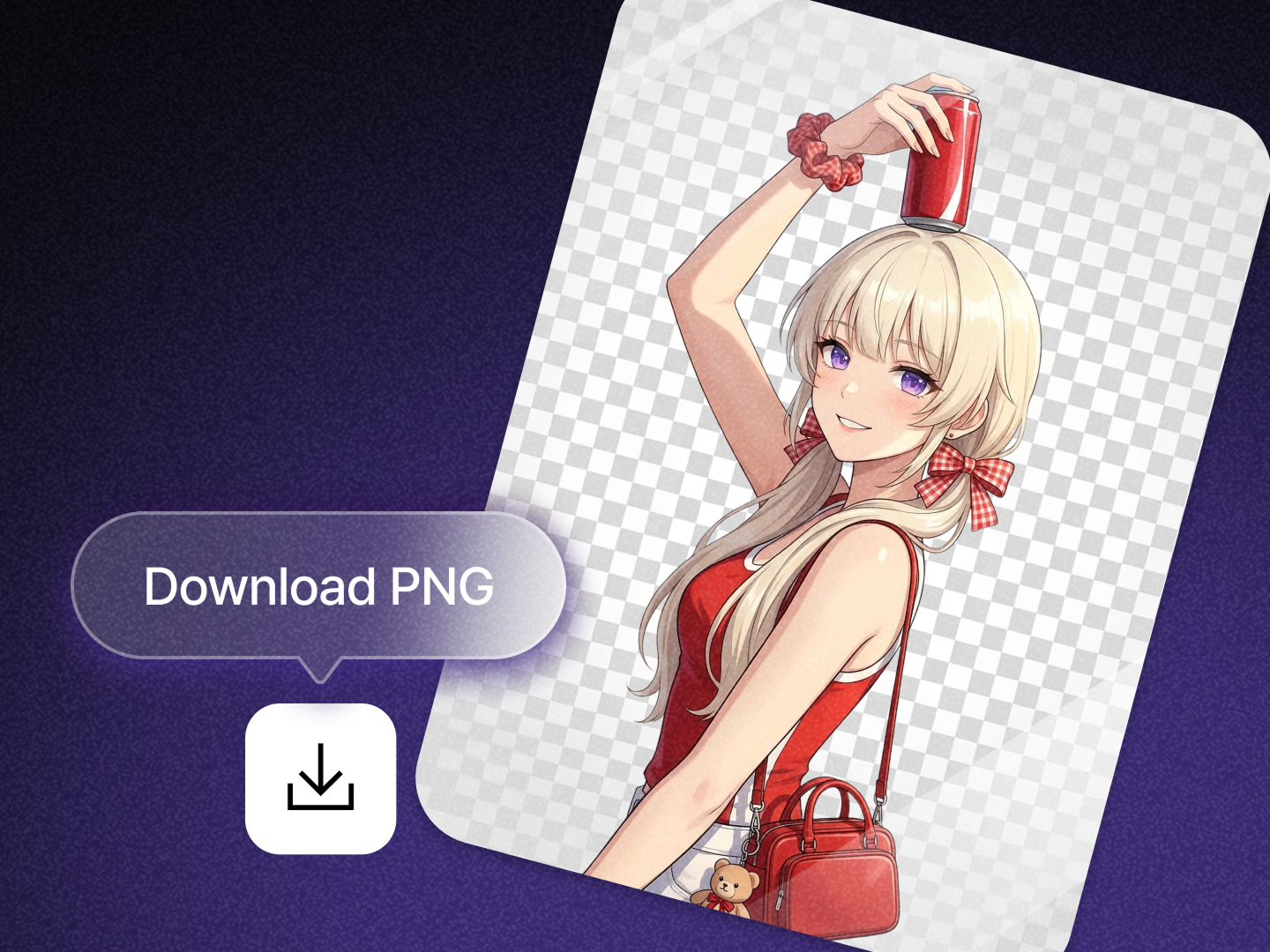
Upload any photo and remove the background with AI on Dropshot AI. No prompt needed, just a clean transparent PNG ready for products, people, characters, and more.

What You Get
Dropshot AI's background remover isolates your subject and removes the background in seconds, alongside every other tool and model on Dropshot AI.
Keep fine details like hair, fur, and product edges intact, even around complex outlines that are easy to blur or clip. Get cleaner cutouts around difficult edges without manually tracing or refining the subject.

Download a transparent PNG cutout ready to drop into any design, storefront listing, or presentation. Place your subject on a new background or reuse it across different designs without removing the background again.

Keep your image's original resolution and sharpness, so the cutout stays crisp even at full size. Use the finished image for product listings, marketing assets, or other high-resolution content without sacrificing the quality of your original.

Remove backgrounds from product photos, portraits, characters, and objects, all in the same tool. Whether you're preparing a product listing, profile image, or creative asset, the same workflow works across different types of photos.

Upload your photo and Dropshot AI automatically detects the subject and removes everything around it. No prompt writing, manual masking, or selection tools needed.

Get your cutout in about 2 seconds and move straight to your next image. Quickly clean up multiple product photos, portraits, or creative assets without spending time on manual background removal.
Specialized Tools
Not every shot needs a prompt written from scratch. Dropshot AI has built-in tools to help make your image and video creation easier and faster.

Sharpen images and videos in one click.

Make clean cutouts with no background.

Turn one photo into a character sheet.

Mirror the motion and facial expression.

AI product shots, no model needed.

Be the star with Seedance 2.0.

See one scene from nine camera angles.

Choose a character and create fun scenes.

Turn photos into motion videos.

Make anyone look younger or older.

Create stunning 360° product rotation videos.

Create product shots from a single shot.
Who It's For
Remove the background once and use your subject wherever you need it. Create clean product listings, social content, design assets, and client-ready images from the same transparent cutout.
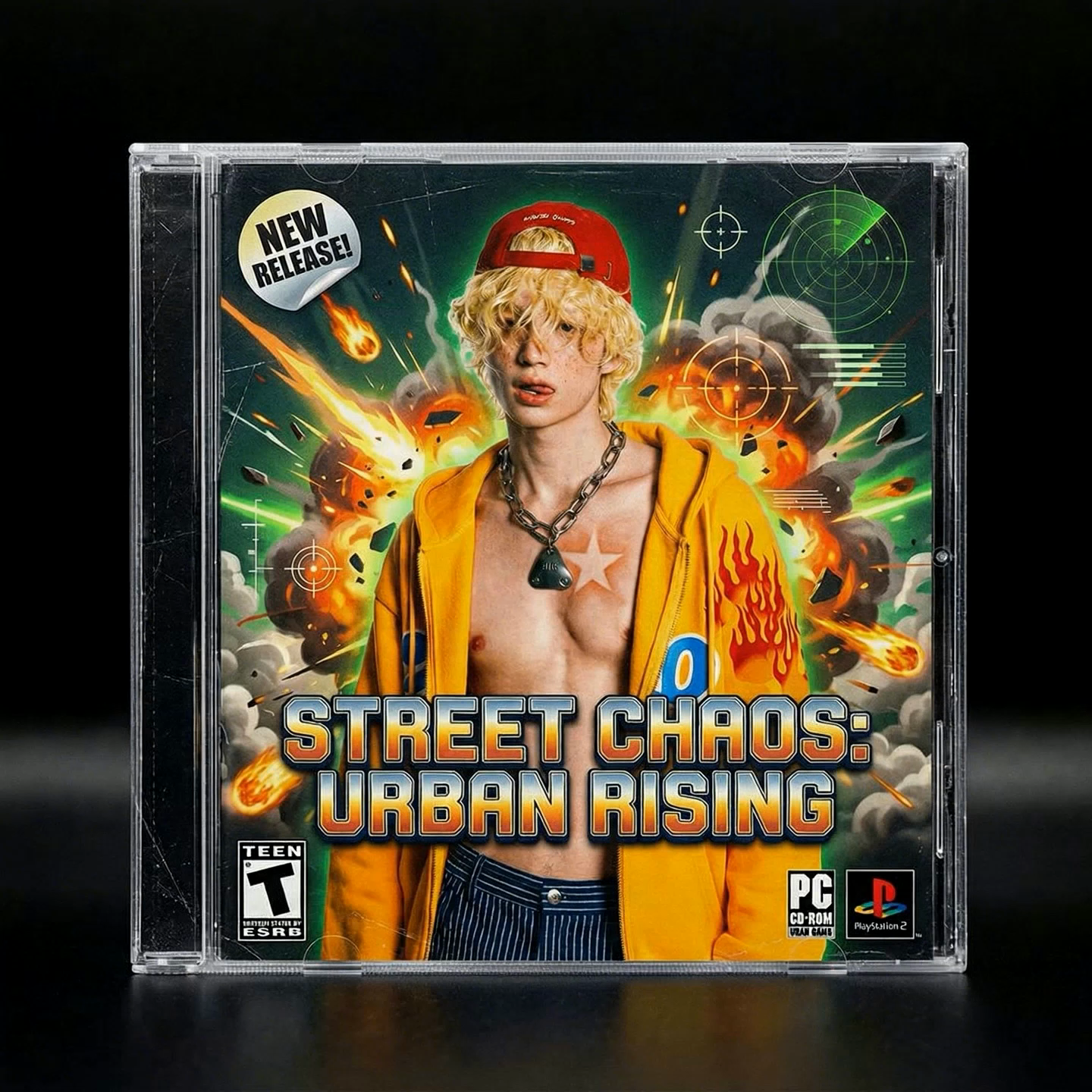
Remove distracting backgrounds from product photos and turn them into clean, consistent images for storefronts, marketplaces, and catalogs. Reuse the same cutout across different layouts and backgrounds without photographing the product again.
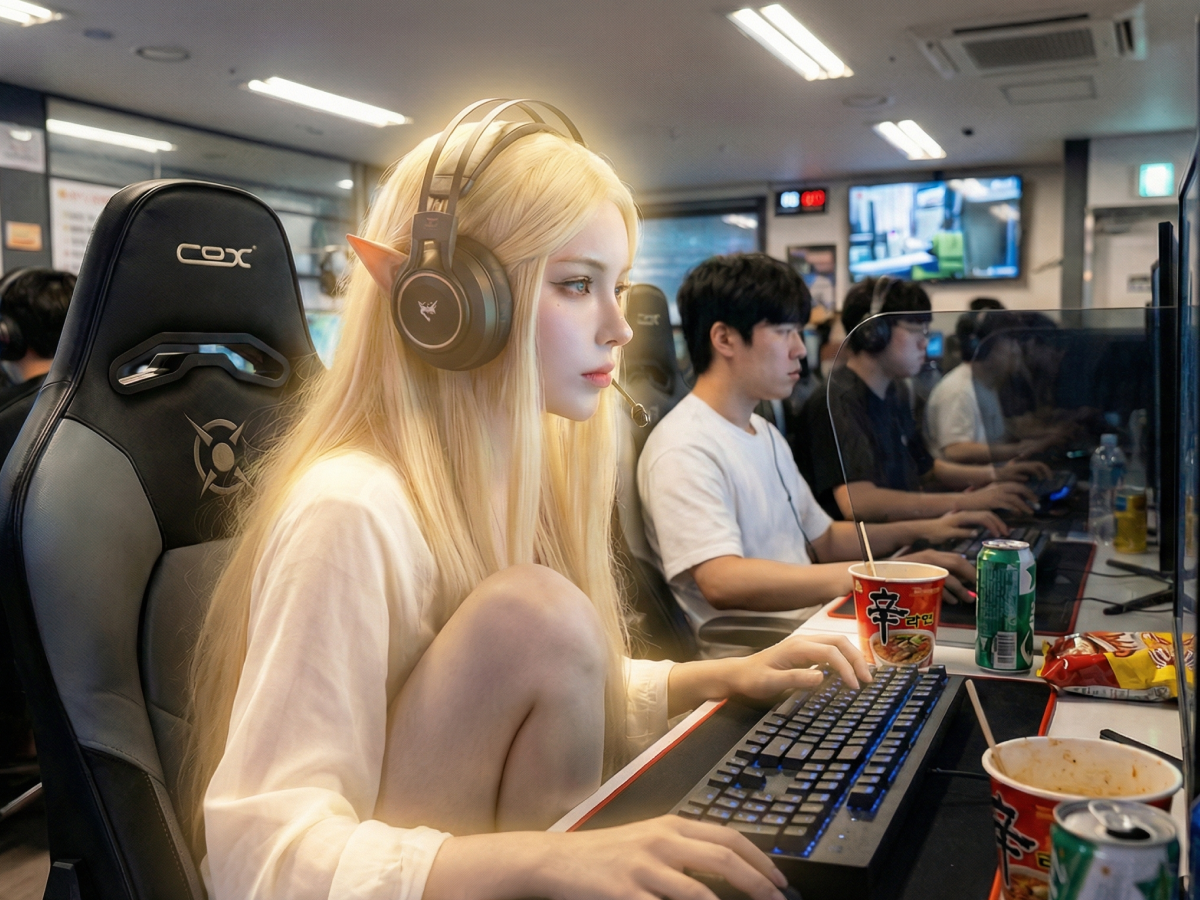
Turn people, characters, or objects into transparent cutouts for thumbnails, posts, profile images, and other social content. Drop the same subject into different designs without manually cutting it out each time.
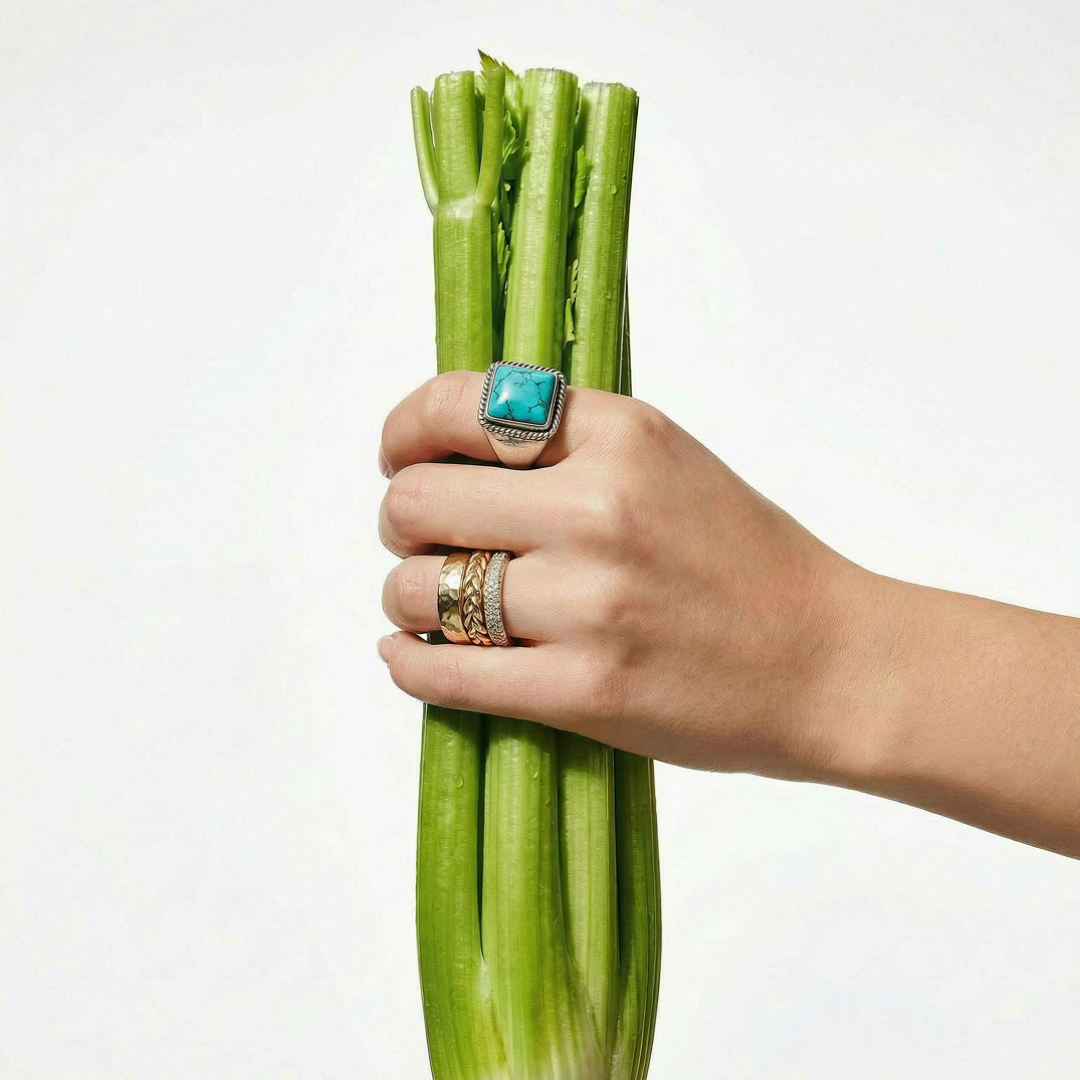
Create transparent PNGs that are ready to place into presentations, ads, graphics, and other layouts. Skip manual masking and move straight from the original image into your design workflow.
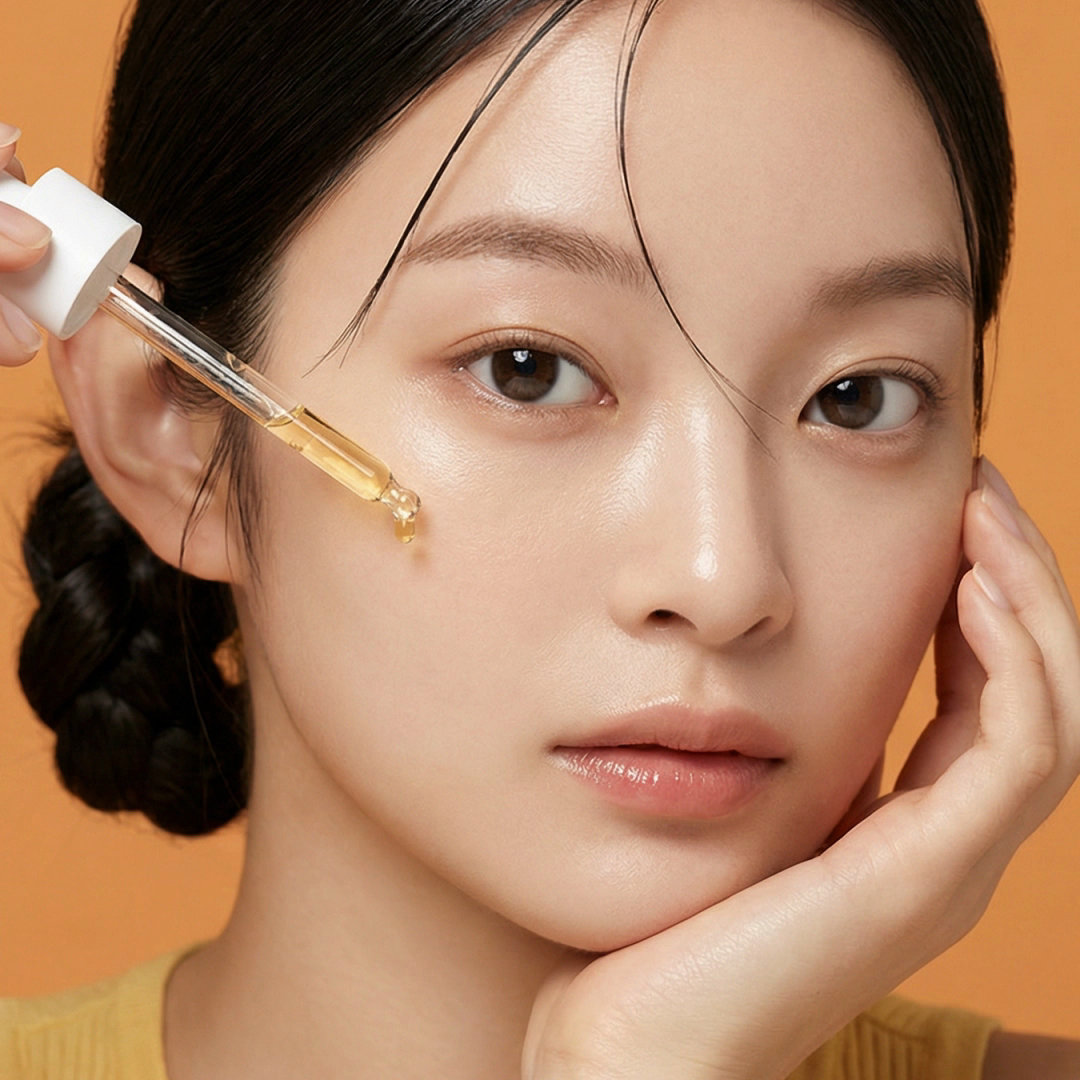
Remove backgrounds from portraits and other client photos without manually masking every subject in a separate editor. Download a clean transparent PNG that's ready for further editing, design work, or delivery.
The Process
Get a clean cutout in three steps. No editing experience needed.
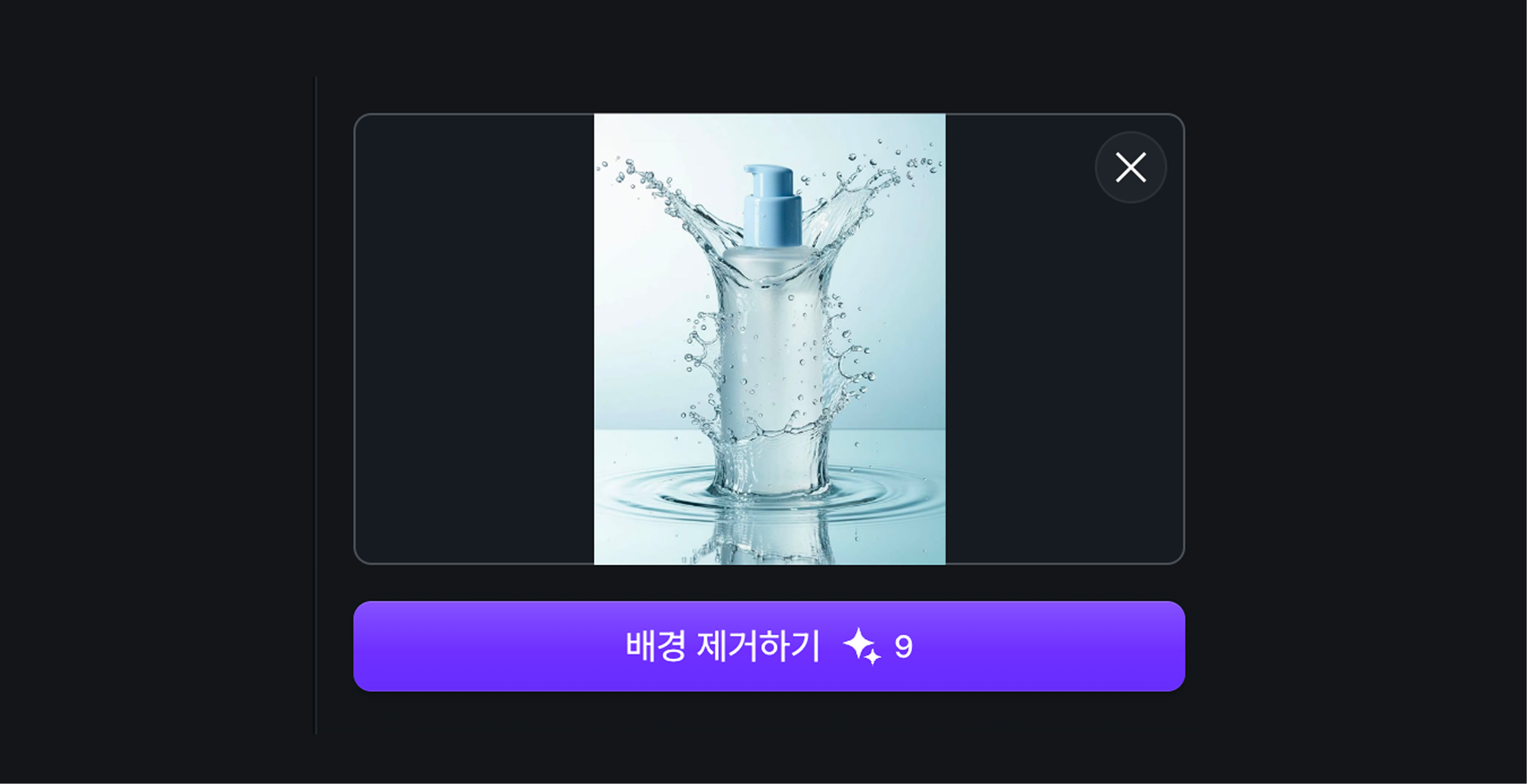
Go to Tools and choose Image BG Remover, then upload a photo of a product, person, or object.
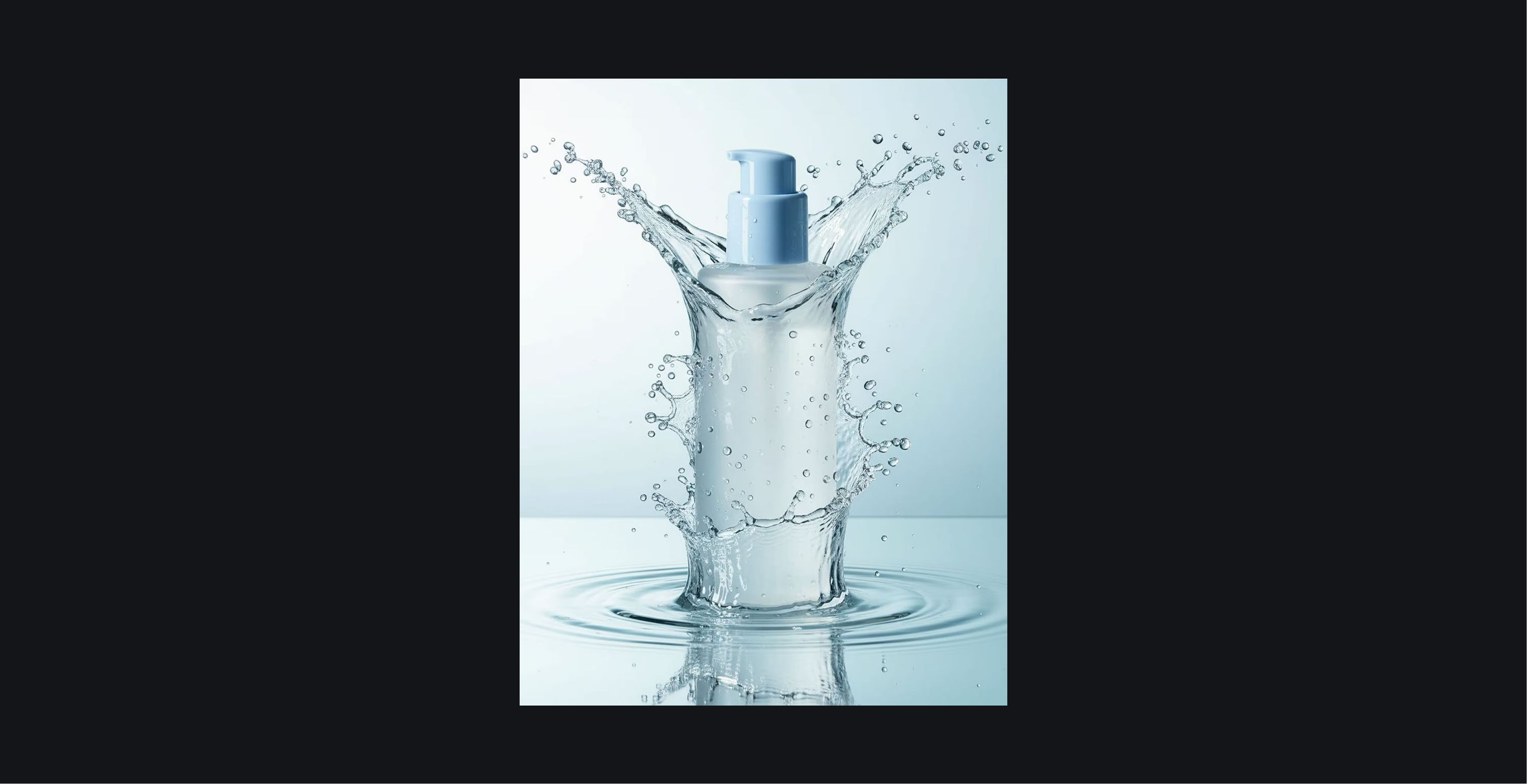
Dropshot AI detects your subject and removes the background in about 2 seconds. No prompt or manual masking required.
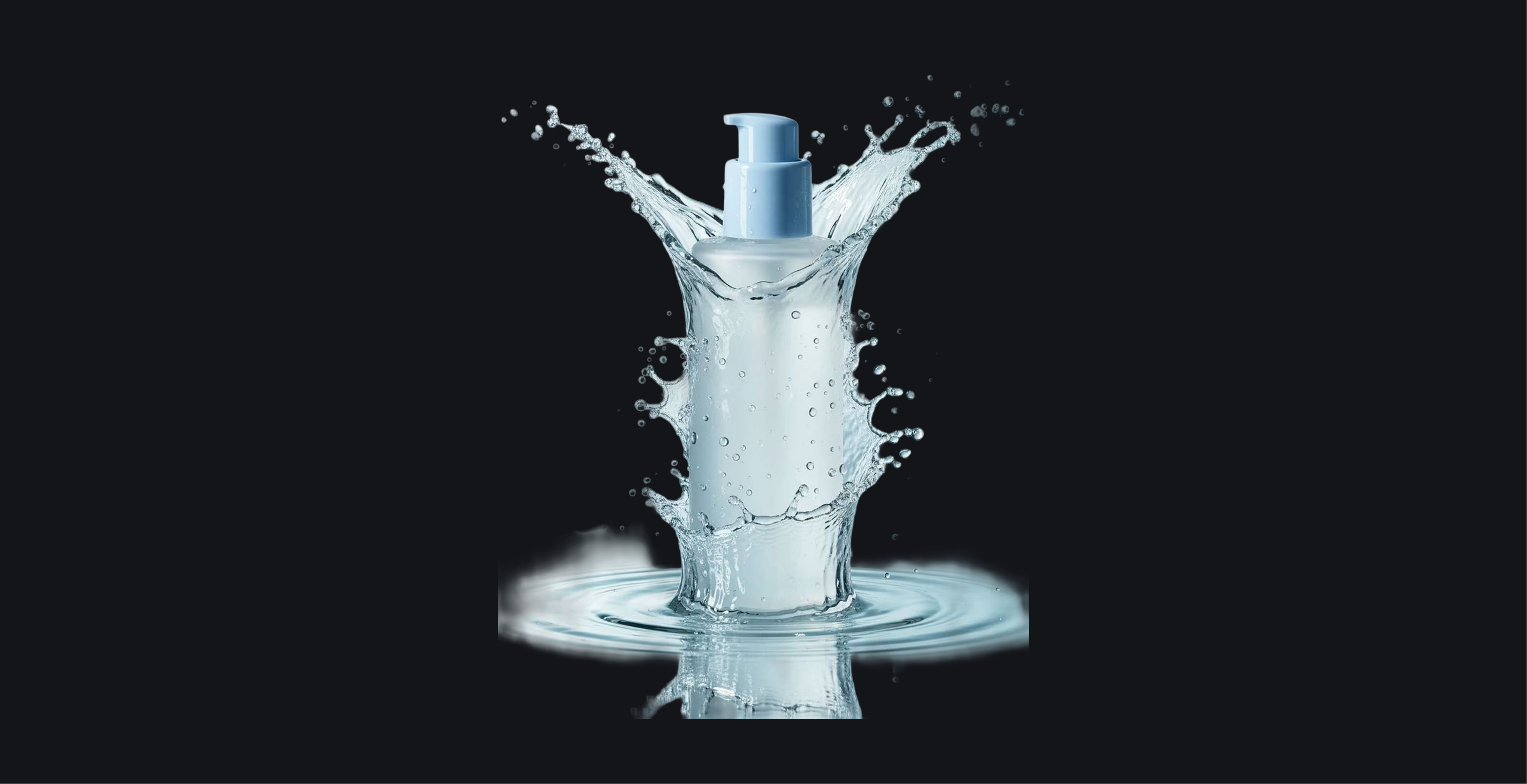
Review the cutout and download a high-quality transparent PNG ready to use anywhere.
See Pricing
Join 480,000+ creators already making with Dropshot AI. Every plan unlocks Image BG Remover, plus every other tool and model.
A beginner-friendly plan for AI creation
 3,000Credit /month
Monthly max generations
 Nano Banana 2.1176
 Seedance 2.5Draft mode11
 Grok Imagine Video23
 All image, video, and audio modelsSeedance 2.5
 GPT Image 2.0
 Kling 3.0Commercial use allowed
The best value plan for your AI creation
8,000Credit /monthMonthly max generations
2.6x LiteNano Banana 2.1470Seedance 2.5Draft mode31Grok Imagine Video61All image, video, and audio modelsSeedance 2.5GPT Image 2.0Kling 3.0Commercial use allowedSmart plan, stress-free creation
24,000Credit /monthMonthly max generations
3x PlusNano Banana 2.11,411Seedance 2.5Draft mode93Grok Imagine Video184All image, video, and audio modelsSeedance 2.5GPT Image 2.0Kling 3.0Commercial use allowedOur top plan, with everything included
55,000Credit /month Unlimited Benefits
Monthly max generations
2.2x ProNano Banana 2.13,235Seedance 2.5Draft mode213Grok Imagine Video423All image, video, and audio modelsSeedance 2.5GPT Image 2.0Kling 3.0Commercial use allowed


From The Blog
Practical tips for prompting, character consistency, and getting realistic results across every model on Dropshot AI.


Image BG Remover is a built-in tool on Dropshot AI that automatically removes the background from any photo, giving you a clean, transparent PNG cutout in seconds. It's available alongside every other tool and model on Dropshot AI.
Yes. New accounts include free credits, so you can try the background remover before upgrading to a paid plan. No credit card is required to start.
Upload a photo and Dropshot AI automatically detects your subject, then removes everything else. No prompt writing or manual selection is needed.
Yes. The background remover is built to keep fine details like hair, fur, and product edges intact instead of blurring or clipping them.
No. Your cutout keeps the image's original resolution and sharpness, so it stays crisp at full size.
Removing a background deletes it entirely and leaves you with a transparent PNG. Changing a background replaces it with a new color or scene, which is a separate editing step.
Image BG Remover works on photos only.
Yes. Everything you create on Dropshot AI, including background-removed images, is cleared for commercial use.
Need Help?
Free to start. No credit card required.