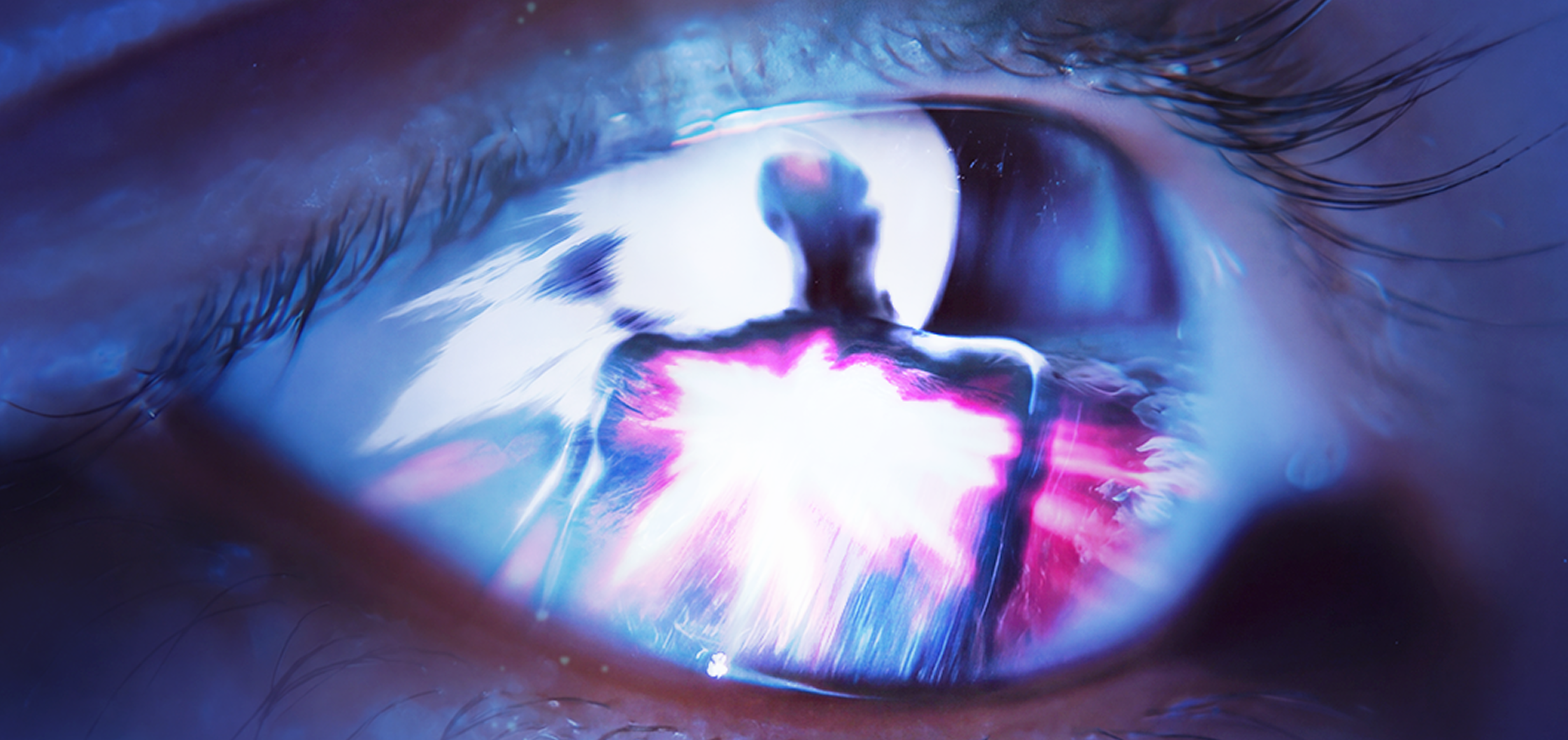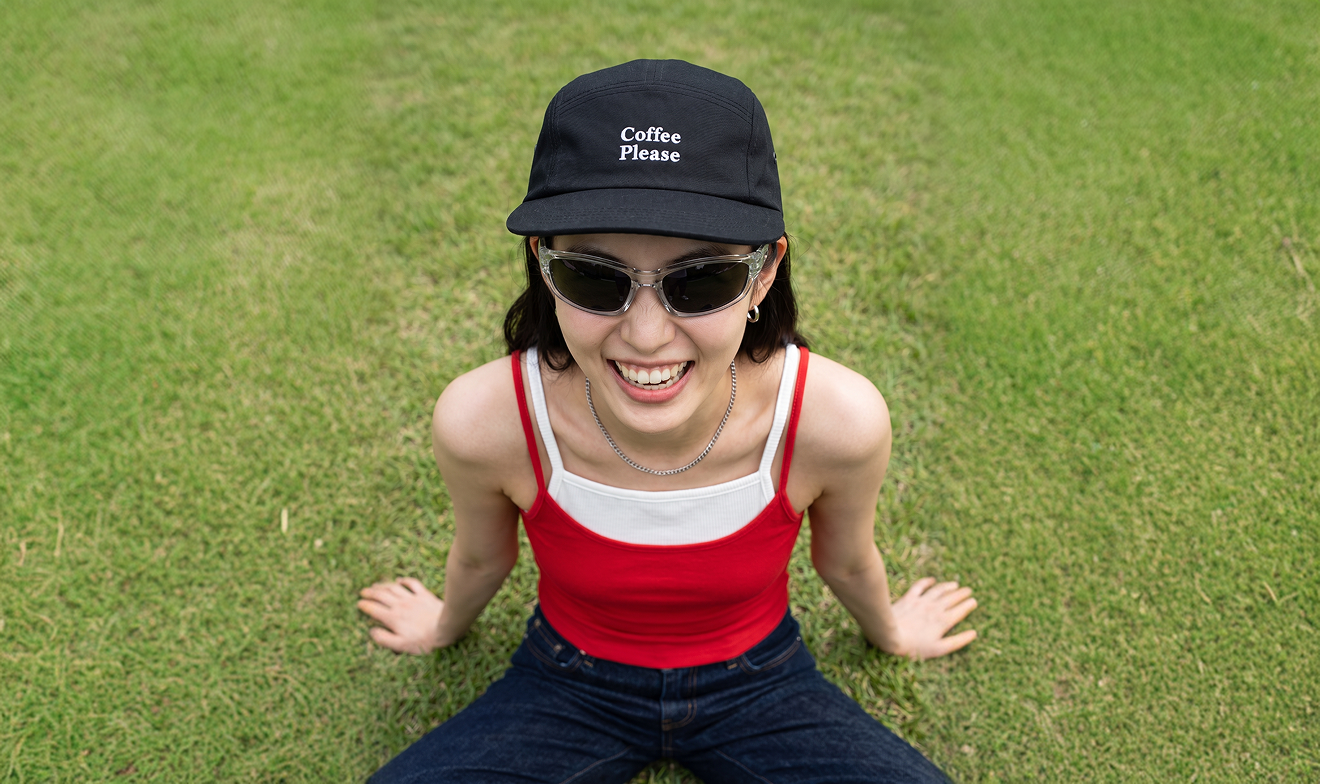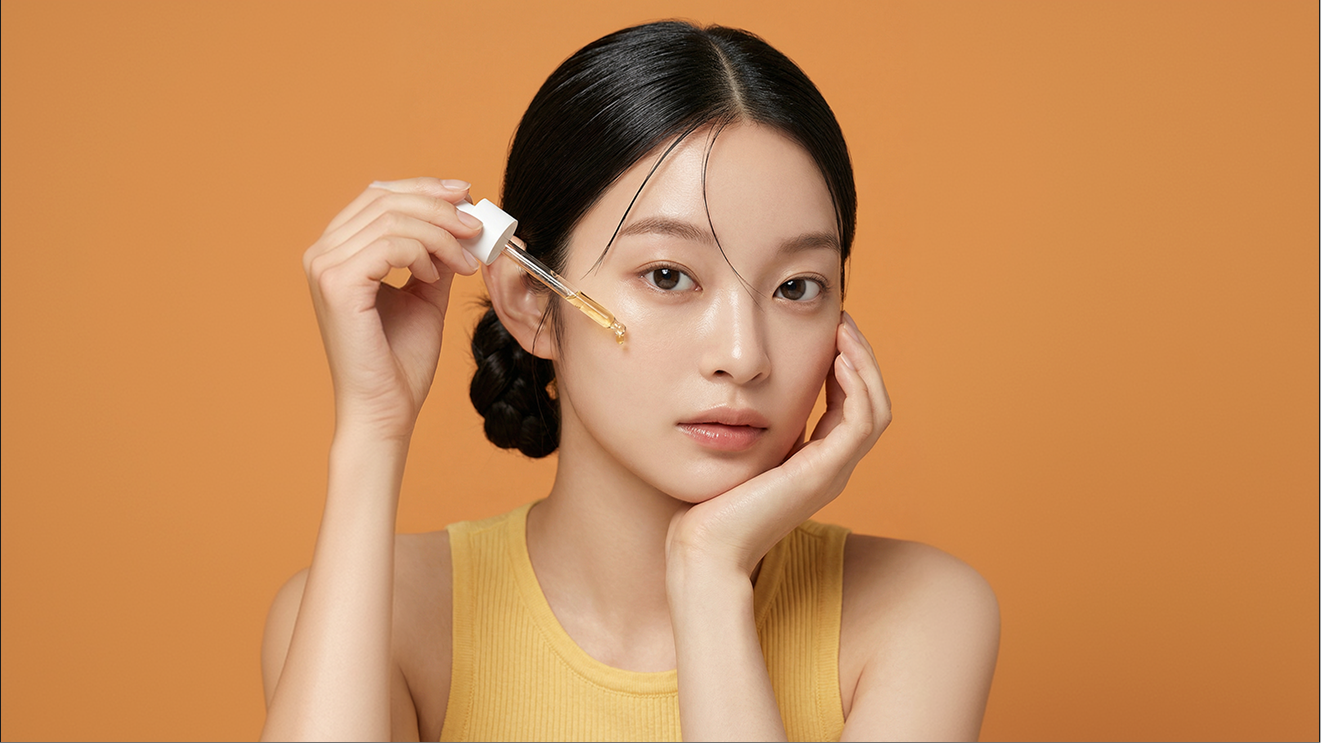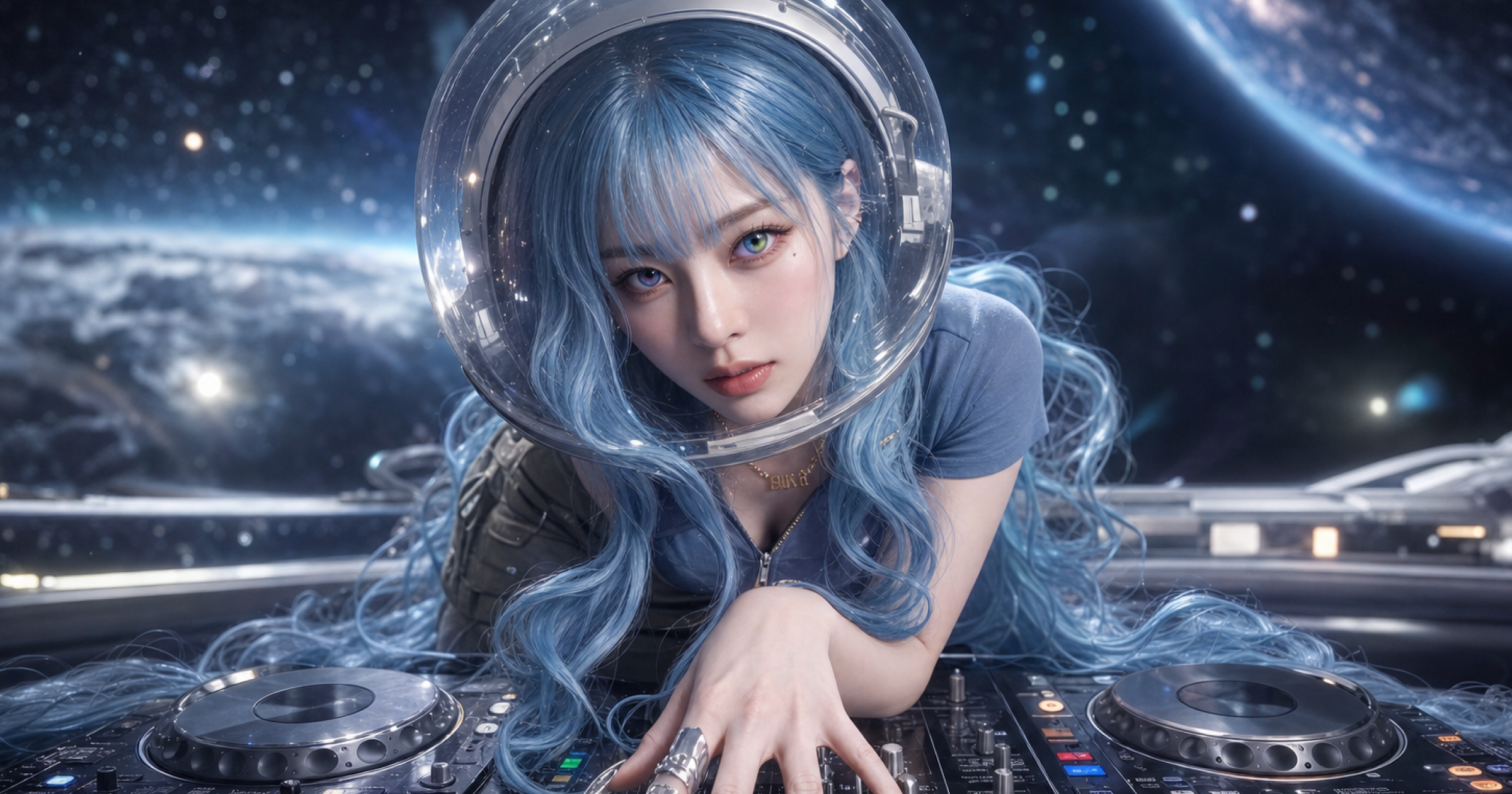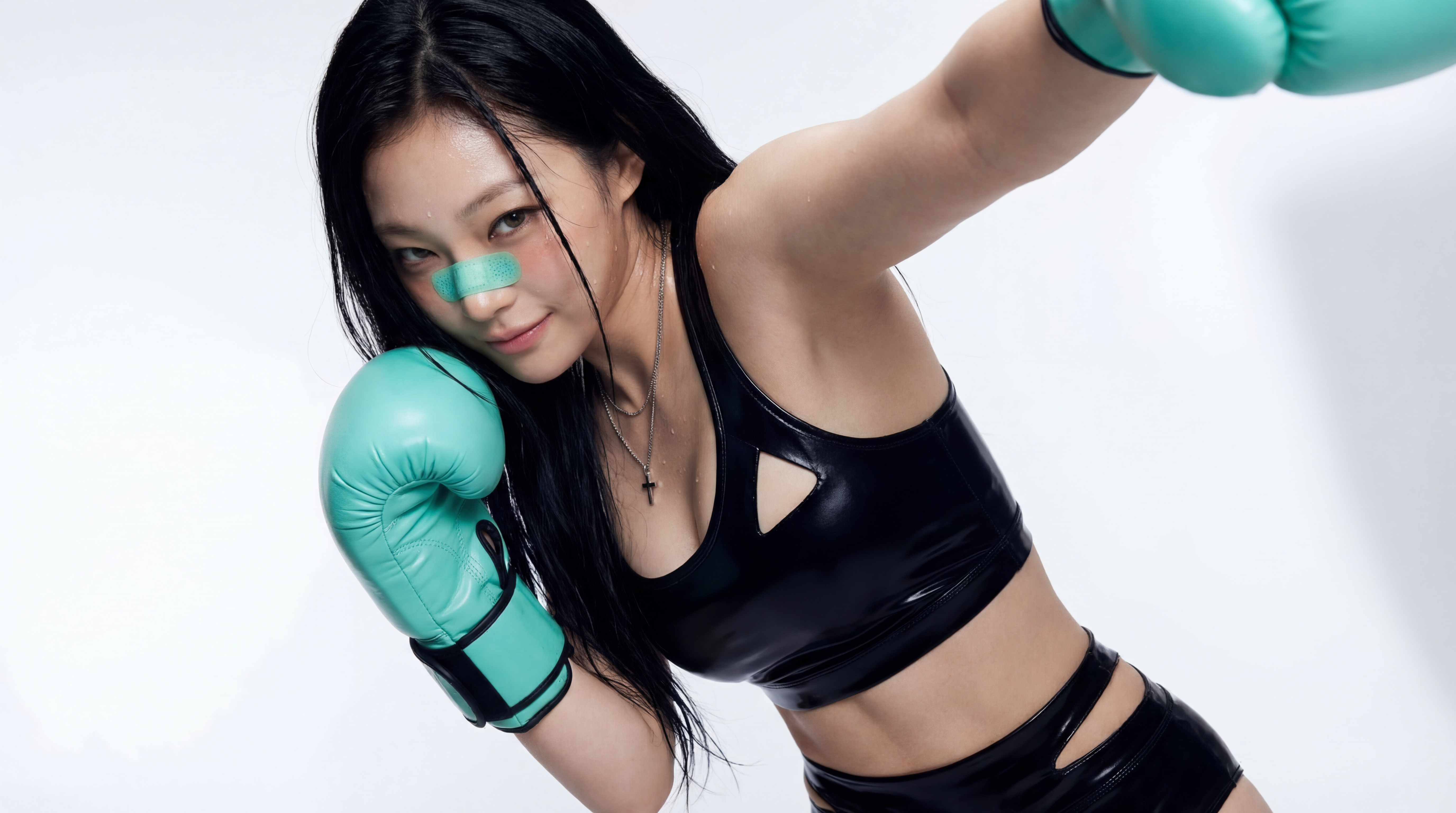

Natural, Controlled Lighting
Flux 2 Pro handles complex lighting setups, from golden-hour glow to mixed indoor and outdoor light, while preserving the shadows, highlights, and depth that make a scene feel photographic.
Now on Dropshot AI
Create images that feel grounded in the real world, with natural lighting, convincing textures, and fine details that stay sharp throughout the scene. Use Flux 2 Pro directly inside Dropshot, alongside dozens of other leading AI models.
Free to start. No credit card required.
Why Flux 2 Pro
Flux 2 Pro, from Black Forest Labs, is built for photorealistic generation with detailed textures, controlled lighting, precise colors, and strong prompt adherence. The result is imagery that holds up not just at first glance, but in the details that usually give AI-generated images away.
Flux 2 Pro handles complex lighting setups, from golden-hour glow to mixed indoor and outdoor light, while preserving the shadows, highlights, and depth that make a scene feel photographic.

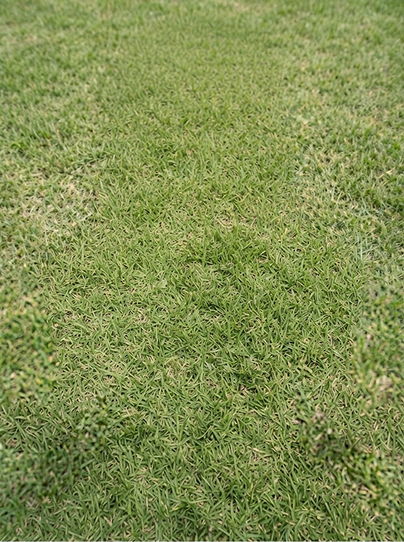
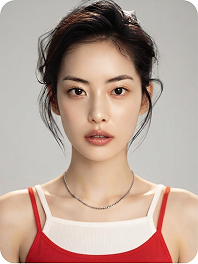
Wood grain, fabric weave, leather, skin, glass, and metal retain distinct textures and surface details, helping different materials look convincing within the same scene.

Specify an exact color by its HEX code instead of describing it in words, useful for matching a brand palette or product color exactly instead of getting close.

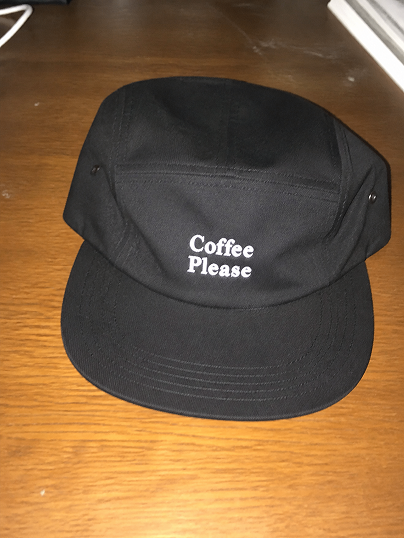
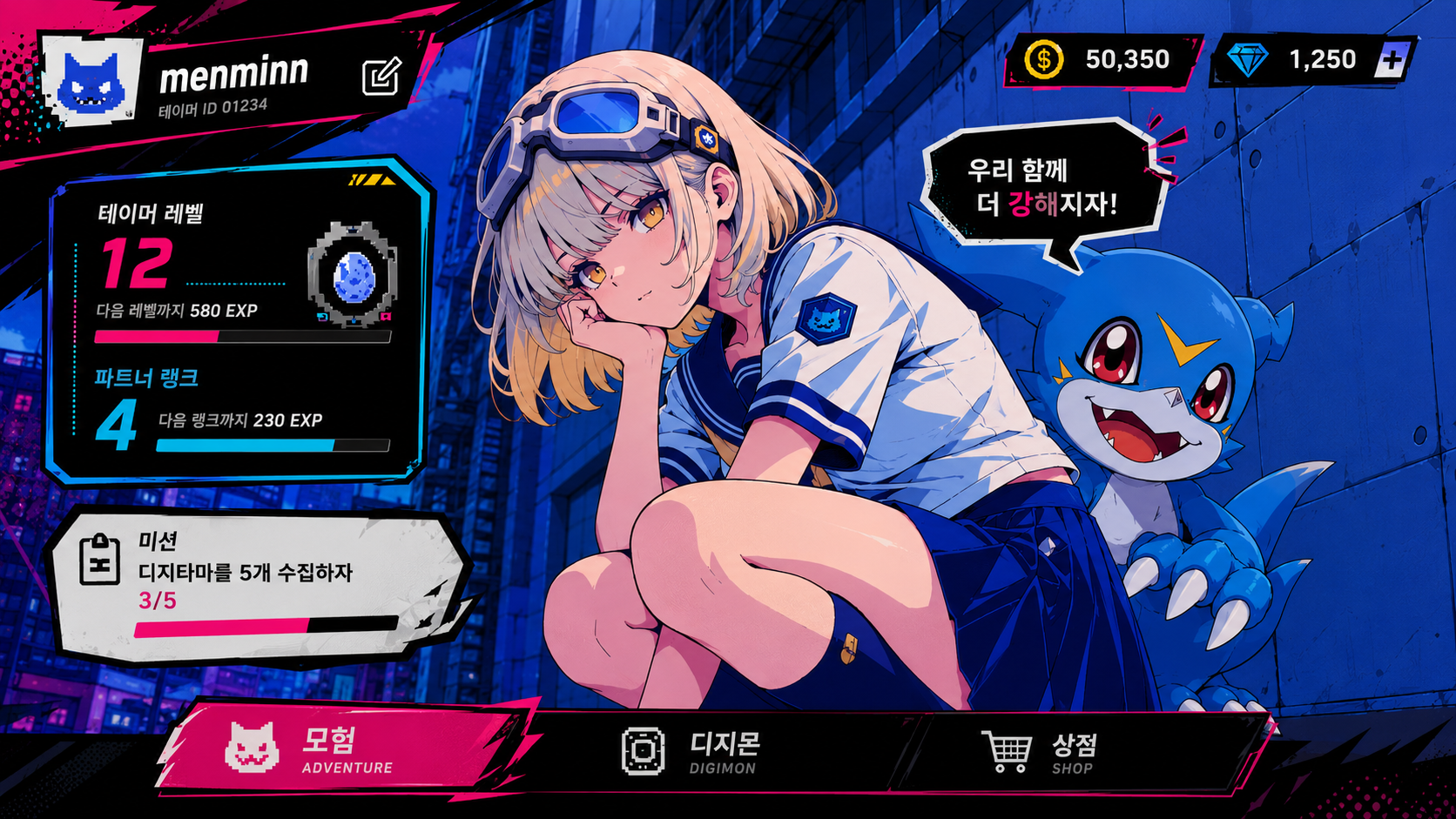
Flux 2 Pro can generate readable text directly inside images, making it useful for infographics, signage, packaging, and other designs where typography is part of the visual.

Beyond natural language, Flux 2 Pro accepts structured JSON prompts for more precise control over complex scenes, making it useful for production workflows, automation, and batch generation.

Flux 2 Pro generates at up to 3K resolution on Dropshot, sharp enough for product shots and marketing visuals without a separate upscaling pass.
Specialized Tools
Not every shot needs a prompt written from scratch. Dropshot AI has built-in tools to help make your image generation easier and faster.

Sharpen images and videos in one click.

Make clean cutouts with no background.

Turn one photo into a character sheet.

Mirror the motion and facial expression.

AI product shots, no model needed.

Be the star with Seedance 2.0.

See one scene from nine camera angles.

Choose a character and create fun scenes.

Turn photos into motion videos.

Make anyone look younger or older.

Create stunning 360° product rotation videos.

Create product shots from a single shot.

The Process
Create a realistic image in three steps. No design experience needed.

Describe the visual idea you have in mind, and we'll turn it into an image.

 Flux 3 Image
Open Generate Image and describe what you want, or upload a reference photo to guide the subject or composition.
Pick Flux 2 Pro from the available models in Change Model. Add HEX color values or a structured JSON prompt if you want more precise control.
Review the result, regenerate for a variation, or adjust the prompt to fine-tune the details. Download once it looks right.
See Pricing
Join 480,000+ creators already making with Dropshot AI. Every plan unlocks Flux 2 Pro, Flux 1.1 Pro, and every other model.
A beginner-friendly plan for AI creation
 3,000Credit /month
Monthly max generations
 Nano Banana 2.1176
 Seedance 2.5Draft mode11
 Grok Imagine Video23
 All image, video, and audio modelsSeedance 2.5
 GPT Image 2.0
 Kling 3.0Commercial use allowed
The best value plan for your AI creation
8,000Credit /monthMonthly max generations
2.6x LiteNano Banana 2.1470Seedance 2.5Draft mode31Grok Imagine Video61All image, video, and audio modelsSeedance 2.5GPT Image 2.0Kling 3.0Commercial use allowedSmart plan, stress-free creation
24,000Credit /monthMonthly max generations
3x PlusNano Banana 2.11,411Seedance 2.5Draft mode93Grok Imagine Video184All image, video, and audio modelsSeedance 2.5GPT Image 2.0Kling 3.0Commercial use allowedOur top plan, with everything included
55,000Credit /month Unlimited Benefits
Monthly max generations
2.2x ProNano Banana 2.13,235Seedance 2.5Draft mode213Grok Imagine Video423All image, video, and audio modelsSeedance 2.5GPT Image 2.0Kling 3.0Commercial use allowed


From The Blog
Prompt techniques, model comparisons, and step-by-step guides to help you get the best out of every generation, and scale from one great shot to a hundred.


You get 16 image models in one workspace, including Nano Banana Pro, GPT Image 2.0, Seedream, and Flux 2 Pro. Switch between them instantly and compare the results.
Yes. Create a reference image once, and you can reuse it as is in every scene that follows to keep the face, hairstyle, and body proportions consistent. There's no need to describe the character from scratch every time.
Text-to-image starts from a written description alone. Image-to-image starts from a photo you upload, where you describe what to change and leave the rest as is. It's useful for restyling a scene or moving the same subject into a new one.
You can generate up to 4096×4096 (4K) native resolution straight from your prompt. No separate upscaling step required.
Yes, on every plan, including the free trial. Everything you generate is cleared for commercial use, with no extra licensing and no watermarks.
Yes. New sign-ups get free credits to generate images and try out the workspace, and no credit card is required. Paid plans offer more credits and higher usage limits as you need them.
No. Everything happens through plain text prompts. What matters most isn't experience with software, but describing exactly what you want.
Need Help?
Free to start. No credit card required.