AI Halloween Costumes

AI Halloween Costume Generator: Try On Any Costume

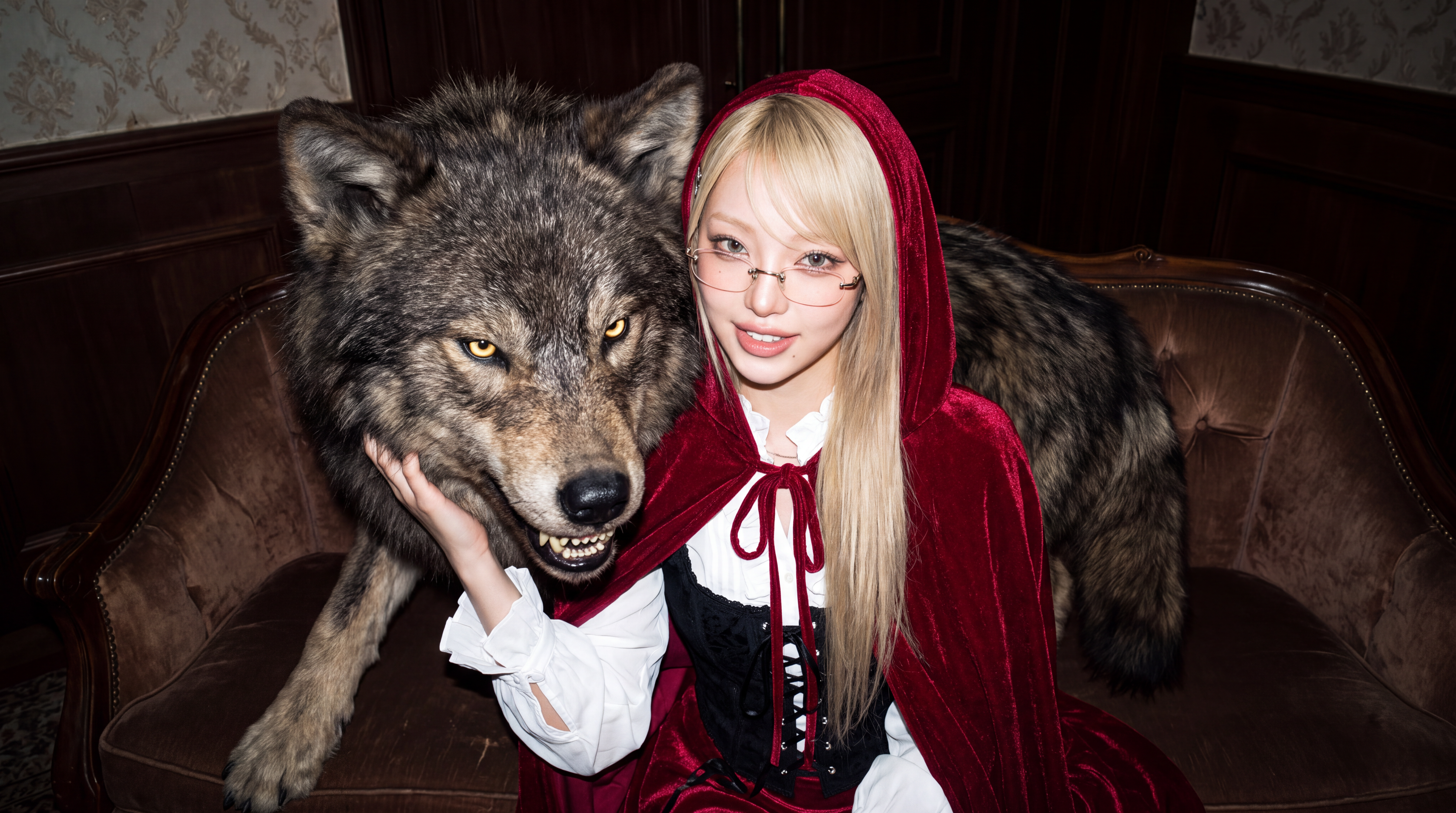
Upload a photo and describe the Halloween look you want. Create vampire, witch, monster, couple, family, and group costumes, then place them in spooky Halloween scenes or bring your favorite result to life with AI video.

Free to start. No credit card required.

What You Get

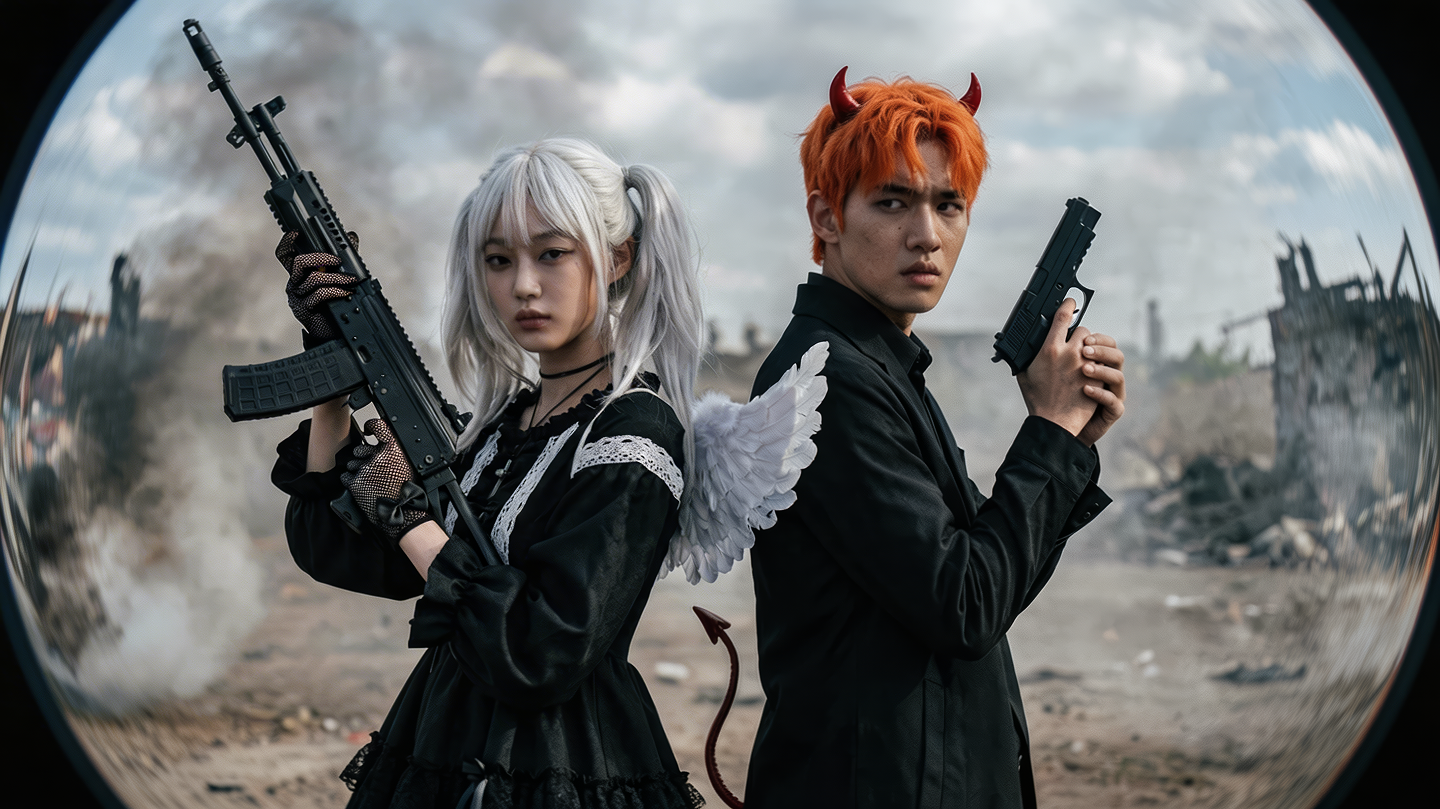
Create Halloween Costumes From Any Photo

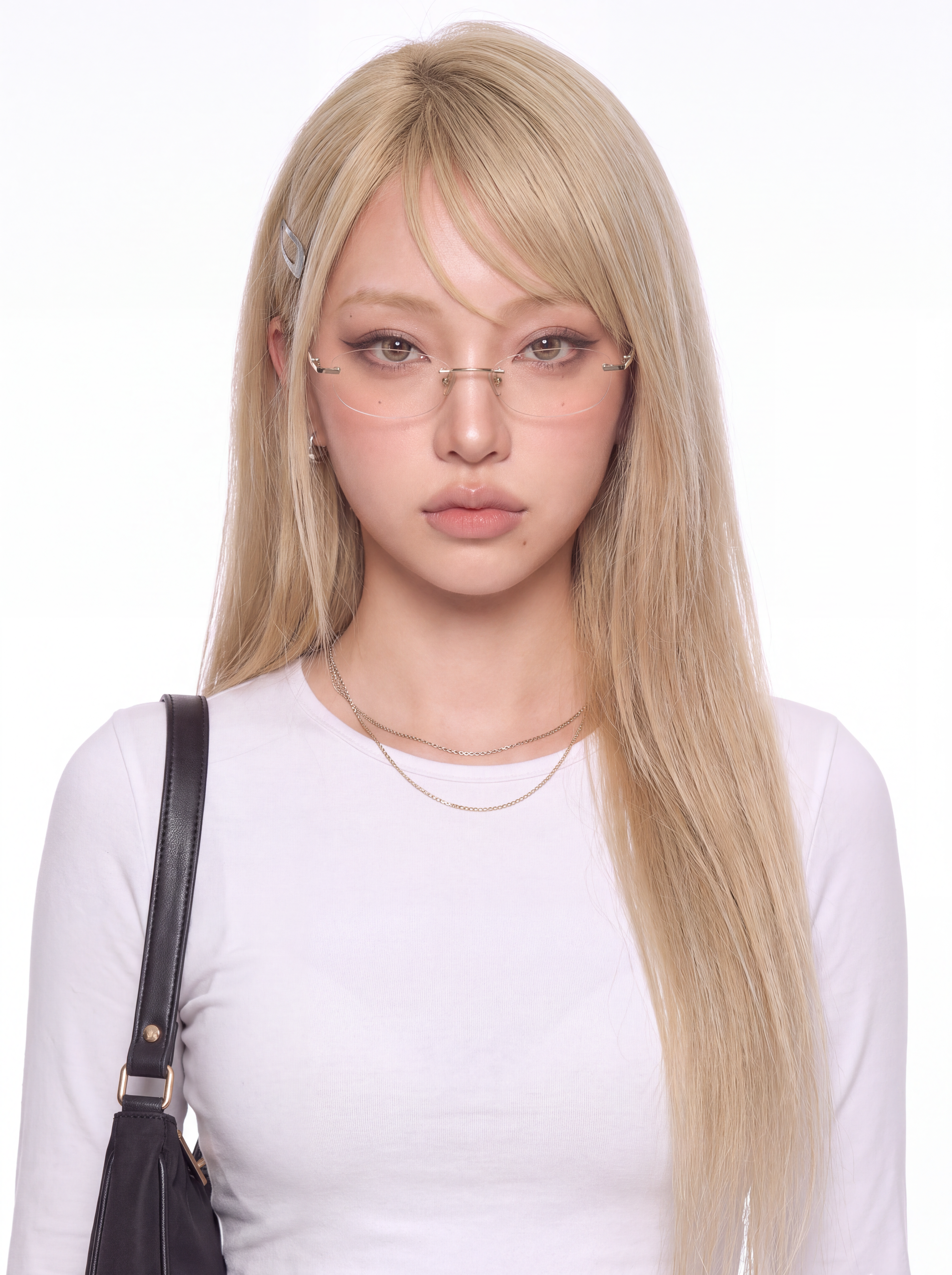
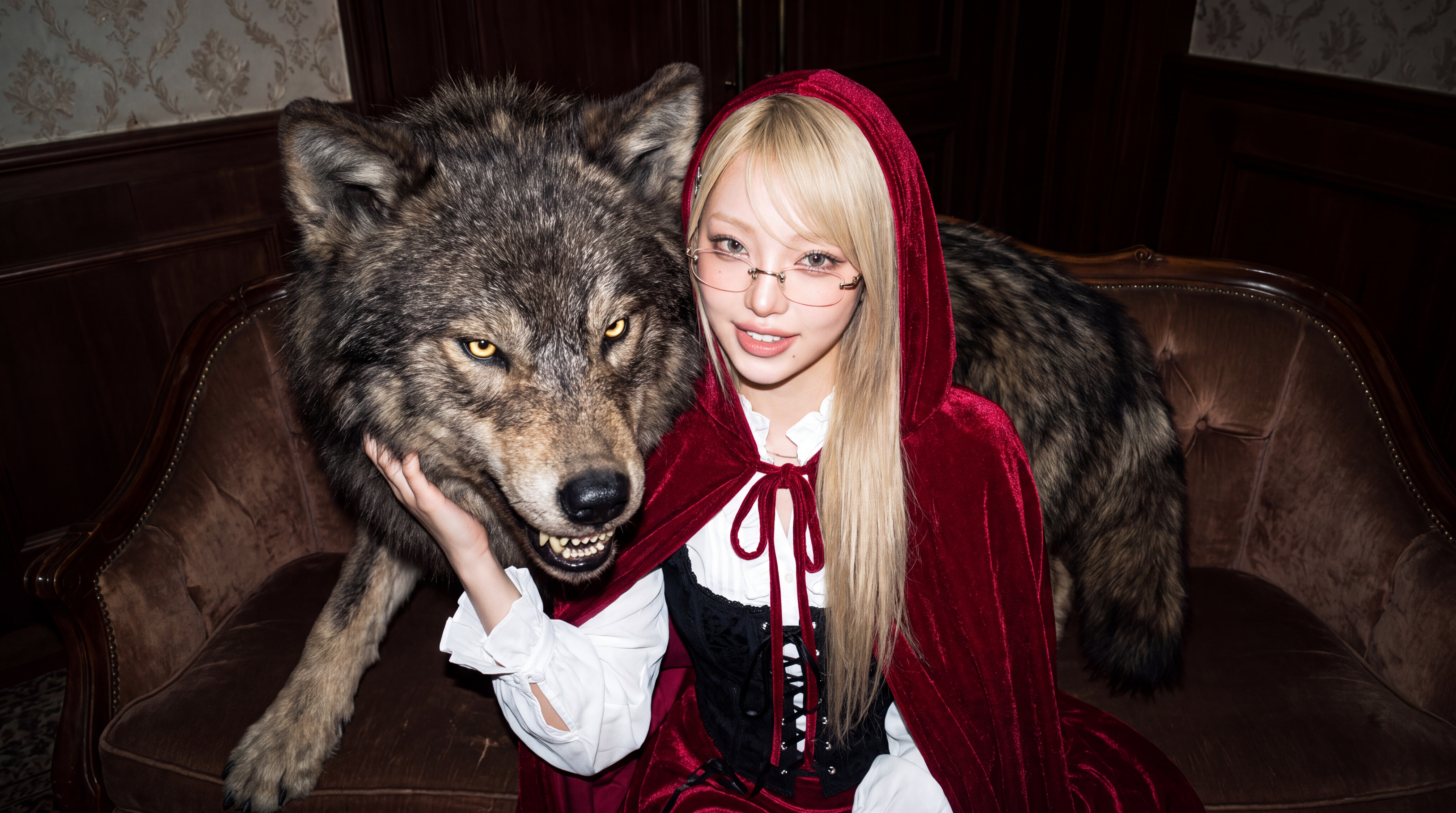
Start with a selfie, couple photo, family shot, or group photo and describe the Halloween look you want. Change costumes, makeup, backgrounds, and spooky details while keeping the people in your original photo recognizable.

Pick a Classic or Invent Your Own

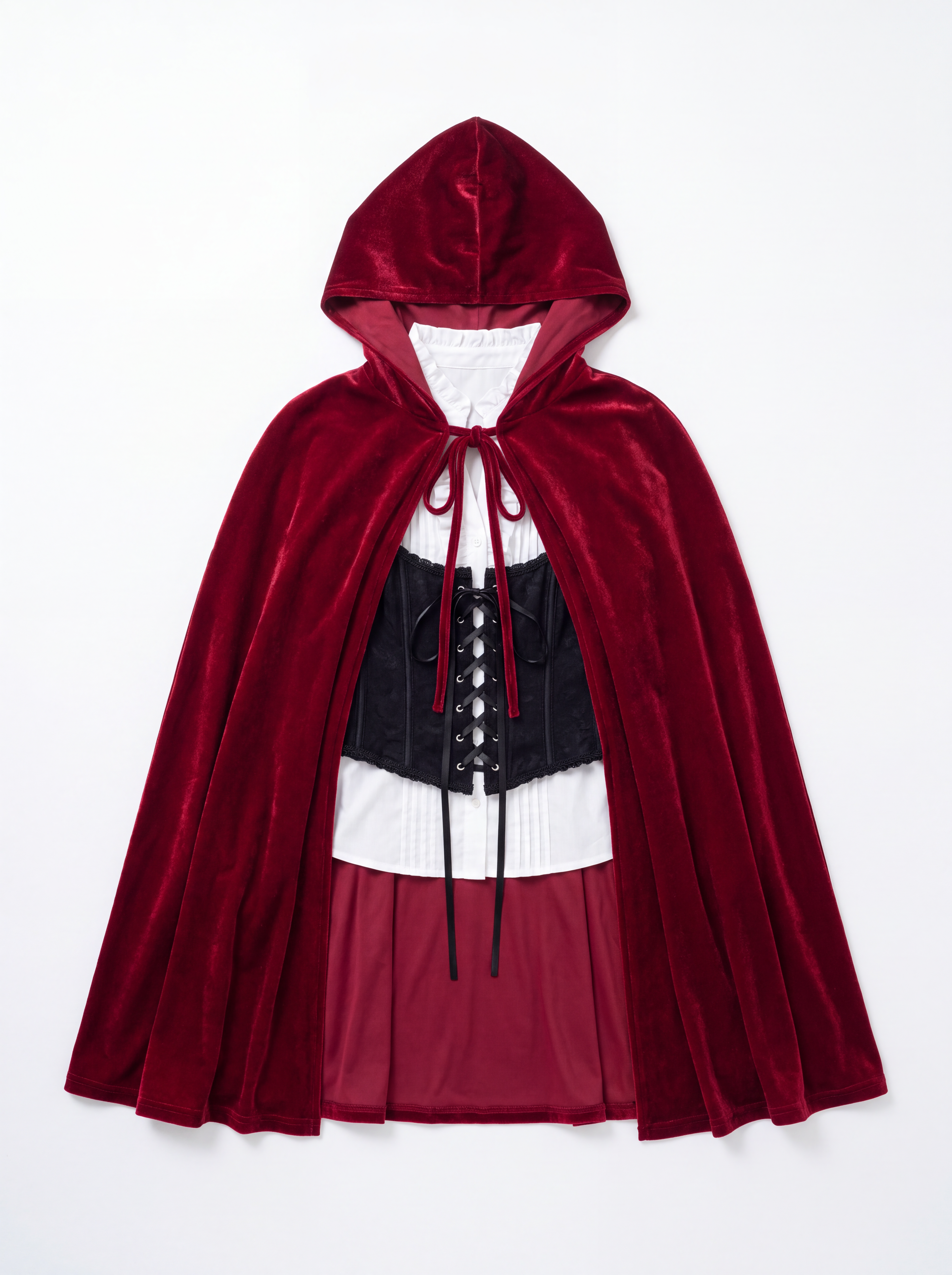
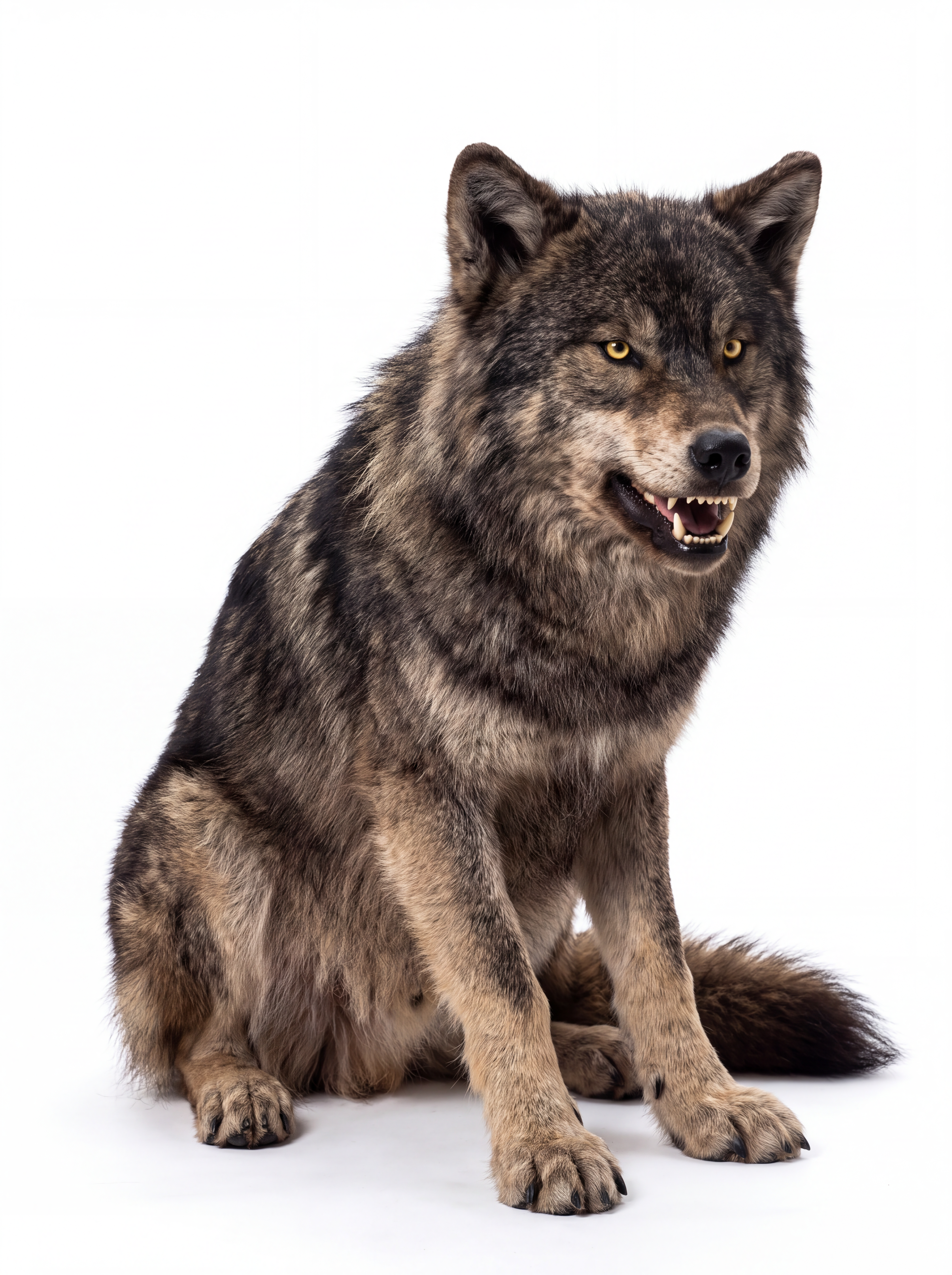
Classic vampires, witches, zombies, and skeletons, or something nobody else will show up in. Describe the costume in plain words, add details like fabric, era, or color, and compare a few ideas side by side before you commit.
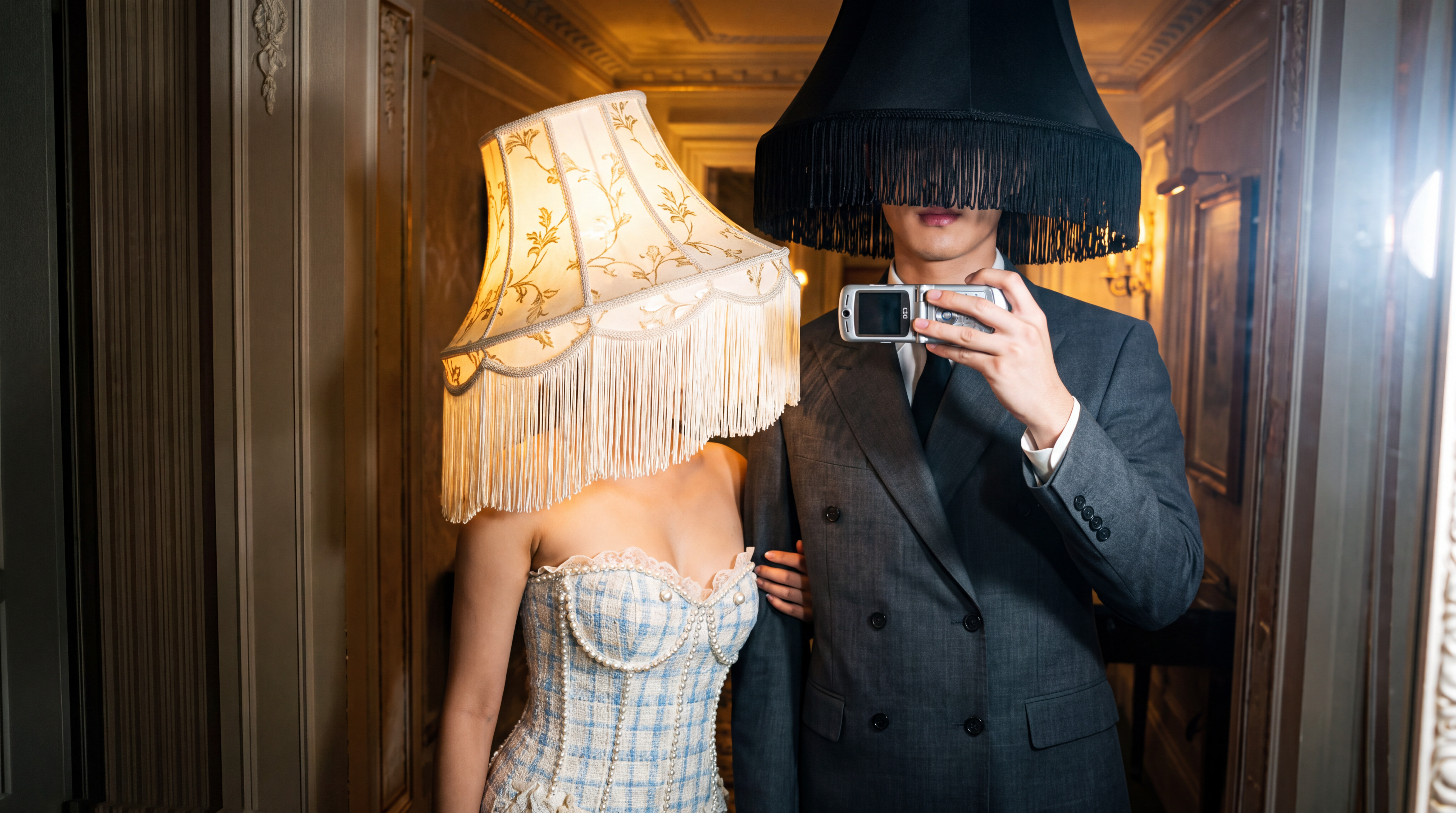
Keep Your Face and Pose

Use your original photo as a reference while changing the costume, makeup, background, and other Halloween details. Keep your recognizable features while transforming the rest of the scene.

Couple, Family, and Group Costumes

Add up to 14 reference photos in one generation. Bring in your partner, your kids, or the whole friend group and describe one shared theme, so you can see how a matching look works before anyone buys a thing.

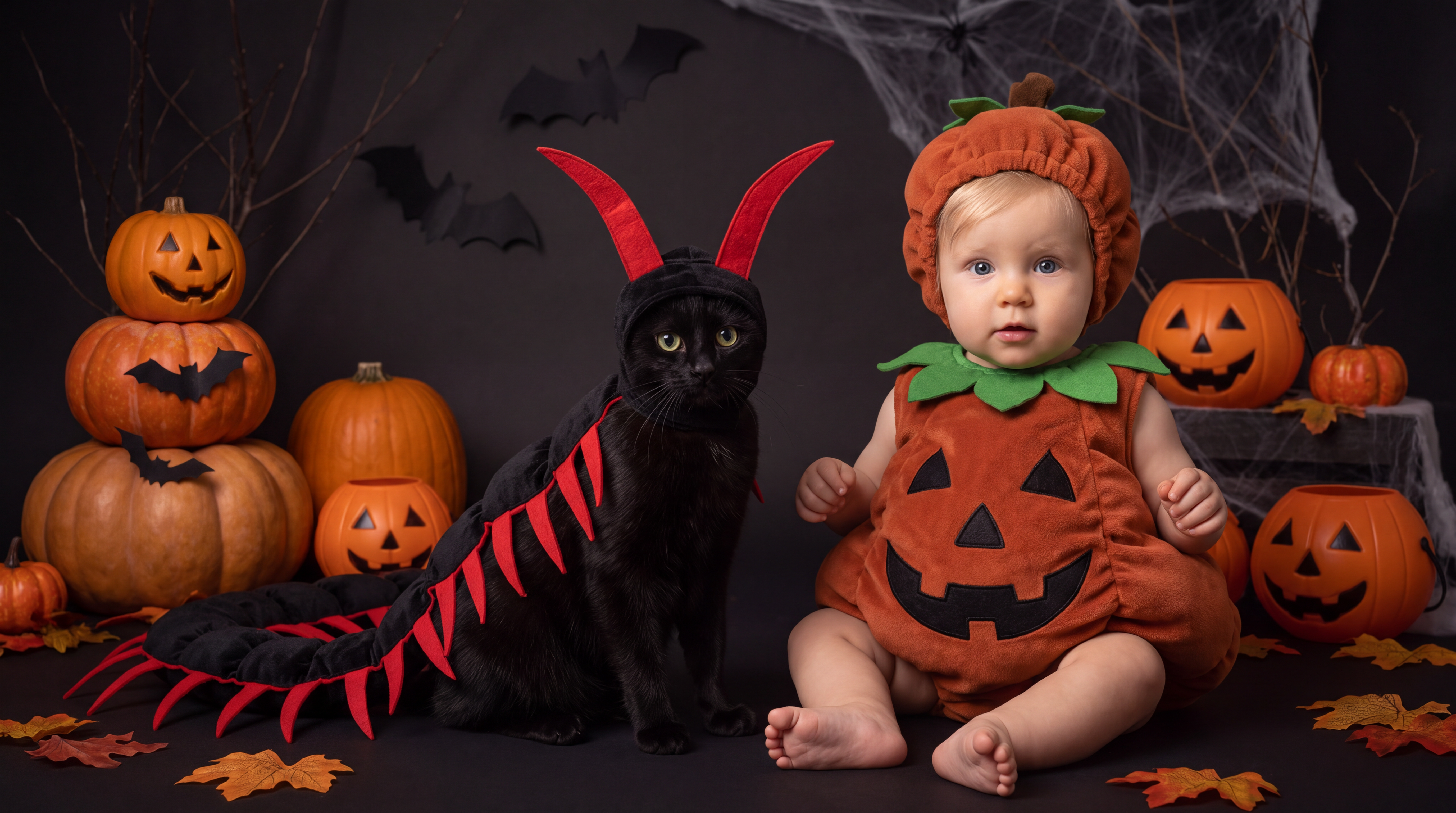
Costumes for Kids and Pets

A pumpkin toddler, a tiny ghost, or a dog dressed as a hot dog. Upload a clear photo where the face is visible and describe the look you have in mind.

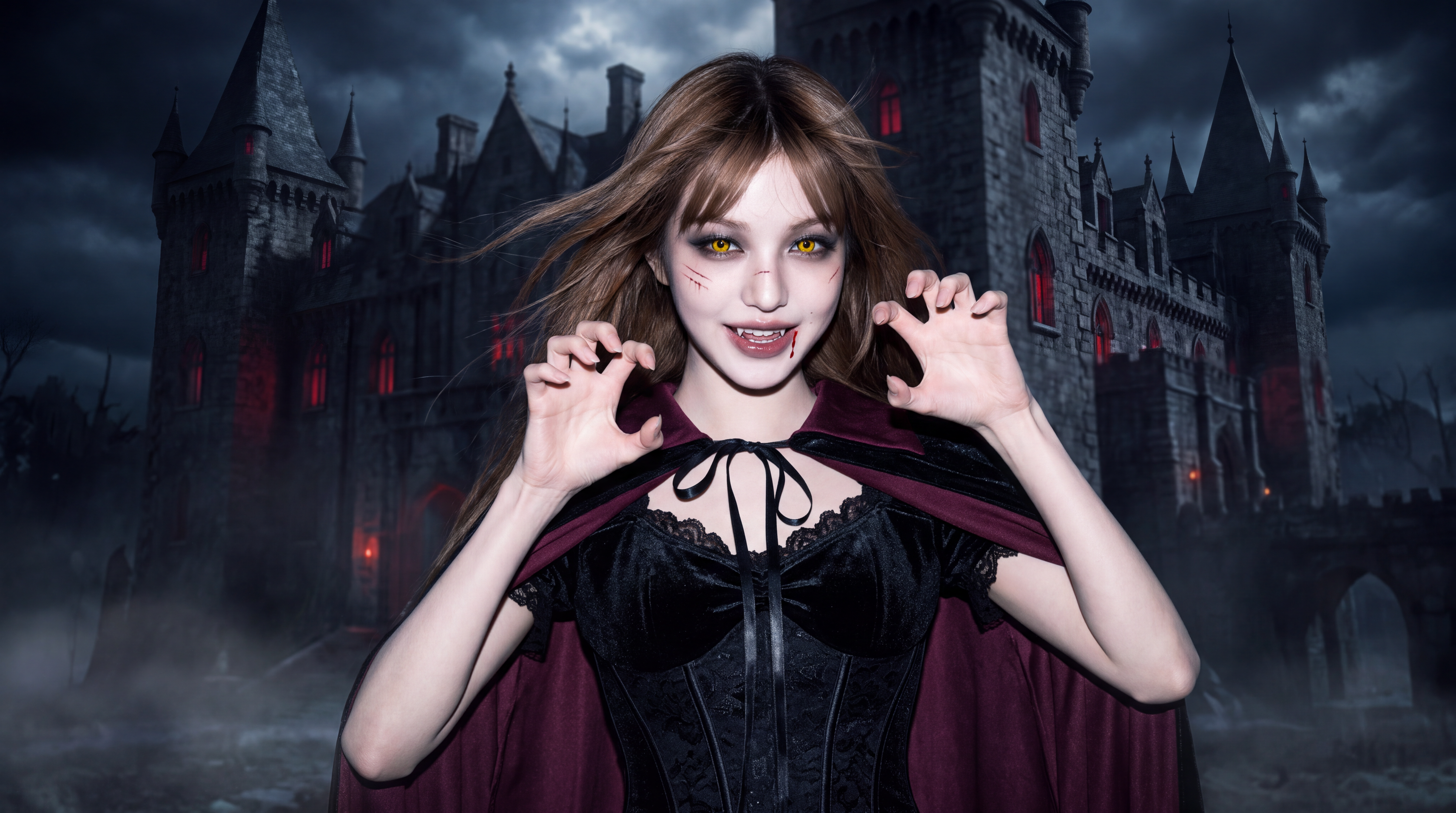
Create a Spooky Halloween AI Photo

Go beyond the outfit. Ask for face paint, fake blood, or glowing eyes, then set the scene in a haunted house, a foggy graveyard, or a pumpkin patch at dusk for a full Halloween photo.

Ready for Stories and Feeds

Choose 9:16 for stories and reels, 3:4 or 1:1 for feed posts and profile pictures, and generate at up to 4K on supported models if you want to print it.

Supported Models

Create With Leading AI Image and Video Models

Choose from leading AI image and video models available on Dropshot AI. Try different models with the same photo and prompt to compare results and find the Halloween look you like best.

Seedance 2.5

Seedance 2.0

MiniMax H3

Grok Imagine Video

Kling 4.0

Flux 3

Gemini Omni 1.1 Flash

GPT Image 2.5 Sunburst

GPT Image 2.0

Nano Banana Pro

Seedream 5.0 Pro

Nano Banana 2.1

The Process

How to Create an AI Halloween Costume

Go from an everyday photo to a costume preview in three steps.

Describe the visual idea you have in mind, and we'll turn it into an image.

Nano Banana Pro
01

Upload a clear, well-lit photo where your face is easy to see. For couple, family, or group costumes, add photos of the people you want to include.

02

Describe the costume and add details like the era, materials, colors, makeup, or accessories. For example, turn "vampire" into "1890s vampire with a high-collar velvet cape and pale makeup."

03

Generate a few versions, adjust details like colors or accessories, and download the look you like best. You can also turn the finished costume photo into a short Halloween video.

See Pricing

Pick Your Plan

Join 200,000+ creators already making with Dropshot AI. Every plan unlocks every leading image and video model, plus all the tools.

33% OFF
Starter Pick

Lite

A beginner-friendly plan for AI creation

Billed Annually$9/ month
3,000Credit /month

Monthly max generations

  • Nano Banana 2.1176
  • Seedance 2.5Draft mode11
  • Grok Imagine Video23
Creative Tools
  • Not Included
    Dropshot AI MCP
  • Not Included
    Canvas
  • Film Studio
  • Anime Studio
  • 180+ avatars and characters
  • 200+ easy tools and templates
  • All image, video, and audio models
    • Seedance 2.5
    • GPT Image 2.0
    • Kling 3.0
    • + 50 more premium models
  • Commercial use allowed
Value Plan

Plus

26% OFF

The best value plan for your AI creation

Billed Annually$14/ month$19
8,000Credit /month

Monthly max generations

2.6x Lite
  • Nano Banana 2.1470
  • Seedance 2.5Draft mode31
  • Grok Imagine Video61
Creative Tools
  • Not Included
    Dropshot AI MCP
  • Canvas
  • Film Studio
  • Anime Studio
  • 180+ avatars and characters
  • 200+ easy tools and templates
  • All image, video, and audio models
    • Seedance 2.5
    • GPT Image 2.0
    • Kling 3.0
    • + 50 more premium models
  • Commercial use allowed
Trending Now

Pro

27% OFF

Smart plan, stress-free creation

Billed Annually$36/ month$49
24,000Credit /month

Monthly max generations

3x Plus
  • Nano Banana 2.11,411
  • Seedance 2.5Draft mode93
  • Grok Imagine Video184
Creative Tools
  • Dropshot AI MCP
  • Canvas
  • Film Studio
  • Anime Studio
  • 180+ avatars and characters
  • 200+ easy tools and templates
  • All image, video, and audio models
    • Seedance 2.5
    • GPT Image 2.0
    • Kling 3.0
    • + 50 more premium models
  • Commercial use allowed
Maximum Benefits

Ultra

33% OFF
Unlimited images

Our top plan, with everything included

Billed Annually$66/ month$99
55,000Credit /month
Unlimited Benefits
  • Nano Banana 2 Lite
    Unlimited
  • Nano Banana
    Unlimited
  • Seedream 5.0 Lite
    3KUnlimited

Monthly max generations

2.2x Pro
  • Nano Banana 2.13,235
  • Seedance 2.5Draft mode213
  • Grok Imagine Video423
Creative Tools
  • Dropshot AI MCP
  • Canvas
  • Film Studio
  • Anime Studio
  • 180+ avatars and characters
  • 200+ easy tools and templates
  • All image, video, and audio models
    • Seedance 2.5
    • GPT Image 2.0
    • Kling 3.0
    • + 50 more premium models
  • Commercial use allowed
Compare all plans

Frequently Asked Questions

Help Center

You get 16 image models in one workspace, including Nano Banana Pro, GPT Image 2.0, Seedream, and Flux 2 Pro. Switch between them instantly and compare the results.

Yes. Create a reference image once, and you can reuse it as is in every scene that follows to keep the face, hairstyle, and body proportions consistent. There's no need to describe the character from scratch every time.

Text-to-image starts from a written description alone. Image-to-image starts from a photo you upload, where you describe what to change and leave the rest as is. It's useful for restyling a scene or moving the same subject into a new one.

You can generate up to 4096×4096 (4K) native resolution straight from your prompt. No separate upscaling step required.

Yes, on every plan, including the free trial. Everything you generate is cleared for commercial use, with no extra licensing and no watermarks.

Yes. New sign-ups get free credits to generate images and try out the workspace, and no credit card is required. Paid plans offer more credits and higher usage limits as you need them.

No. Everything happens through plain text prompts. What matters most isn't experience with software, but describing exactly what you want.

Need Help?

Try On Your First Halloween Costume

Free to start. No credit card required.

© Copyrights 2026 JIRO INC. ALL RIGHTS RESERVED.